2-5: Operating Instructions
7. Set the tile temperature to the desired level on the temperature control switch.
8. Adjust the tile regulator to the desired cleaning psi. (see Figure 2-4)
9. Attach and route drain hose for Auto Pump Out if equipped/necessary. Turn on
APO.
The PUMP OUT system will not engage until the water level rises inside the
recovery tank.
10. Block o the vacuum inlet to the waste tank and allow TM to warm up for 2-3
minutes.
11. Un-cap vacuum and attach vacuum hose to unit and cleaning tool.
12. Begin Cleaning.
Never perform cleaning operations when the truckmount engine is running at
IDLE throttle position. Failure to follow this caution will increase the risk of serious
component or engine damage.
The machine will automatically shut down when it reaches its full capacity due
to the oat switch located inside the recovery tank. When this occurs, turn the
Solution Control switch to “OFF” and empty the recovery tank. Then, turn the unit
back on and continue to clean.
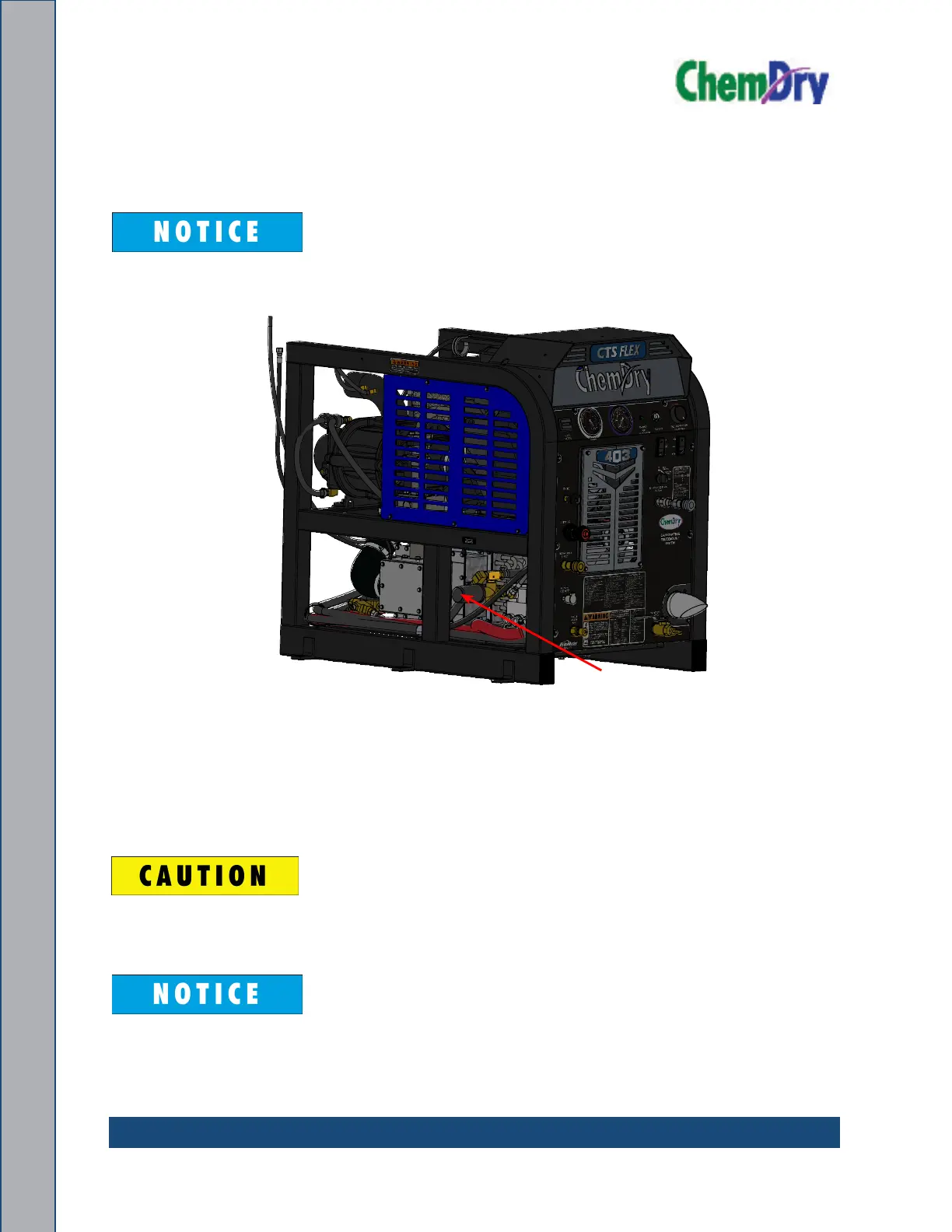
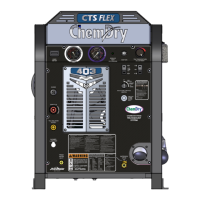
Figure 2-4. Side View of CTS 403 Flex Console
D
C
B
A
B
C
D
1
2
3
4
5
6
7
8
8
7
6
5
4
3
2
1
E
F
E
F
A
ASSEMBLY, CONSOLE - CTS 403 FLEX
REV
610-050-749
01/17/2020
01/17/2020
01/15/2020
USED ON
NEXT ASSY
APPLICATION
WEIGHT:
PART NUMBER
UNLESS OTHERWISE NOTED
DIMENSIONS ARE IN INCHES
BREAK ALL SHARP EDGES 0.005-.015
SIZE
C
11015 47th Avenue West,
Mukilteo, Washington 98275
PROPRIETARY INFORMATION
SHEET 1 OF 1
SCALE: 1:10
APPVD
CHECKED
DRAWN
125
MACHINE
FINISH
L.O.L.
M.B.B.
M.B.B.
PRJ000245
CTS 403 FLEX 50
CTS 403 FLEX 35/15
750-010-758-10
750-010-749-10
- - -- - -
- - -- - -
- - - - - -
TOLERANCES
.X=
.1
.XX=
.03
.XXX=
.010
ANGULAR =
2°
CODE:
567.94
Pressure
Regulator


 To Next Page