68
8
DSC OPERATION
ew
1
2
3
4
5
6
7
8
9
10
11
12
13
14
15
16
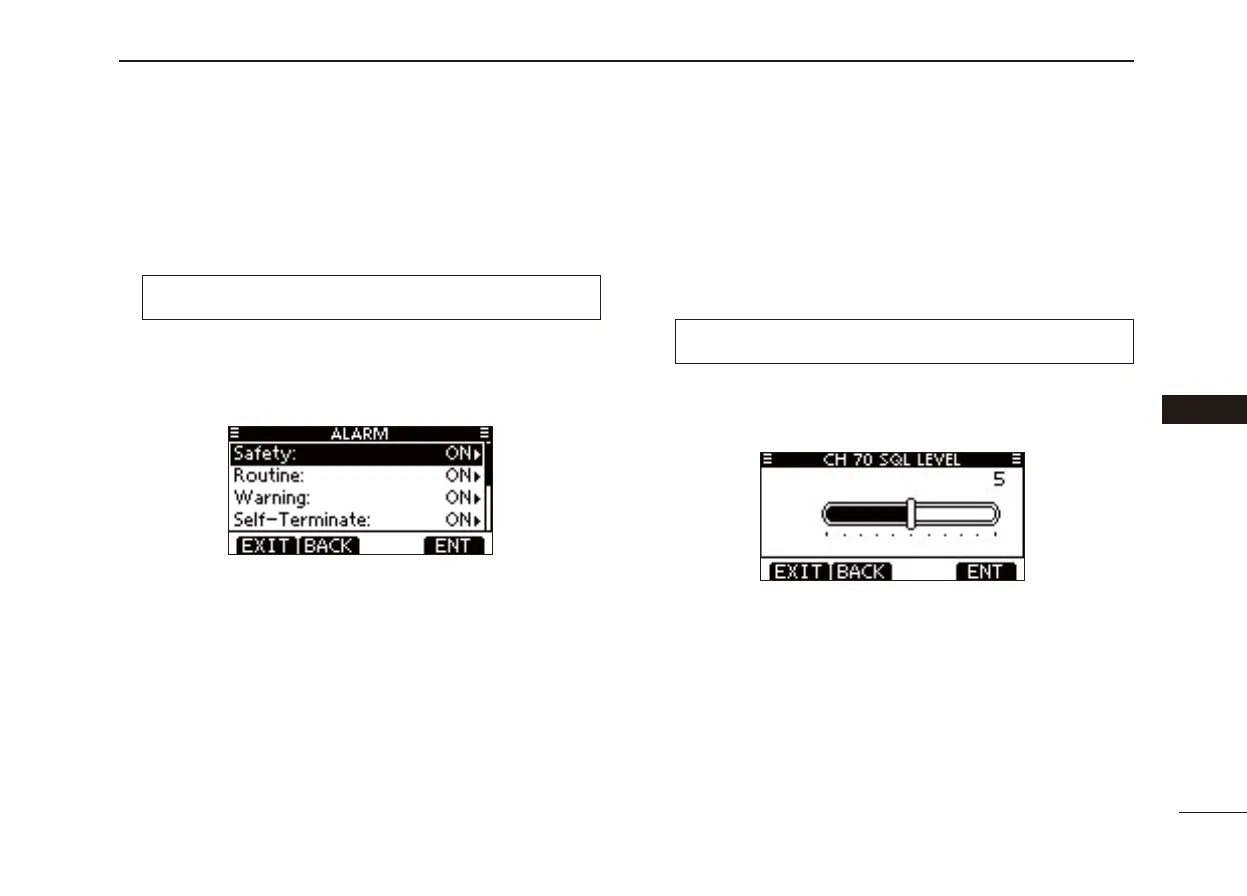
D Alarm
Set the Alarm function ON or OFF, depending on the Cat-
egory or Status.
q Enter “ALARM”
in the DSC Settings menu
.
❮MENU❯ ➪ ❮DSC Settings❯ ➪ ❮Alarm❯
(Push [MENU])
(Push
[Y]/[Z]
, then push [ENTER].)
w Push [] or [] to select
the status, then push [ENTER].
• Push [BACK] to cancel and return to the DSC Settings menu.
• “ Safety,” “Routine,” “Warning,” “Self-Terminate” and “Discrete” are
selectable. (default: ON)
Push [ e ] or [] to set the Alarm setting to “ON” or “OFF.”
Push [EXIT] to return to the normal operating mode. r
D Channel 70 Squelch level
Set the squelch level on Channel 70.
The transceiver has 11 squelch levels between 1 (loose
squelch) and 10 (tight squelch) and OPEN.
OPEN is completely open.
q Enter “CH 70 SQL LEVEL”
in the DSC Settings menu
.
❮MENU❯ ➪ ❮DSC Settings❯ ➪ ❮CH 70 SQL Level❯
(Push [MENU])
(Push
[Y]/[Z]
, then push [ENTER].)
w Push []/[]/[]/[] to adjust the squelch level until the
noise just disappears, then push [ENTER].
• Push [BACK] to cancel and return to the DSC Settings menu.
(default)
Push [EXIT] to return to the normal operating mode. e



 To Next Page