1 Communicating with the MICRO/I
24-2 WindO/I-NV4 User’s Manual
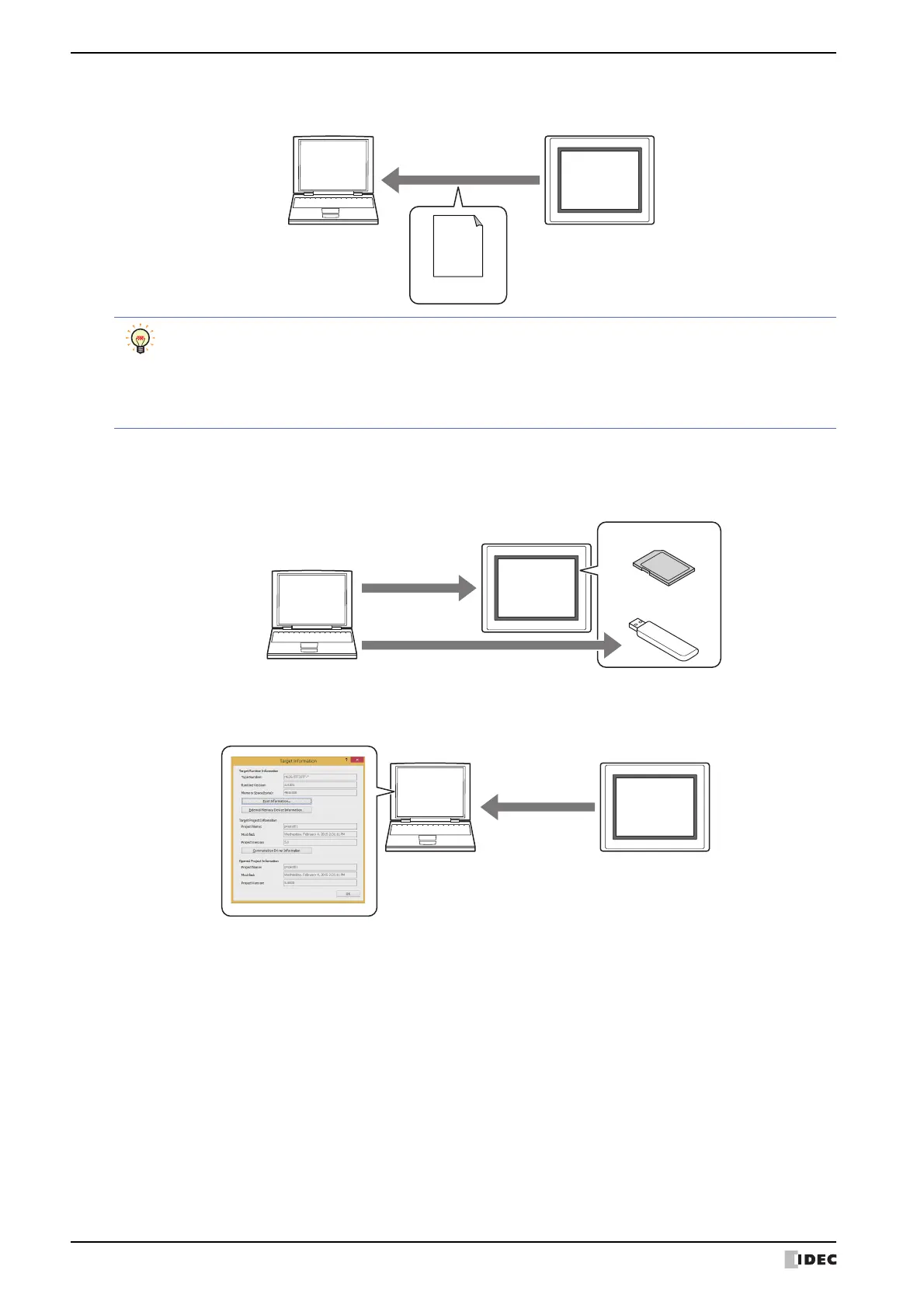
• Read the project data downloaded to the MICRO/I and then save it to a computer.
• Delete the data stored in the internal memory or the external memory device
*1
inserted in the MICRO/I and format
the external memory device inserted in the MICRO/I.
• Display the information about the runtime system and project data of the MICRO/I.
*1 SD memory card for HG5G/4G/3G/2G-V, HG4G/3G and HG2G-5F, USB flash drive for HG2G-5T and HG1G/1P
*2 This is applicable for models with an audio interface only.
Computer
Upload
MICRO/I
Project data
• It is possible to upload recipe files, picture files, sound files
*2
and Custom Web Page files from the
External Memory Device folder in the external memory device inserted in the MICRO/I, together with
uploading of project data.
• For details on reading project data saved on an external memory device using WindO/I-NV4, refer to
Chapter 31 “Uploading” on page 31-12.
MICRO/I
Computer
Deleting data
Deleting data
Formatting
External memory device
USB flash drive
SD memory card
Computer
MICRO/I
System
Information



 To Next Page
 Loading...