2 Pass-Through Function Settings Procedure
27-6 WindO/I-NV4 User’s Manual
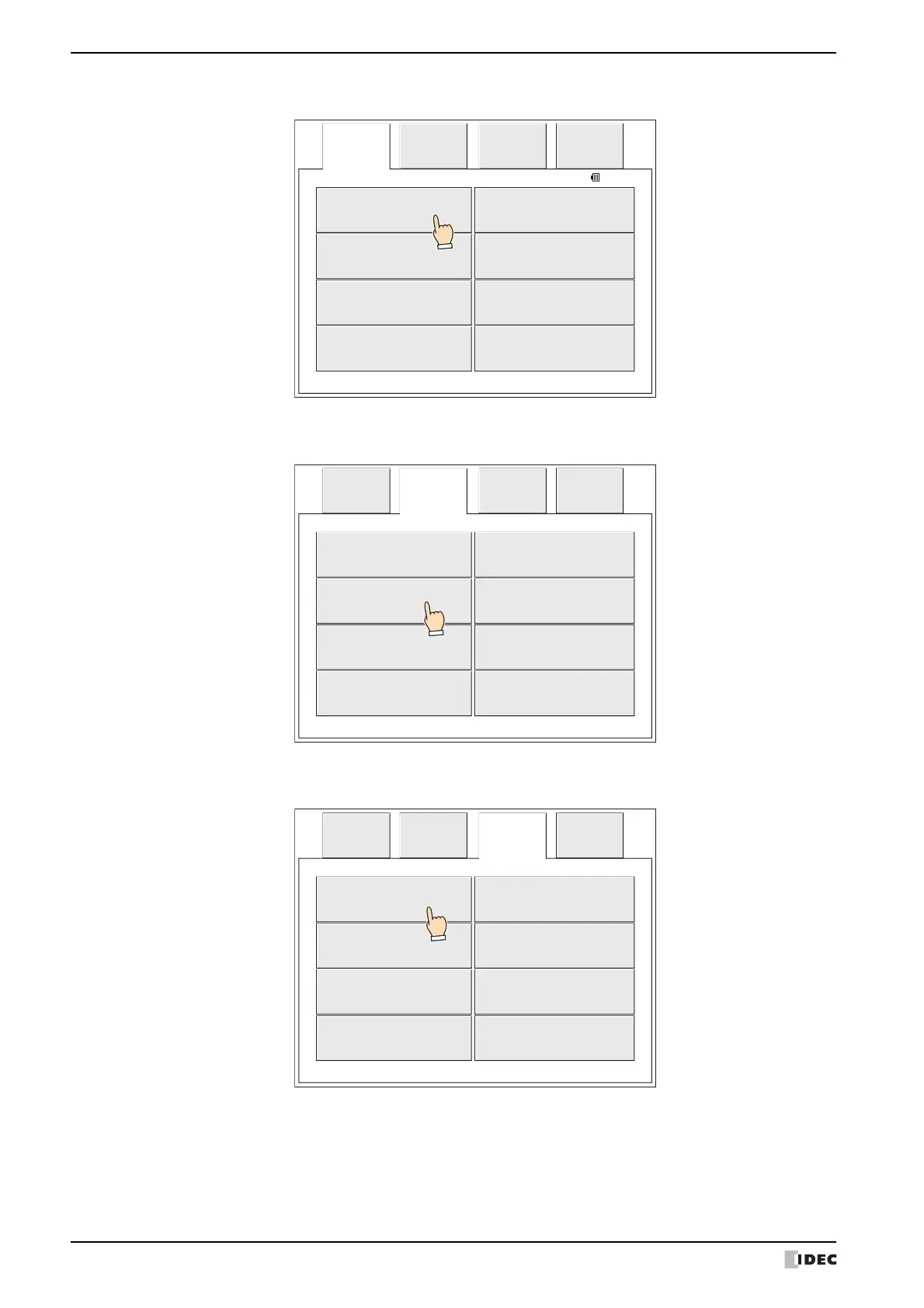
4 Press Initial Setting.
5 Press External Device Communication (HG5G/4G/3G/2G-V, HG4G/3G, HG2G-5F) or press Ext. Device (HG2G-5T,
HG1G/1P).
6 Press External Device Communication 1 to External Device Communication 4 (HG5G/4G/3G/2G-V, HG4G/3G,
HG2G-5F) or press Ext. Device 1 to Ext. Device 4 (HG2G-5T, HG1G/1P).
------ ---
2010/OCT/14/THU 14:56:44
Main
Menu
Offline Run
Initial
Setting
Clock
Setting
Top Page
Self
Diagnosis
System
Information
File
Manager
Initial
Setting
---
Main
Menu
---
Ext. Device O/I Link
System Op. Initialize
------- -------
-------Communication I/F
Ext.
Device
---
Ext. Device 3 Ext. Device 4
Ext. Device 1 Ext. Device 2
------- -------
--------------
Initial
Setting
Main
Menu



 To Next Page
 Loading...