Part 1 - Getting Started
12
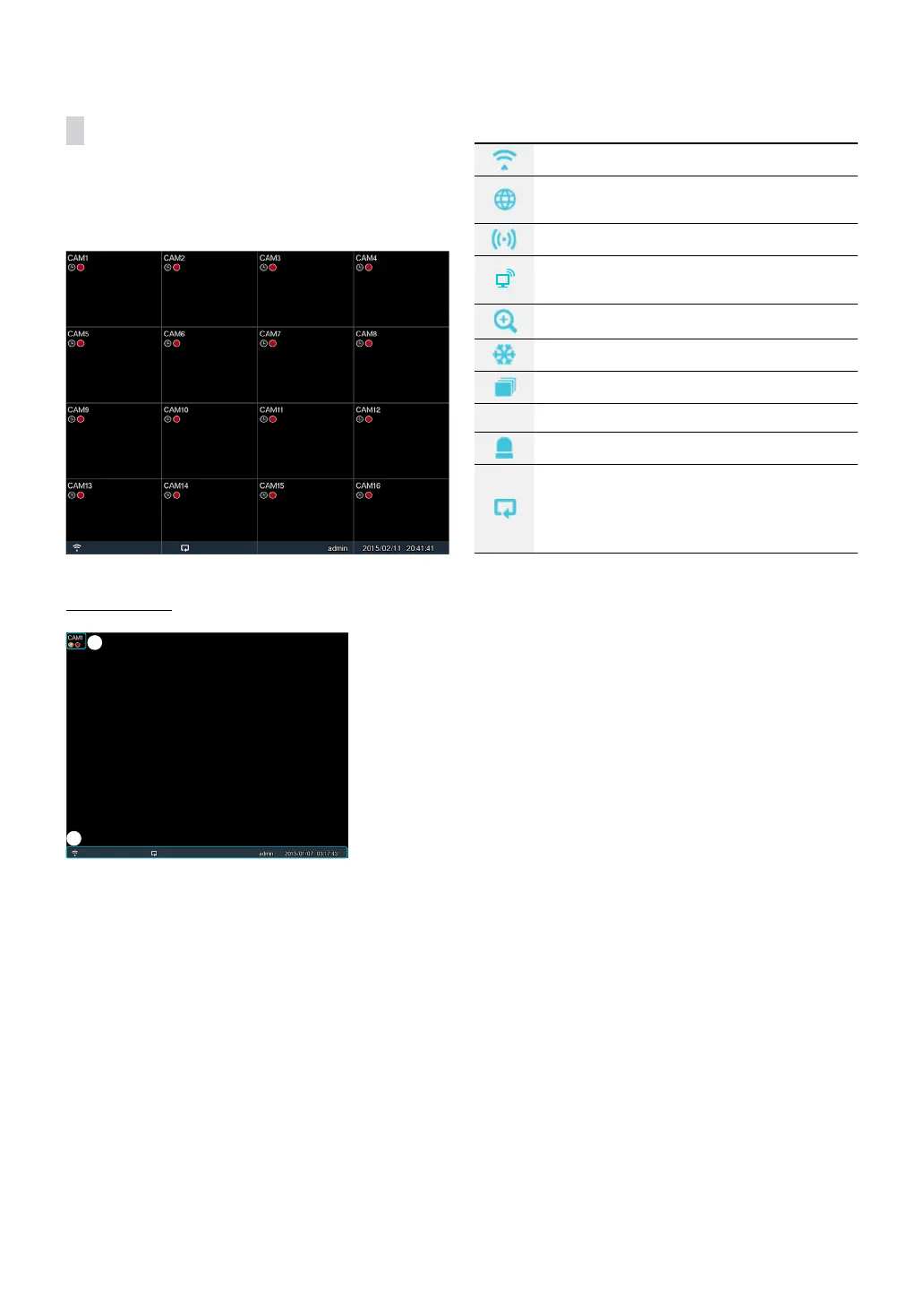
Video Display Area
Left-click on the video display area to toggle between
split screen and single screen modes.
Drag the camera screens around to rearrange them.
Camera Screen
2
1
1 Camera Title: Indicates the camera’s title.
2 Status Indication: Displays system status icons.
Indicates remote control receptivity.
Indicates connection to the DVR from a
remote program.
Indicates two-way audio connection.
Indicates connection to the DVR using the
VNC service.
Indicates a zoomed in state.
Indicates Freeze is in use.
Indicates Sequence is in use.
1/2 Indicates the current screen's group.
Indicates an event monitoring.
Indicates HDD use. The icon to the left
is shown if using the overwrite setting.
Otherwise, remaining HDD space is shown as
a percentage value.



 To Next Page