Part 2 - Conguration
53
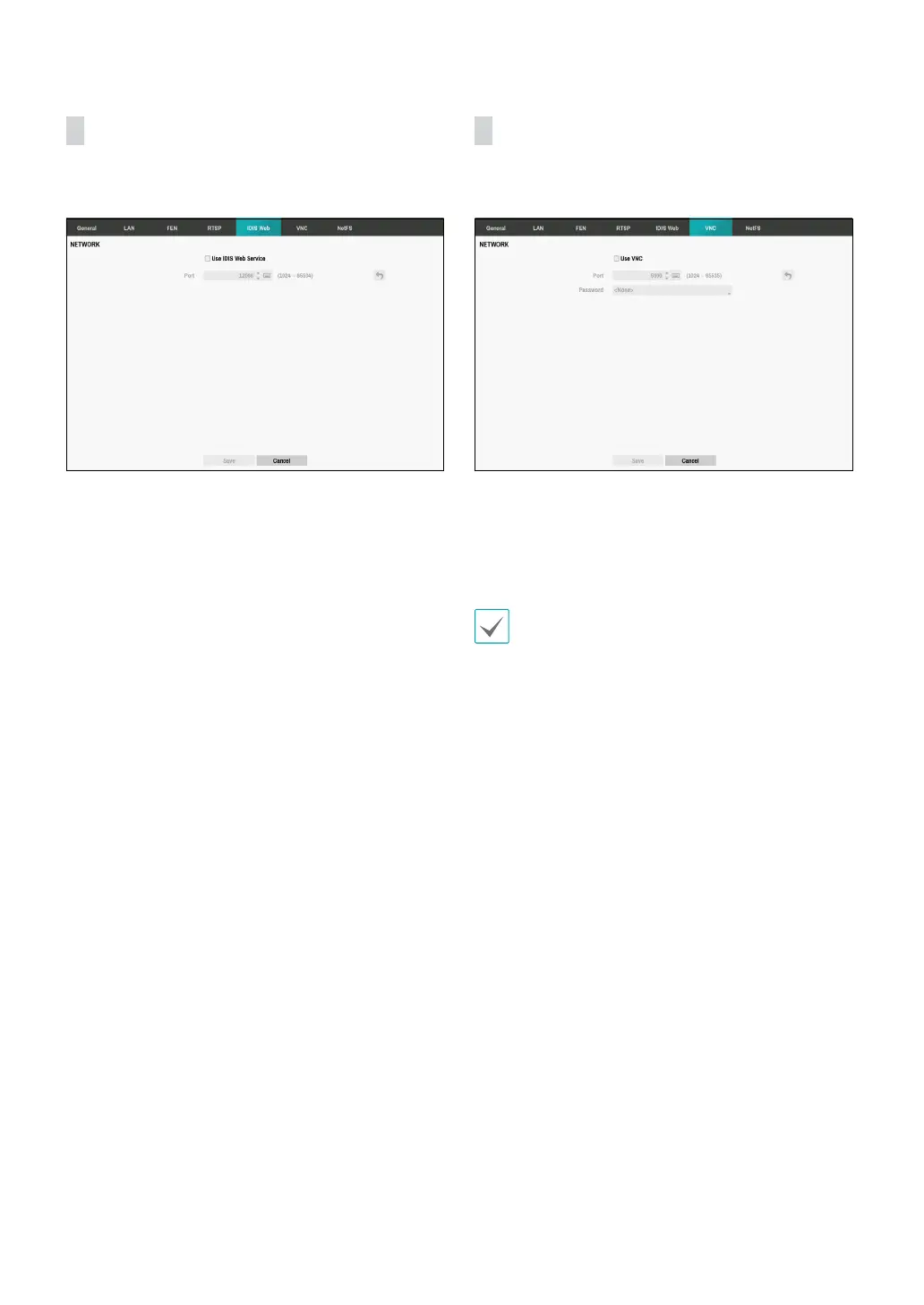
IDIS Web
IDIS Web service allows you to monitor and search video
remotely without setting specic on-line programs.
• Use IDIS Web Service: Enable/disable IDIS Web.
• Port: Set the port number used when accessing IDIS
Web by using the Up and Down arrow buttons to
increase or decrease the numbers.
VNC
VNC service allows you to access the DVR and control it
remotely using a PC or mobile devices via Ethernet.
• Use VNC: Enable/disable VNC. You will be able to
change the settings if Use VNC is enabled.
• Port: Congure the port number of the VNC server.
• Password: Congure the Password to use when
connecting to the DVR from a remote locale.
Up to three users at a time can access a DVR remotely
via VNC service.



 To Next Page