Part 2 - Conguration
22
Batch Assignment
Certain table-format menus such as the shown in the
Camera Setup on page 44 allow you to change
the title value. In this case, changing the title value
simultaneously changes all other entry values on the
same row.
Mouse
Using a mouse makes it easier to congure the settings.
A mouse lets you make selections faster and use its
wheel to scroll through long menus. You can also use
the mouse wheel to increase/decrease numerical values.
System Setup
Refer to the Menu Use on page 21 for basic
information on using the Setup menus.
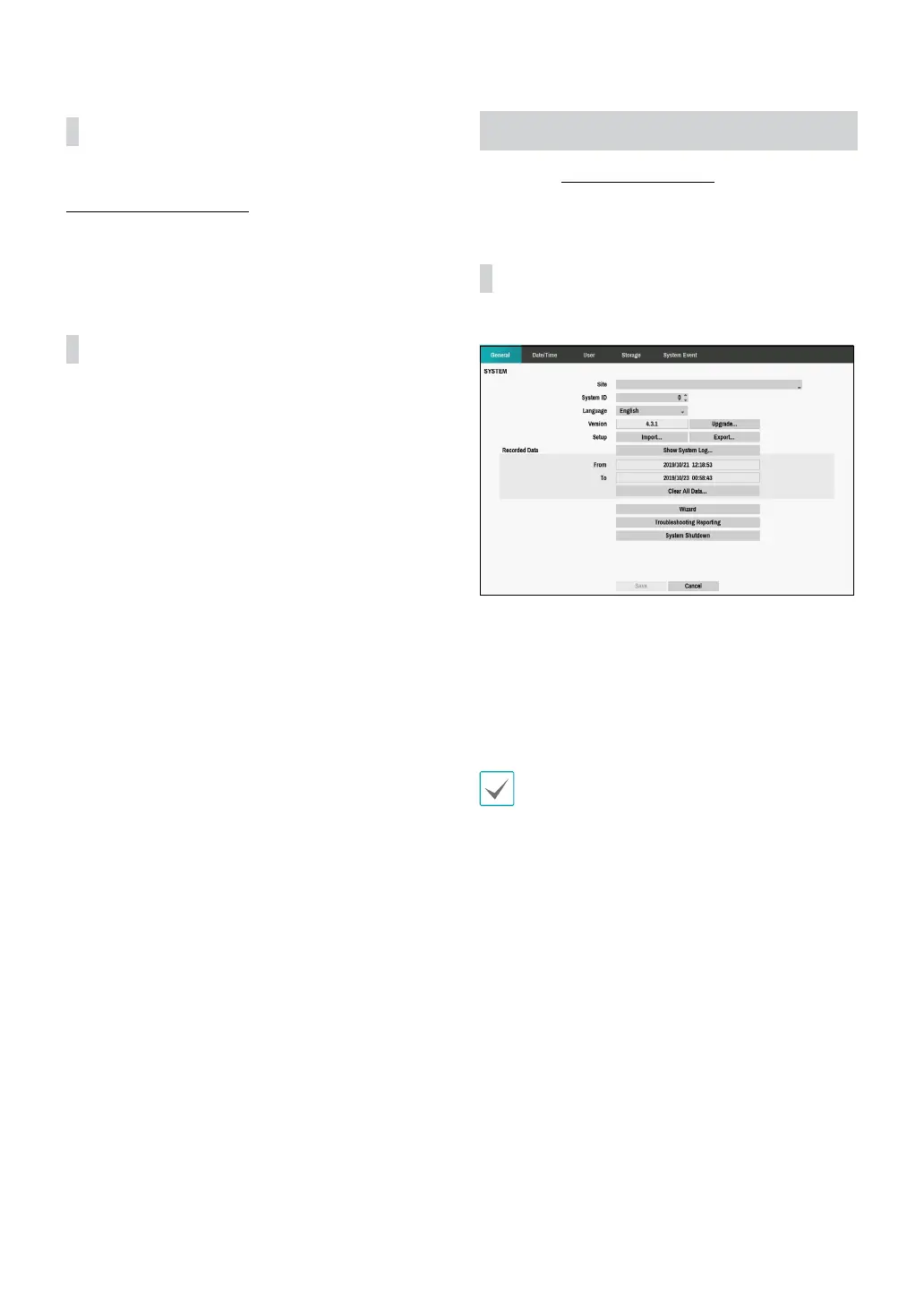
General
This Setup menu contains general system options.
• Site: Used to enter a description about the system’s
installation site (no description by default). You can
edit the information using the virtual keyboard.
• System ID: Used to identify the DVR apart from other
DVRs. System ID is also used to control the DVR with
the remote control and identify the unit when it is
connected with other DVRs through the RS485 port.
The default System ID is 0 and can be changed to a
value between 0 and 99. The System ID can also be
entered using the virtual keyboard.
• Language: Choose a language.
• Version: Indicates the software version.



 To Next Page