Part 2 - Conguration
32
Once you start mirroring, all existing data on the two
disks will be erased.
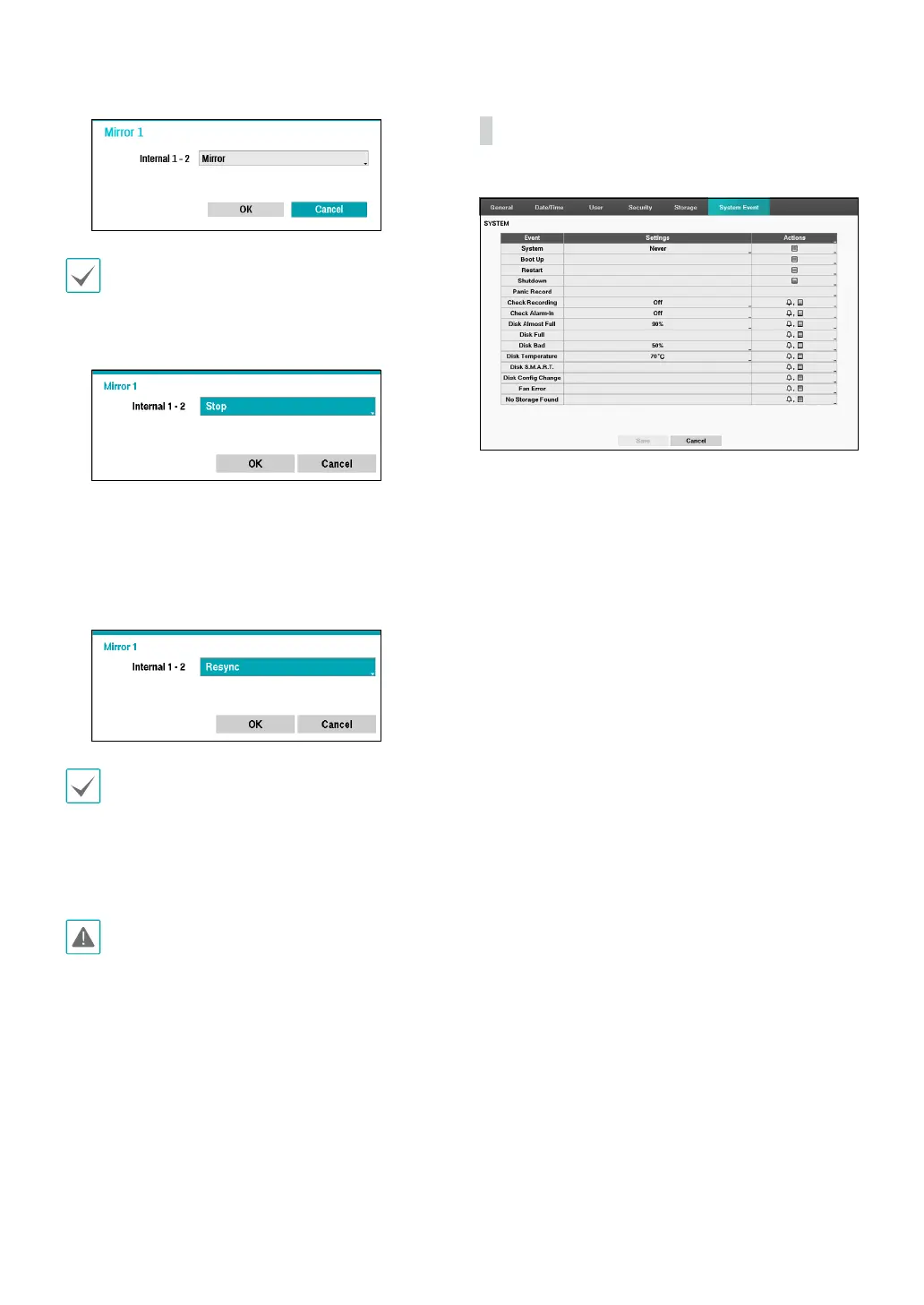
– Stop: Once mirroring starts, you can stop it by
selecting Stop option.
– Resync: When a disk is replaced, data on the
replaced disk will be erased and data on the other
disk will be copied to the replaced disk. Select the
Resync option, and then click OK to resynchronize
two disks. After resynchronization is complete,
mirroring will start.
• Playback speed may decrease during
resynchronization.
• Only one command is available among Mirror,
Resync and Stop. For example, if Mirror is selected
for Internal 1-2, Resync and Stop are not available
for Internal 3-4.
Do not remove the disk during resynchronization,
otherwise the disk may be damaged.
• Information: Indicates if the installed disk is being
used for mirroring or Resync purposes. Select
information about mirroring to check the disk’s model
and serial number.
System Event
Use this option to congure Monitoring settings.
• Settings: Congure when and what the system
should monitor for.
• Actions: Congure alarm-out (DVR alarm-out channel,
DVR beep) and notication (email, LAN1 through 5,
push, alert window) settings.



 To Next Page