Part 3 - Search
70
Overlapped Recording Search
If the system’s clock is changed to a point in the past,
overlapping recordings may be produced. Overlapped
recordings have to be searched in segments.
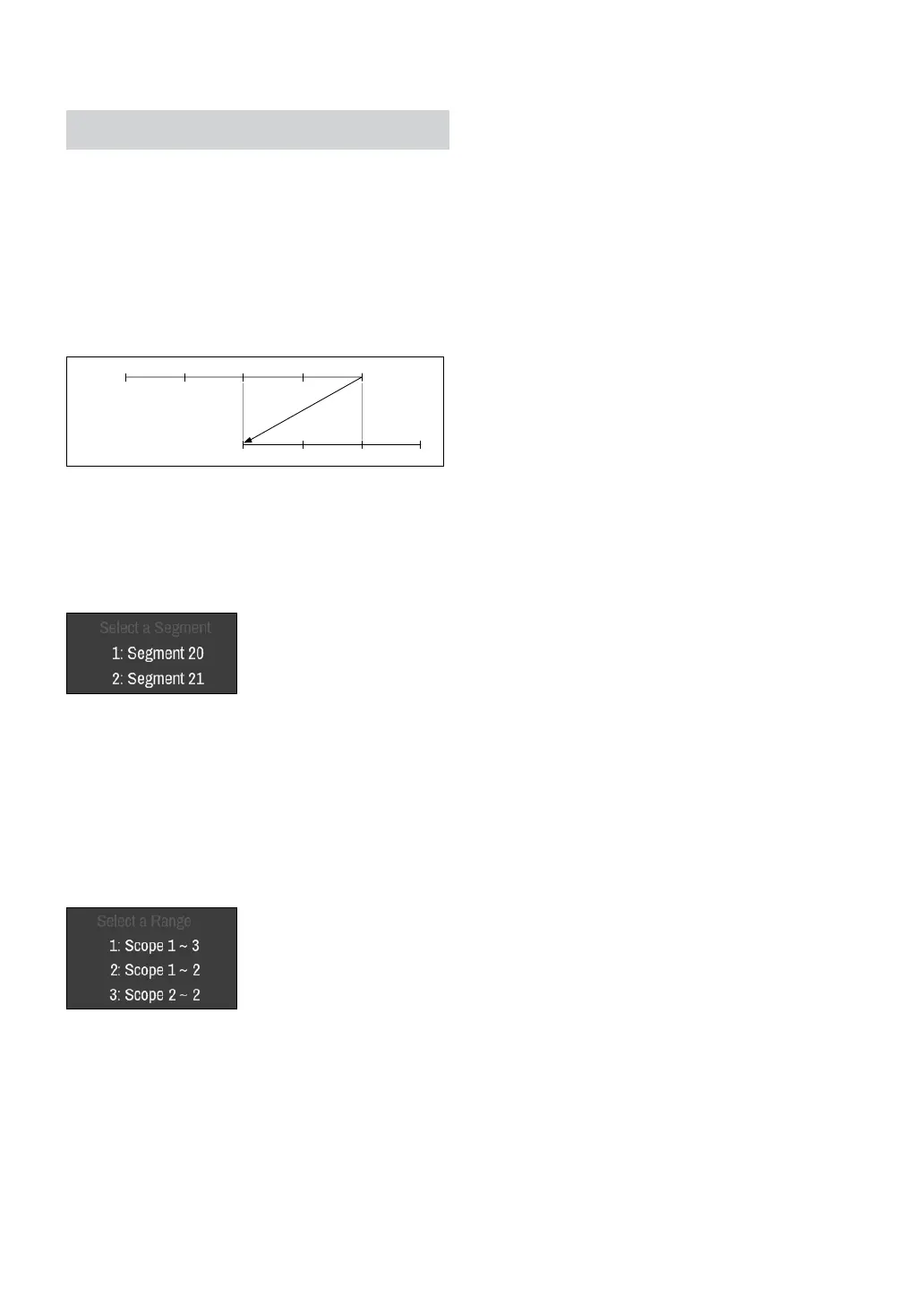
For example, making a recording from 1 o’clock to 5
o’clock, changing the system’s clock at 5 o’clock to 3
o’clock, and then continuing to record until 6 o’clock
produces two recordings that overlap between 3 o’clock
and 5 o’clock. This results in two segments for the period
between 3 and 5.
1:00 2:00 3:00 4:00 5:00
3:00 4:00 5:00 6:00
Segment 1
Segment 2
When searching overlapped video recordings, you
can choose a specic point in time or a time frame. If
you use the Go to the Date/Time option and select a
point within the overlapped time period (4 o’clock, for
example), you must specify 4 o’clock in which of the two
existing segments.
If you use the Event Log Search or Motion Detection
option and select a time frame within the overlapped
time period (4 o’clock to 5 o’clock, for example), you
must choose between the two redundant sets of From
and To values. Selectable search ranges are as follows:
• 4 o’clock in segment 1 to 5 o’clock in segment 1
• 4 o’clock in segment 1 to 5 o’clock in segment 2
• 4 o’clock in segment 2 to 5 o’clock in segment 2



 To Next Page