Part 2 - Conguration
47
Privacy Masking
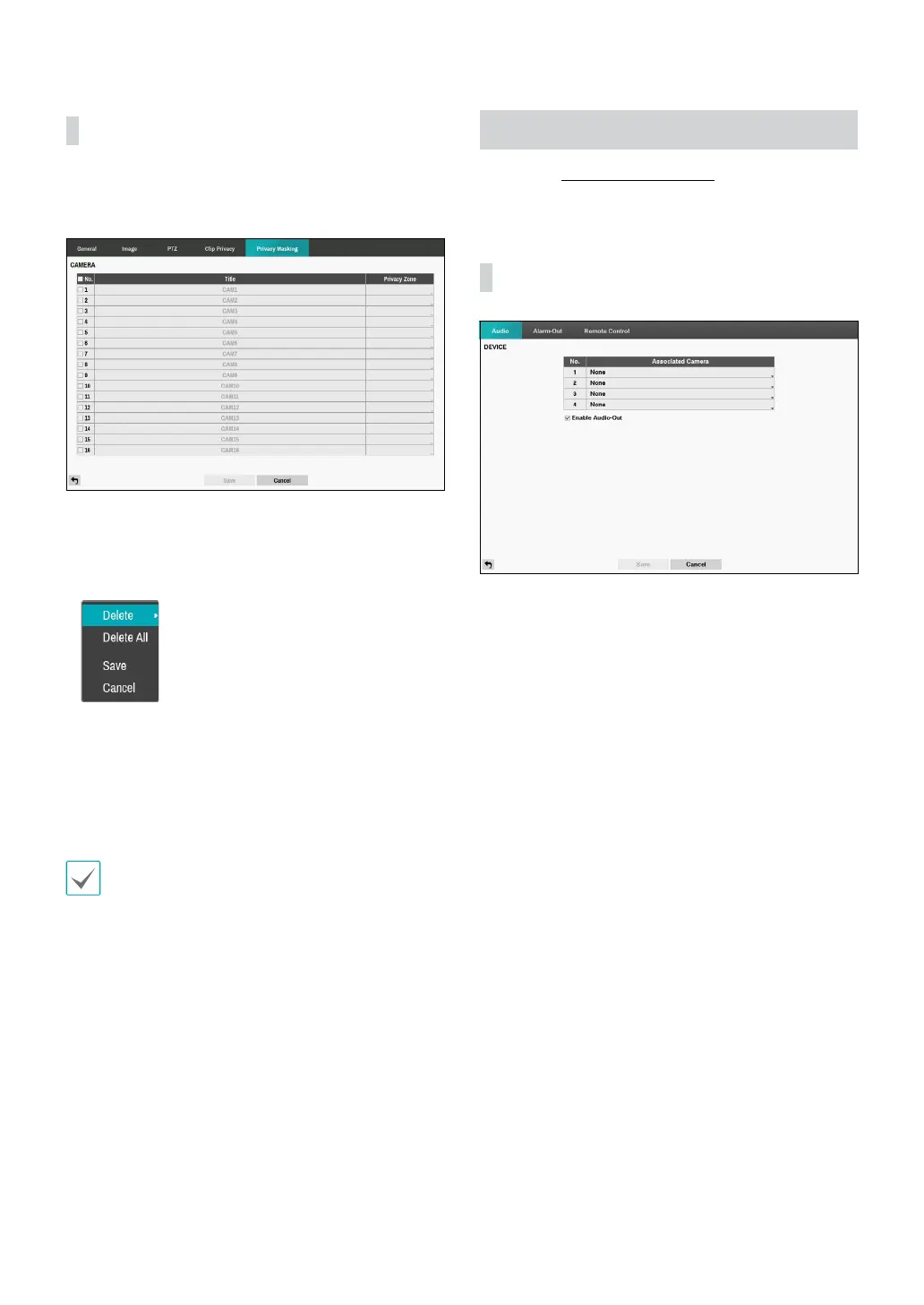
Congure privacy masking zone for Live and Recording
screen.
• No.: Turn on/o the camera number.
• Privacy Zone: Display the full screen live mode of the
channel, and you can congure the privacy zone area
by dragging on the area with the mouse (The privacy
masking zone can be congured up to 4 areas).
– Delete: Delete the selected privacy masking area.
– Delete All: Delete the all privacy masking area.
– Save: Save the changes and exit the privacy
masking area options screen.
– Cancel: Exit the privacy masking area options
without saving the changes.
For SD images, the masking area is restricted to 4/5 of
the screen width due to the chip restrictions. When
masking the entire screen area, at least two masking
area settings are required.
Device Setup
Refer to the Menu Use on page 21 for basic
information on using the Setup menus.
Audio
The DVR can record up to four audio inputs. A list of
cameras appears, and you can select which camera you
want associated with that audio input.



 To Next Page