Part 2 - Conguration
52
• FEN Name: After entering the DVR name you wish
to register on the FEN server, check and register the
entered name. This is a unique DVR name that will be
registered on the FEN server.
• You will not be able to save FEN settings unless you
click on the Check button next to the DVR Name
eld and check the entered name's availability.
• You will be prompted with an error message if you
do not enter DVR name or enter a name already
registered to the FEN Server.
• If the FEN name contains the #, \, and/or % symbol,
it might not be able to connect to the DVR from the
IDIS Web program.
• Status: Used to check the status of the device being
registered to the FEN server.
Select Save after making changes to register the DVR’s
name to the FEN server.
If FEN has been congured correctly, the FEN server's
help desk information will be displayed in the Help
Desk eld the next time you access the FEN Setup
screen.
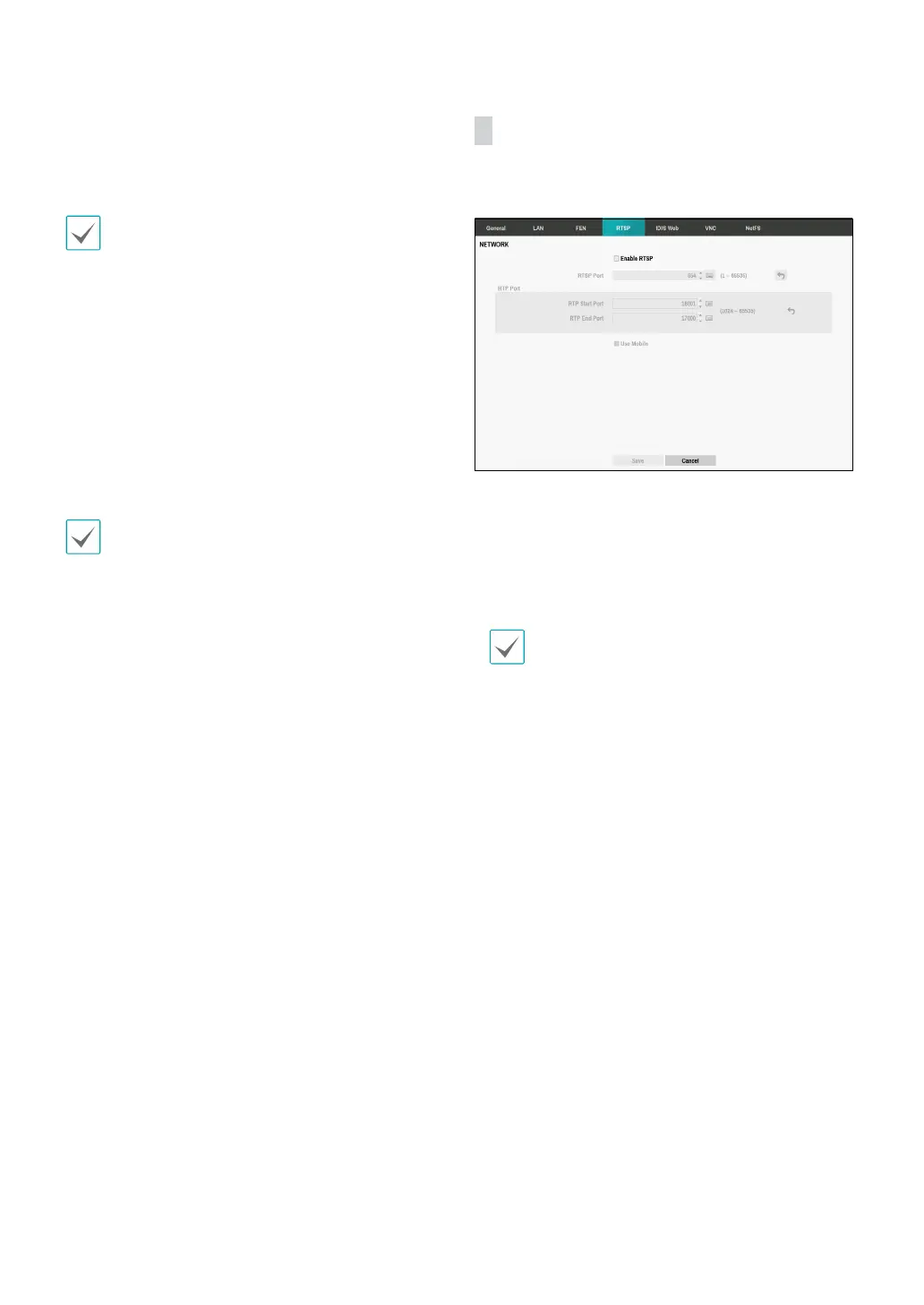
RTSP
RTSP service allows you to monitor real-time using the
Real-Time Streaming Protocol.
• RTSP Port: Set the port number of the RTSP server
obtained from your system administrator.
• RTP Port: Set the start/end port number of the RTP
server obtained from your system administrator.
• Use Mobile: Access a remote DVR using a Blackberry
or other mobile devices.
• When using NAT (Network Address Translation) or
rewall services, opening all UDP ports allows you
to access a DVR using Blackberry and Android
devices.
• You can access a remote DVR and monitor live
video images using media players, such as
VLC Player, supporting RTSP service. Start the
media player on your local PC and enter “rtsp://
ID:passwd@IP address:RTSP port number/
trackID=channel number&streamID=stream
number”, or start Internet Explorer on your
Blackberry or other mobile devices and enter
“http://IP address:IDIS Web port number/”.
• Some media players might not play video
properly depending on network conditions.
• RTSP service might not be supported, depending
on the type of media player.



 To Next Page