Part 1 - Getting Started
18
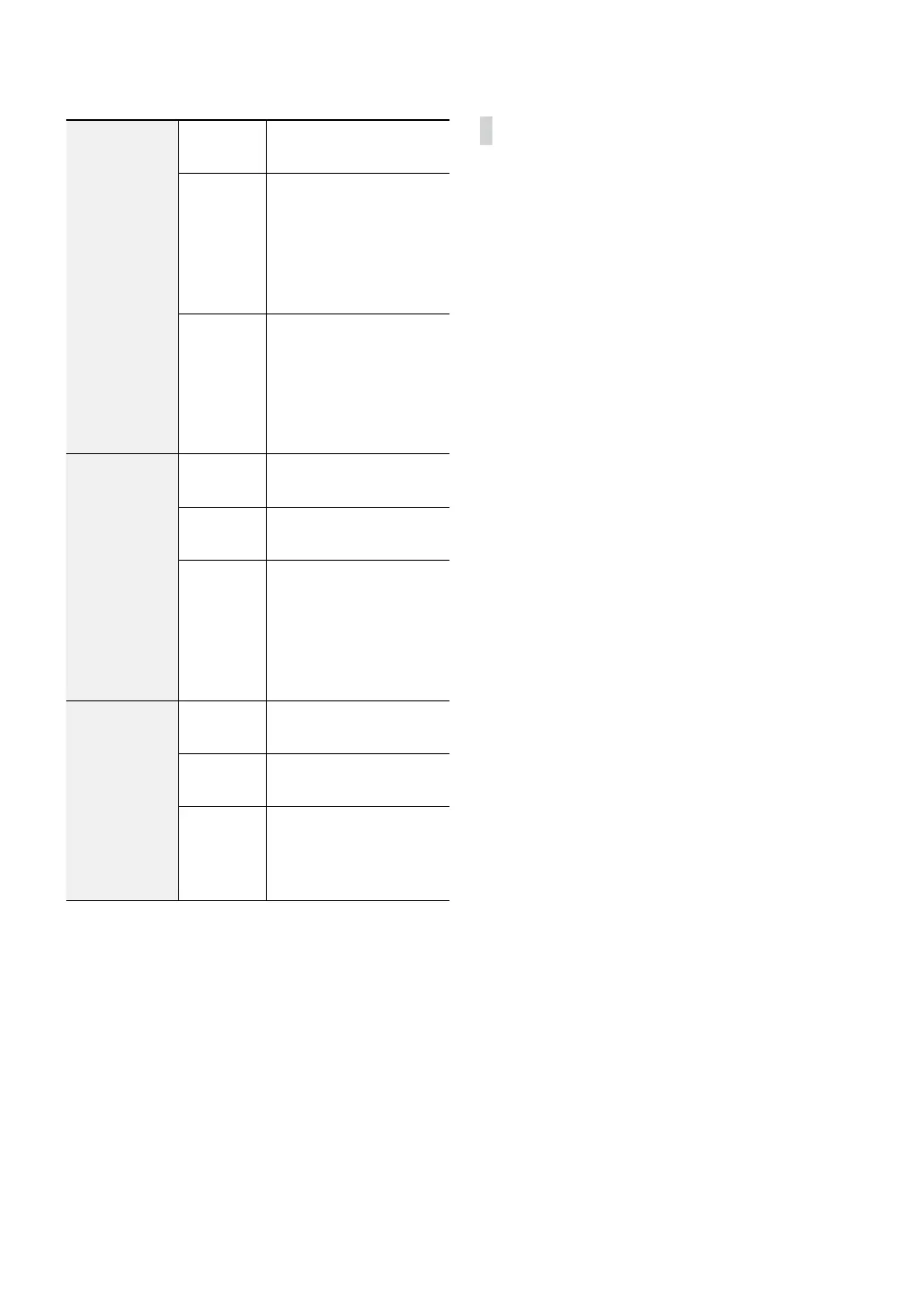
Disk Bad
Not
Formatted
A disk that has never
been used before.
Good
• Disk performing
normally.
• If the HDD is partially
damaged, indicates
the bad sector
percentage.
Error
• If the HDD's bad sector
ratio is higher than
as designated by the
user.
• Generates a system
event.
Temperature
N/A
Unable to detect the
disk's temperature.
Good
Operating within normal
temperature range.
Bad
• Disk temperature
higher than as
designated by the
user.
• Generates a system
event.
S.M.A.R.T.
N/A
A disk that does not
support S.M.A.R.T.
Good
A disk with normal
S.M.A.R.T. status.
Bad
A disk with abnormal
S.M.A.R.T. status.
Possibility of damage
within 24 hours.
Context Menu Access
You can display the ContextMenu window by pressing
the MENU button and then PLAY/PAUSE button on the
front panel. Alternatively, right-click on the mouse to
access the Context menu.
• PTZ: Access PTZ controls.
• Zoom: Zoom in.
• Color Control: Select a channel to display its Color
Control window. Adjust the selected camera’s
brightness, contrast, saturation, and hue settings.
• Menu Control: Adjusts the camera’s self-settings.
• Spot Monitor: Appear the selected camera on the
spot monitor.
• Edit Group: Enter to the Edit Group mode in the split
screen layout.
• PIP: Adjust the PIP screen’s size and location in the PIP
screen layout.
• Triplex: The DVR supports the Triplex function:
monitoring, recording and playing back at the same
time.
• Go to Main: The selected camera goes to the main
screen in the 1+5 and 1+7 modes.



 To Next Page