Platinum™ VX
Installation and Operation Manual Faults
© 2016 Imagine Communications Corp. Proprietary and Confidential. Version 1.2 | Page 134
Filtering Module Faults
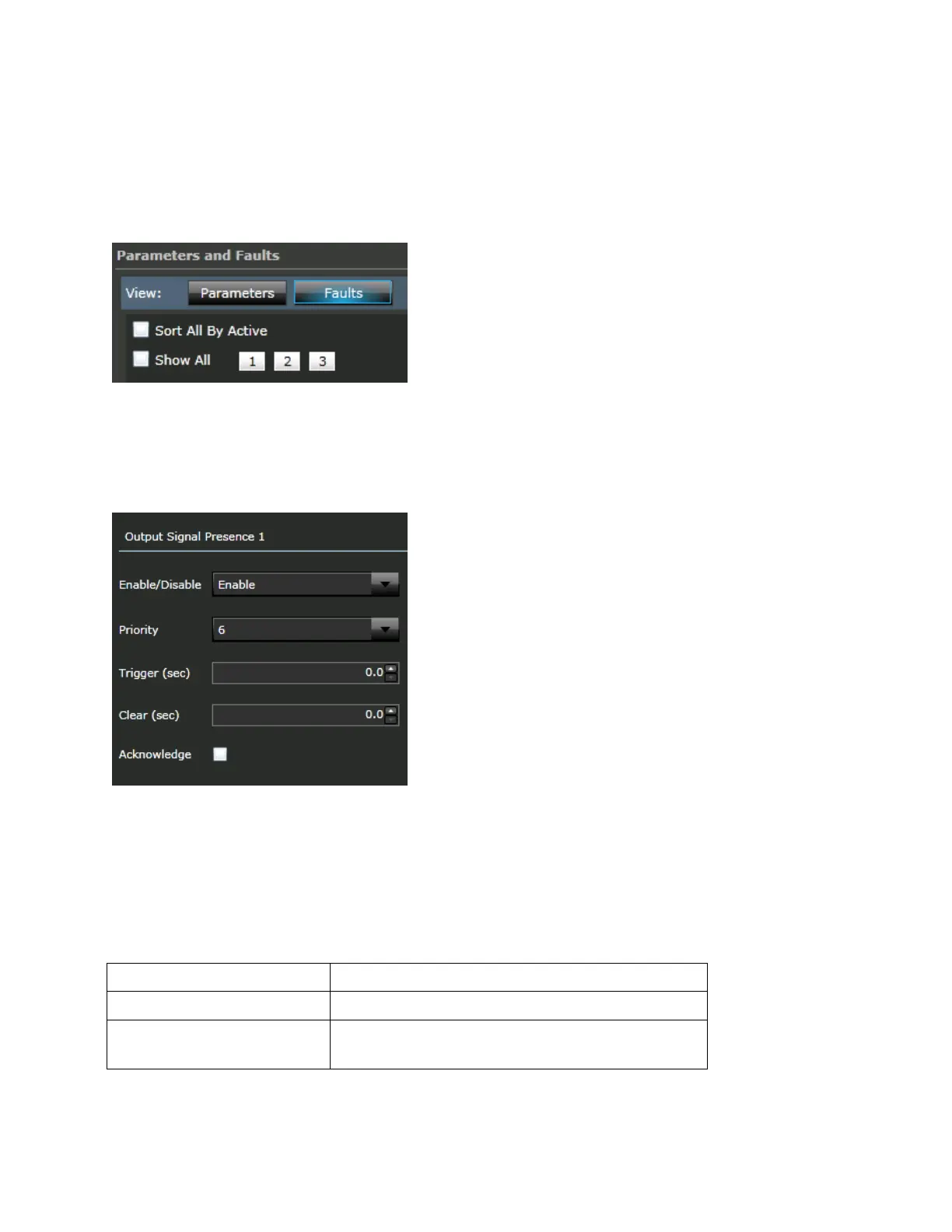
Use the Sort All by Active or Show All options to filter the fault display.
Click the page numbers to navigate between pages (10 faults displayed per page).
Editing Module Fault Properties
Click on any of the faults to have editable details displayed to the right. You can choose to
enable/disable the fault, change priority, trigger value, clear value, and acknowledge.
Figure 78: Editing Fault Properties
Module Fault Descriptions
The following table lists possible module faults and descriptions:
Table 61: Module Fault Descriptions
Loss of Signal in an Output Module.
Active when the user inserts a TX SFP module into a
RX port or vice versa.



 To Next Page