Platinum™ VX
Installation and Operation Manual Platinum VX Client Overview
© 2016 Imagine Communications Corp. Proprietary and Confidential. Version 1.2 | Page 81
Controlling your Platinum VX via a Hardware Control Panel
You can control your Platinum VX frame via a hardware panel such as a Magellan™ Router Control Panel
(RCP). You can also use certain Imagine Communications legacy control panels to control your Platinum
VX.
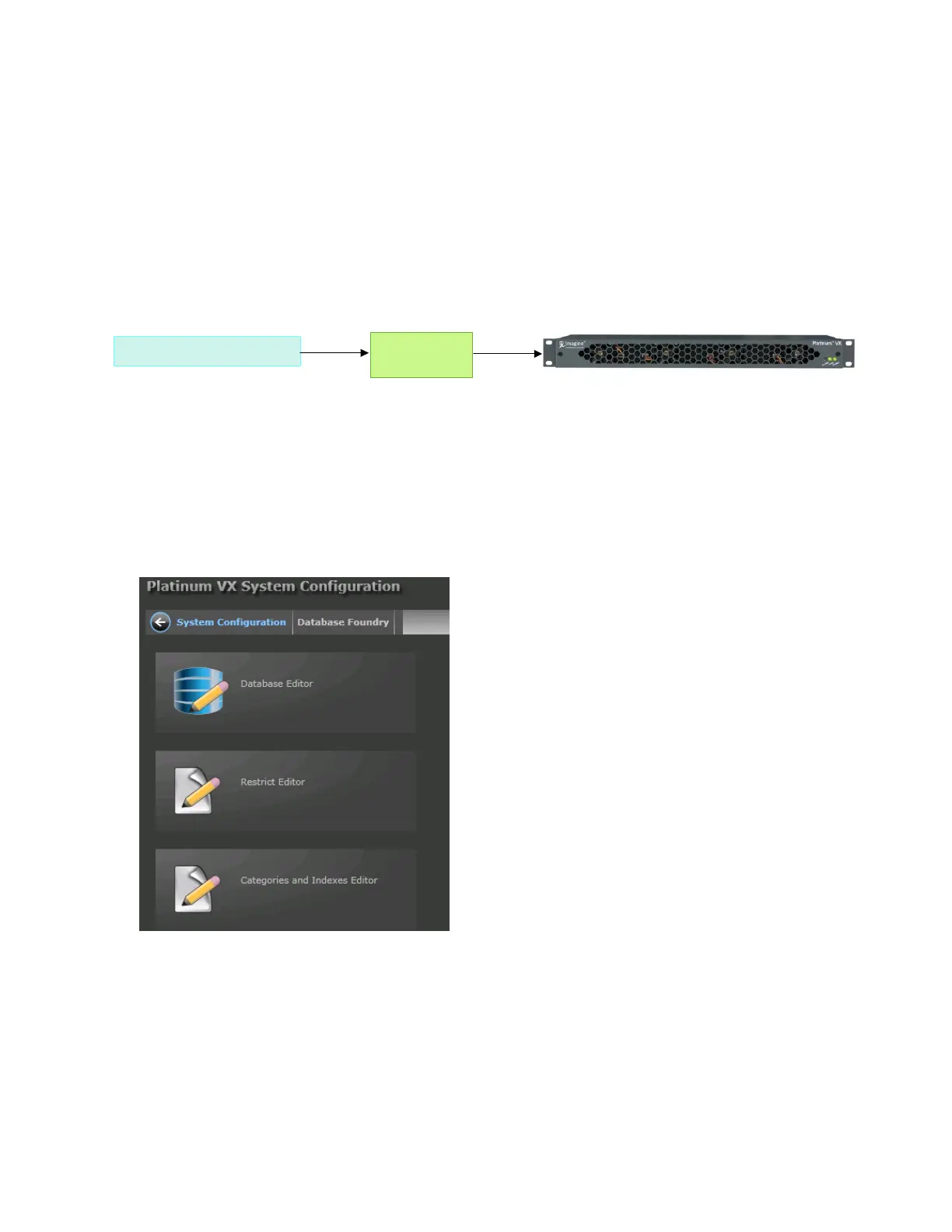
If you would like to use a legacy control panel, you need to set it up such that there is an Edge in
between your control panel and your Platinum VX. The EDGE is a 1 RU router protocol translator (from
Imagine Communications) that acts as a gateway in between.
Do the following to set up:
1. Configure the EDGE as a virtual X/Y client of the Platinum VX. Refer the Edge Protocol Gateway
Manual for details.
2. Ensure the EDGE is physically connected to your legacy control panel.
3. Set up the IP Address of the Platinum VX as the Server in the EDGE.
4. Go to the Platinum VX Database Editor. Create a database, set up categories and indexes as
required.



 To Next Page