Platinum™ VX
Installation and Operation Manual Alarms and LEDs
© 2016 Imagine Communications Corp. Proprietary and Confidential. Version 1.2 | Page 79
Alarms and LEDs
System LEDs
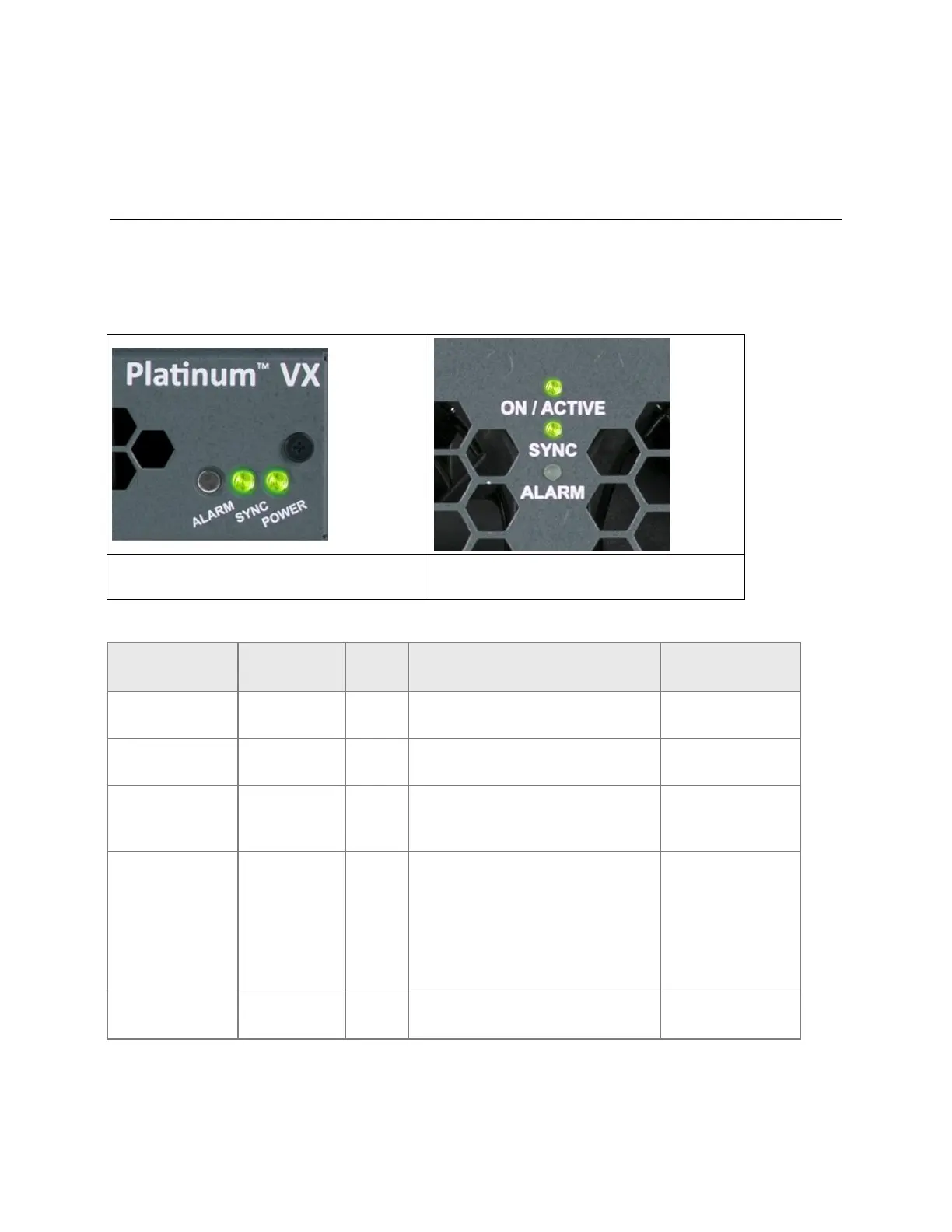
3 LEDs on the frame indicate Crosspoint Control and System Status. If the Alarm LED is on, it indicates a
system level problem such as a fan failure.
Figure 54: System LEDs on 1/2 RU Frames
Figure 55: System LEDs on 4/8 RU frames
Table 29: System LEDs
Sync reference is present.
This LED is enabled:
When the Resource Module
(PVX-RES) is in failsafe mode
(solid red)
During LLDC identification
(flashing red)



 To Next Page