Platinum™ VX
Installation and Operation Manual Platinum VX Modules
© 2016 Imagine Communications Corp. Proprietary and Confidential. Version 1.2 | Page 45
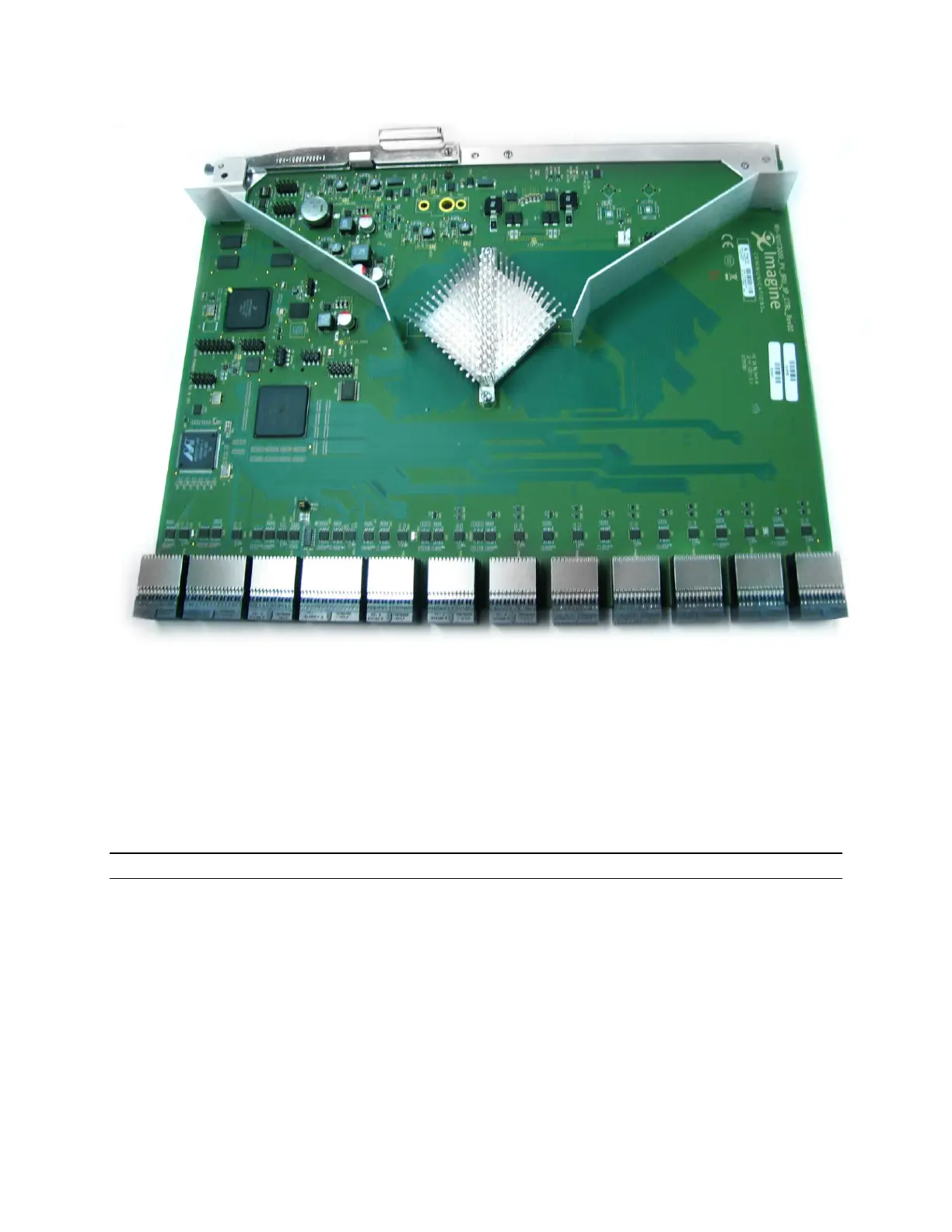
Figure 34: 8 RU Resource/Crosspoint Module
Resource Module Redundancy
4 RU and 8 RU Platinum VX frames support optional redundancy for the Crosspoint/Resource Module
within the frame. 4/8 RU frames come with a single Crosspoint/Resource Module, and a second one can
be used for redundancy. If one module detects failure of the other, it switches over control and
continues router operation.
Note that there is only 1 Crosspoint/Resource module in 1/2 RU frames.
If you have 2 Crosspoint/Resource Modules, you can set the active one via the Select Active PVX-
RES/Video Crosspoint parameter in the Video Crosspoint and Control Card section of the Frame
Parameters (accessed by clicking the Open Frame button.
In case of redundant Resource/Crosspoint modules, when upgrading resource module firmware, images
are also synchronized. If the alternate firmware image is activated on the active module, the alternate
image on the standby module also becomes active.
In normal operating mode, all parameter and route changes are synchronized from the Active/Master
Resource Module (PVX-RES) to the Standby Resource Module (PVX-RES).
Active and Standby states are non-volatile



 To Next Page