Platinum™ VX
Installation and Operation Manual System Configuration
© 2016 Imagine Communications Corp. Proprietary and Confidential. Version 1.2 | Page 157
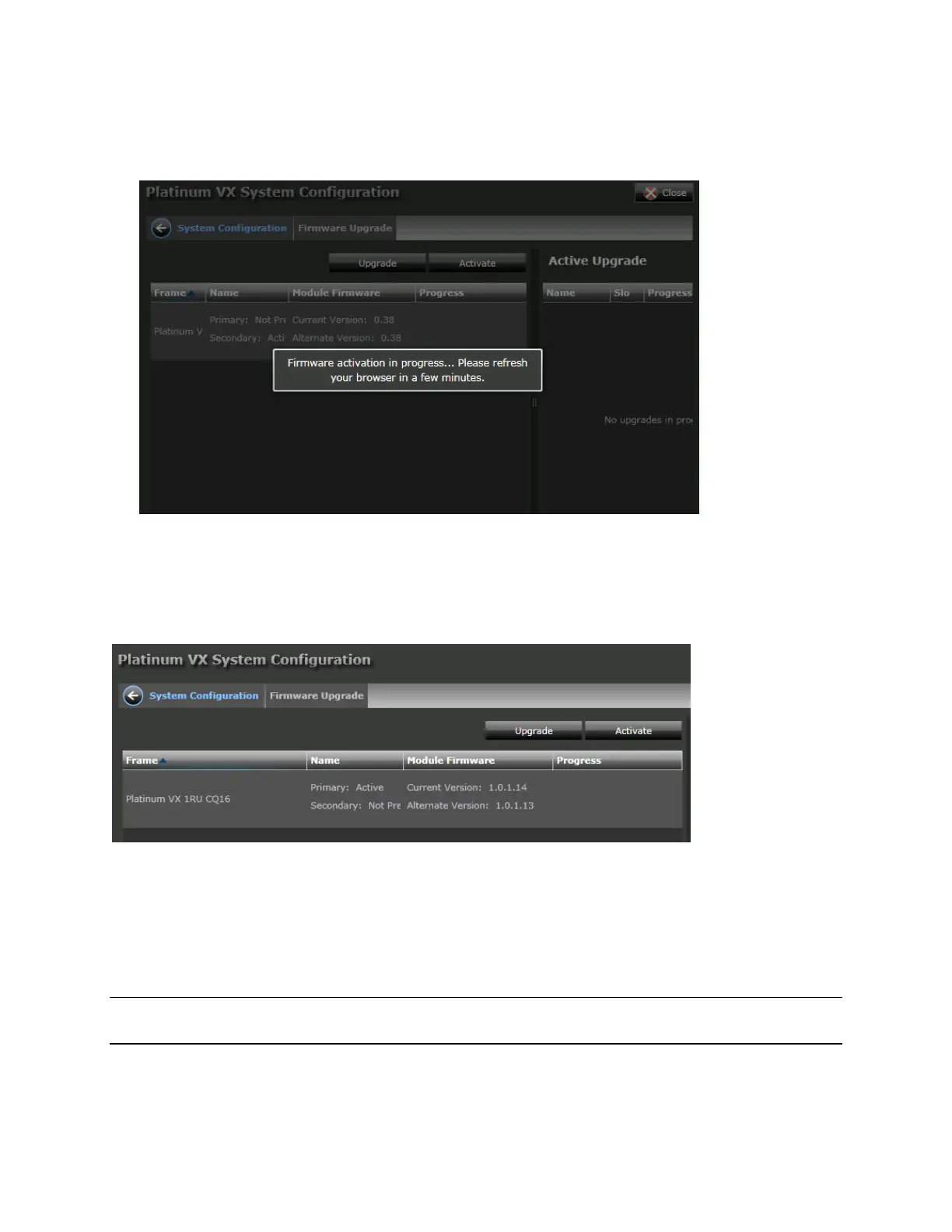
6. A message will be displayed confirming that firmware activation is in progress. Refresh your browser
after a while.
Upgrading the CQS Module
The CQS Module is not upgraded separately, but is upgraded via the PVX-RES Resource Module
firmware that is applied to the frame.
Upgrading to Version 1.2
Follow these steps, provided:
You're using a 1/2/4 RU frame running any firmware version OR
An 8 RU frame currently running at least version 1.1
Note: If you have an 8 RU frame and you're running the very first version 1.0.1, see Note for 8 RU
Frames: Upgrading from firmware version 1.0.1 (on page 158) for upgrade instructions.
1. In the Web UI, go to the Firmware Foundry. Click the Upgrade button.
2. Browse and select the PVX-RES 1.2 firmware package. Click Open.



 To Next Page