Platinum™ VX
Installation and Operation Manual Platinum VX Installation
© 2016 Imagine Communications Corp. Proprietary and Confidential. Version 1.2 | Page 19
Table 2: Rack Mounting Kit for 1 and 2 RU Frames
Table 3: Rack Mounting Kit for 4 and 8 RU Frames
Rack Mounting for 1/2 RU Frames
Although the pre-installed frame-mounting ears provide the main support for the Platinum VX within a
rack, you must install arms, brackets, and a cable relief bar at the rear of the unit to support the weight
of cabling and frame stacking.
Note: The frame mounting ears and the rack support brackets are reversible. You can install them with
the ears at the front and support brackets at the rear or with the ears at the rear and the support
brackets at the front.
The following procedure describes how to install the rack supports.
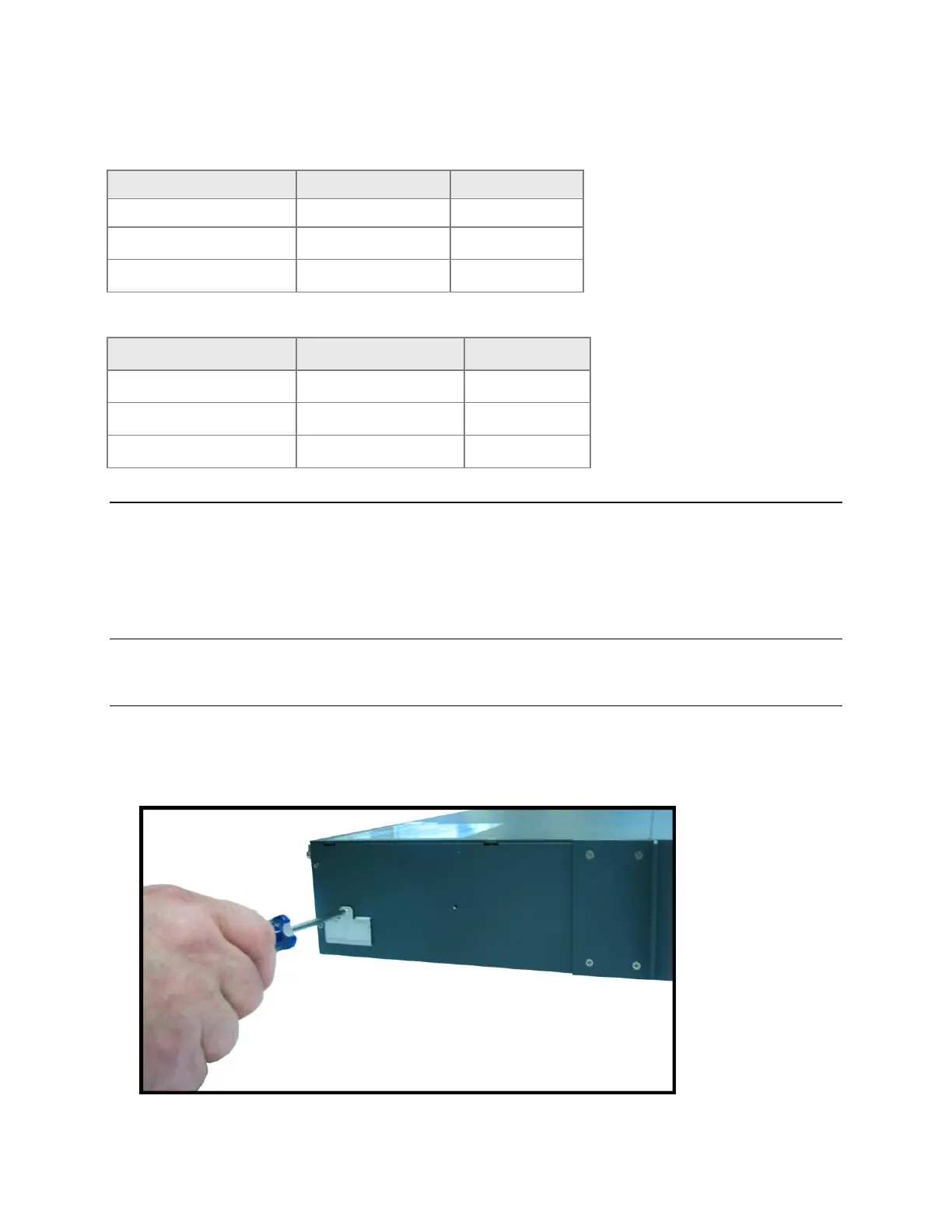
1. Locate the accessories box. Note that brackets are pre-attached to the frame, and these are what
the arms slide into.
Figure 1: Pre-installed brackets on frame



 To Next Page