Platinum™ VX
Installation and Operation Manual Platinum VX Modules
© 2016 Imagine Communications Corp. Proprietary and Confidential. Version 1.2 | Page 41
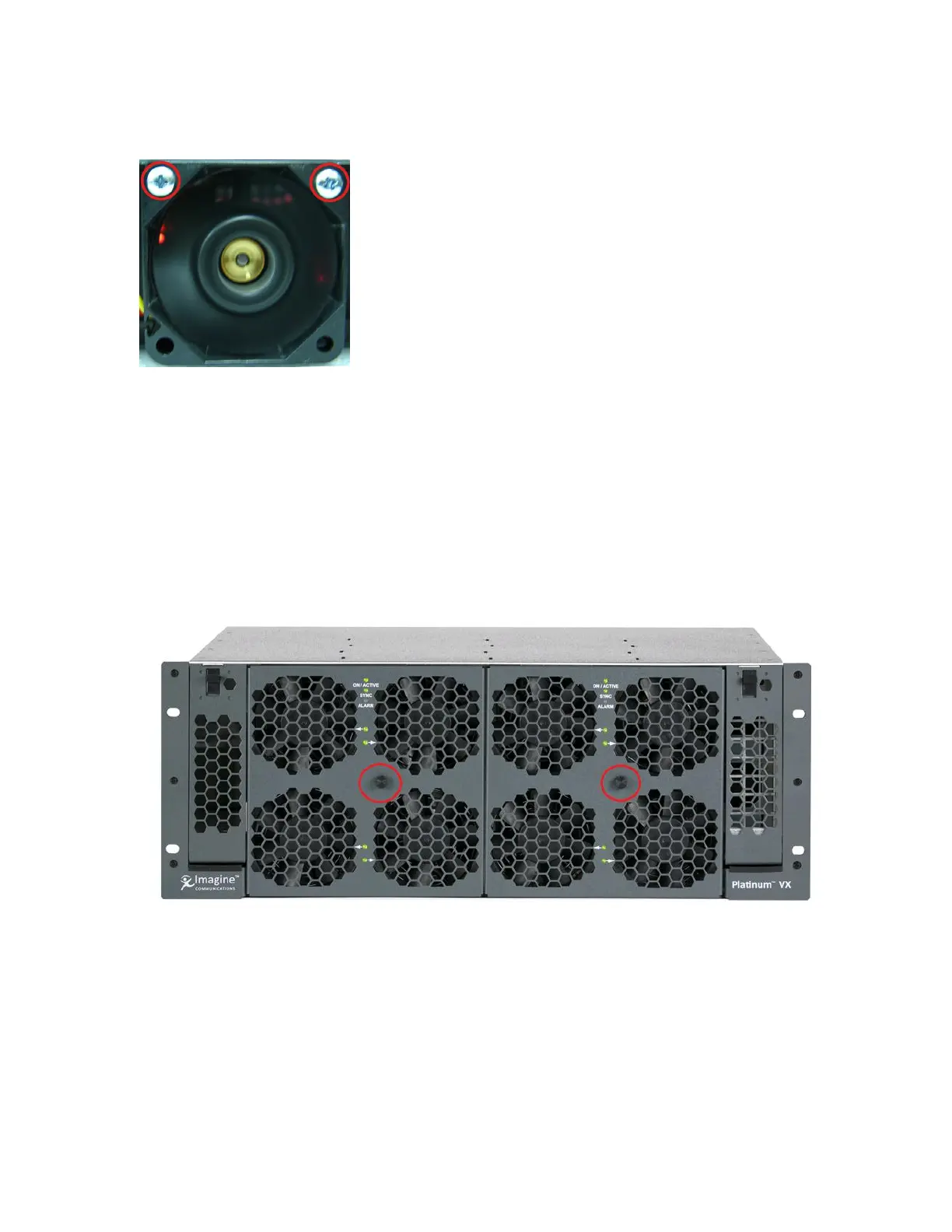
3. Then remove the two top screws on the fan, and remove the fan from the frame
Figure 30: Unscrewing a fan in a 1 RU frame
Servicing/Replacing Fan Modules in 4/8 RU Frames
In a 4 or 8 RU frame, fans are mounted onto fan modules, 4 fans to a fan module, 2 fan modules in a 4
RU frame, and 4 fan modules in an 8 RU frame. The fan module has a connector in the center that plugs
into the fan control module (see Fan Control Module (on page 42)) in the frame.
To replace a fan in a 4 or 8 RU frame, you have to remove the entire fan module.
1. Loosen the knob in the center of the module and then gently pull the fan module out.



 To Next Page