Platinum™ VX
Installation and Operation Manual Platinum VX Modules
© 2016 Imagine Communications Corp. Proprietary and Confidential. Version 1.2 | Page 53
You can control Ethernet settings via the Web based UI. See Ethernet 1 Parameters (on page 126) and
Ethernet 2 Parameters (on page 127).
Note: Ethernet 1 and 2 must be on separate subnets.
Changing the Default Primary and Secondary IP Addresses
Ethernet settings can be changed via the Platinum VX Web interface. To do this:
1. Launch the Platinum VX UI in a web browser
2. Click the Configure System link in the top right hand corner.
3. Click Manage Controller Settings
4. Set new IP Addresses in the Primary IP and Secondary IP fields.
Serial Ports
See Serial Port Parameters (on page 128) to control settings via the Web based UI.
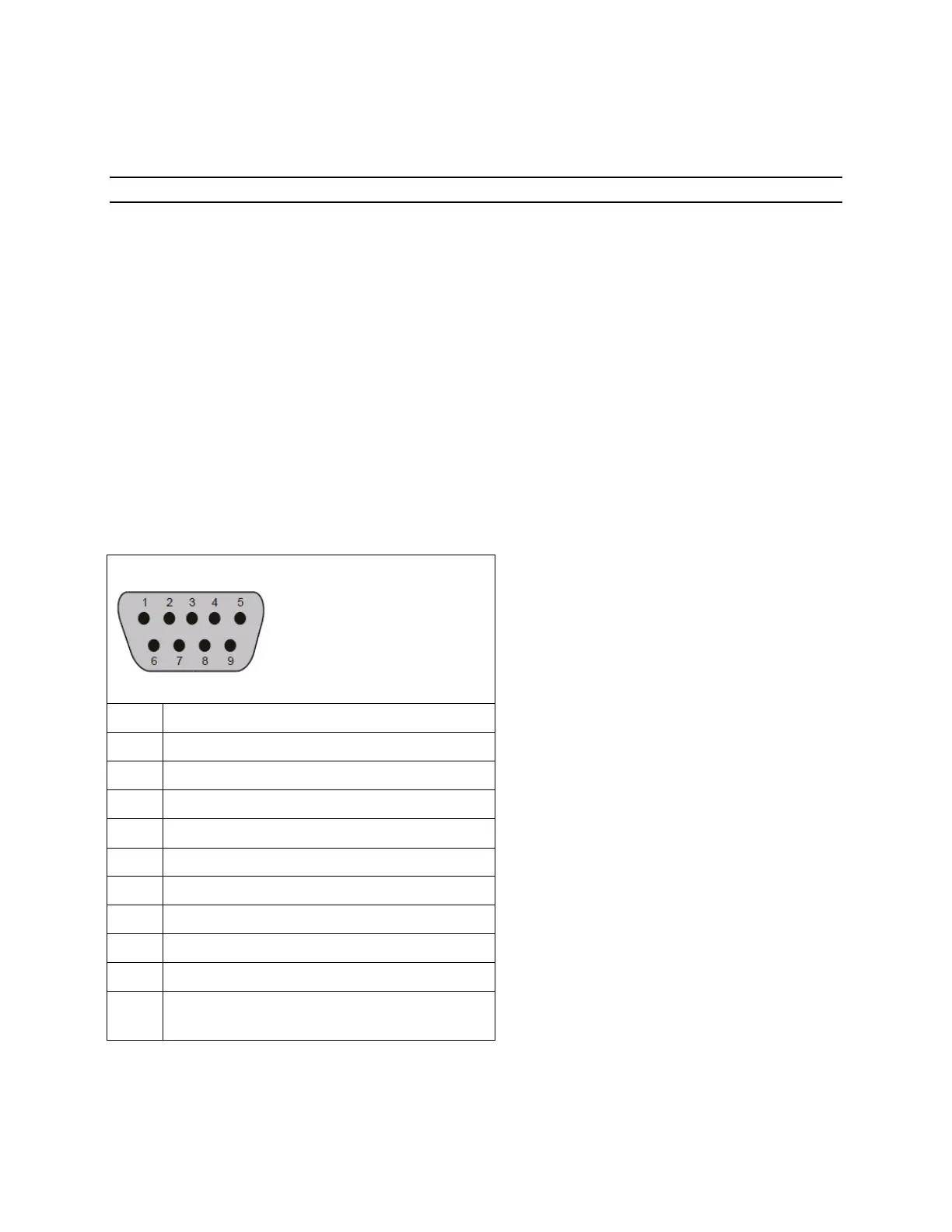
RS-232 Pin Assignments
Table 11: RS-232 Signal Format Pin Assignments
RxD (Data received by router)
TxD (Data sent by router)
* Pins 4 and 6 connected internally.
** Pins 7 and 8 connected internally



 To Next Page