Platinum™ VX
Installation and Operation Manual Platinum VX Client Overview
© 2016 Imagine Communications Corp. Proprietary and Confidential. Version 1.2 | Page 88
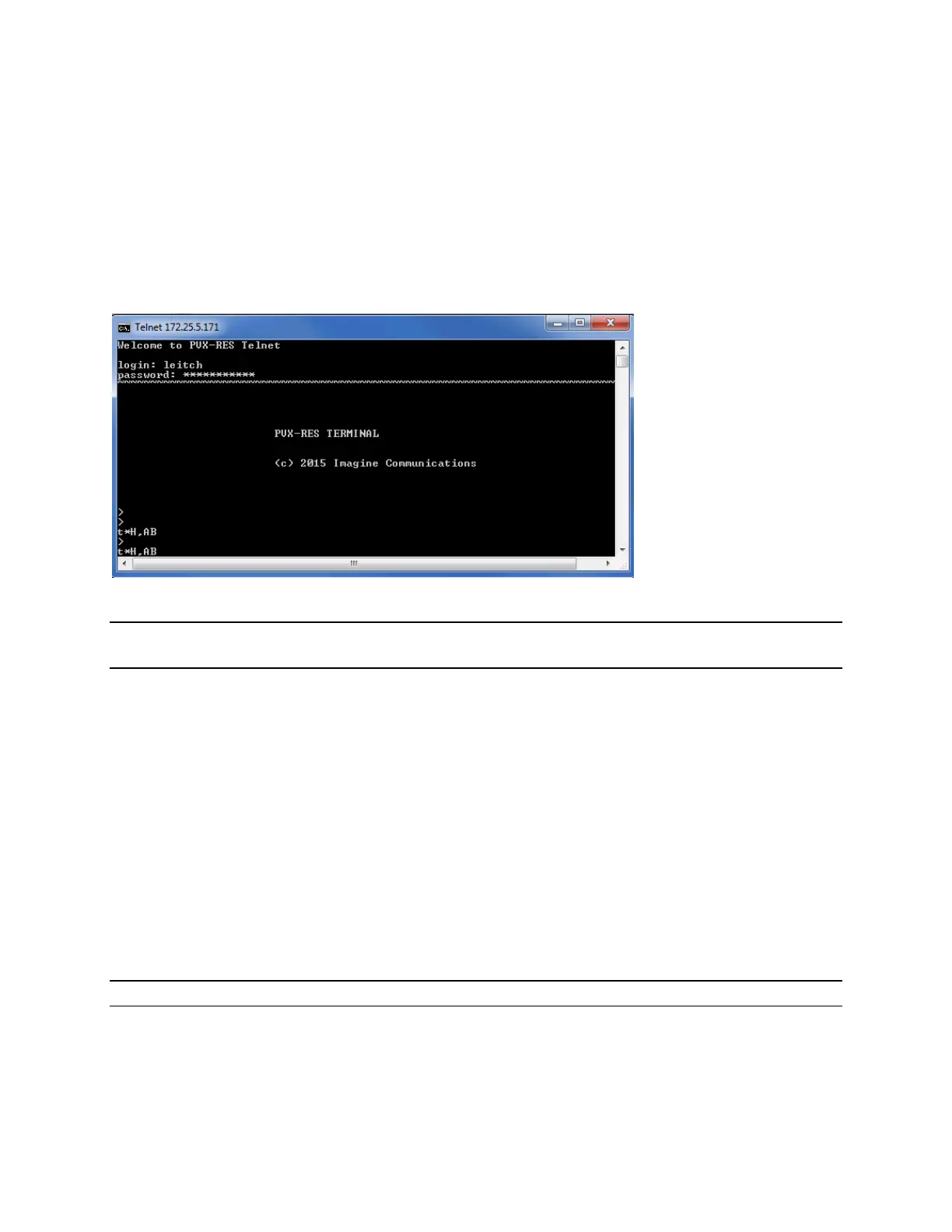
Telnetting into a Platinum VX
You can telnet into a Platinum VX by entering:
Telnet <IPAddress>
UserName: leitch
Password: leitchadmin
Once you telnet in (without specifying the port number), it connects directly to port 23.
Note that the Platinum VX telnet only supports XY pass through protocol and not XY terminal
commands.
You will see system heartbeats on connection (t*H,<ID>). You can get X/Y status, query device status,
crosspoint status, etc. For example:
@ I?T
Response from all the XY devices connected to the Platinum VX
@ S?0
Reports entire level crosspoint status S:0<D#>,<S#>
@ F?0
Reports level 0 logical size and physical matrix size
Refer the Serial Protocol Reference Manual for details.
Port 23 is the router control terminal. Port 24 is the application service terminal. To connect to port 24,
enter:
Telnet <IPAddress> 24
Note: You can now have up to 32 clients connected. In the past, you could have only 4 connections.



 To Next Page