Platinum™ VX
Installation and Operation Manual System Configuration
© 2016 Imagine Communications Corp. Proprietary and Confidential. Version 1.2 | Page 156
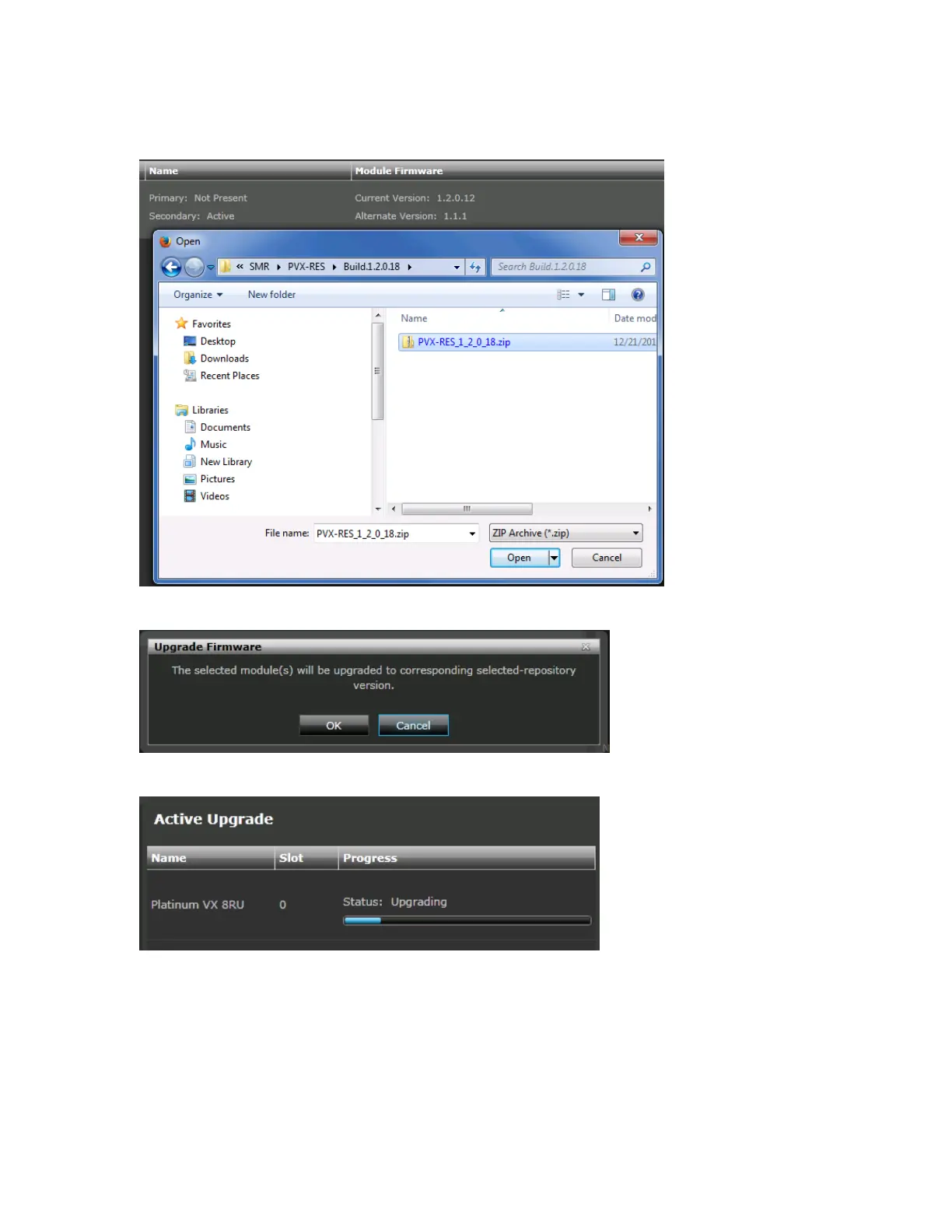
2. Browse and select the firmware package. Click Open.
3. You will get a message confirming the upgrade.
4. Upload and Upgrade progress will be displayed on the right
5. Click the Activate button to activate the new firmware



 To Next Page