Platinum™ VX
Installation and Operation Manual Platinum VX Client Overview
© 2016 Imagine Communications Corp. Proprietary and Confidential. Version 1.2 | Page 83
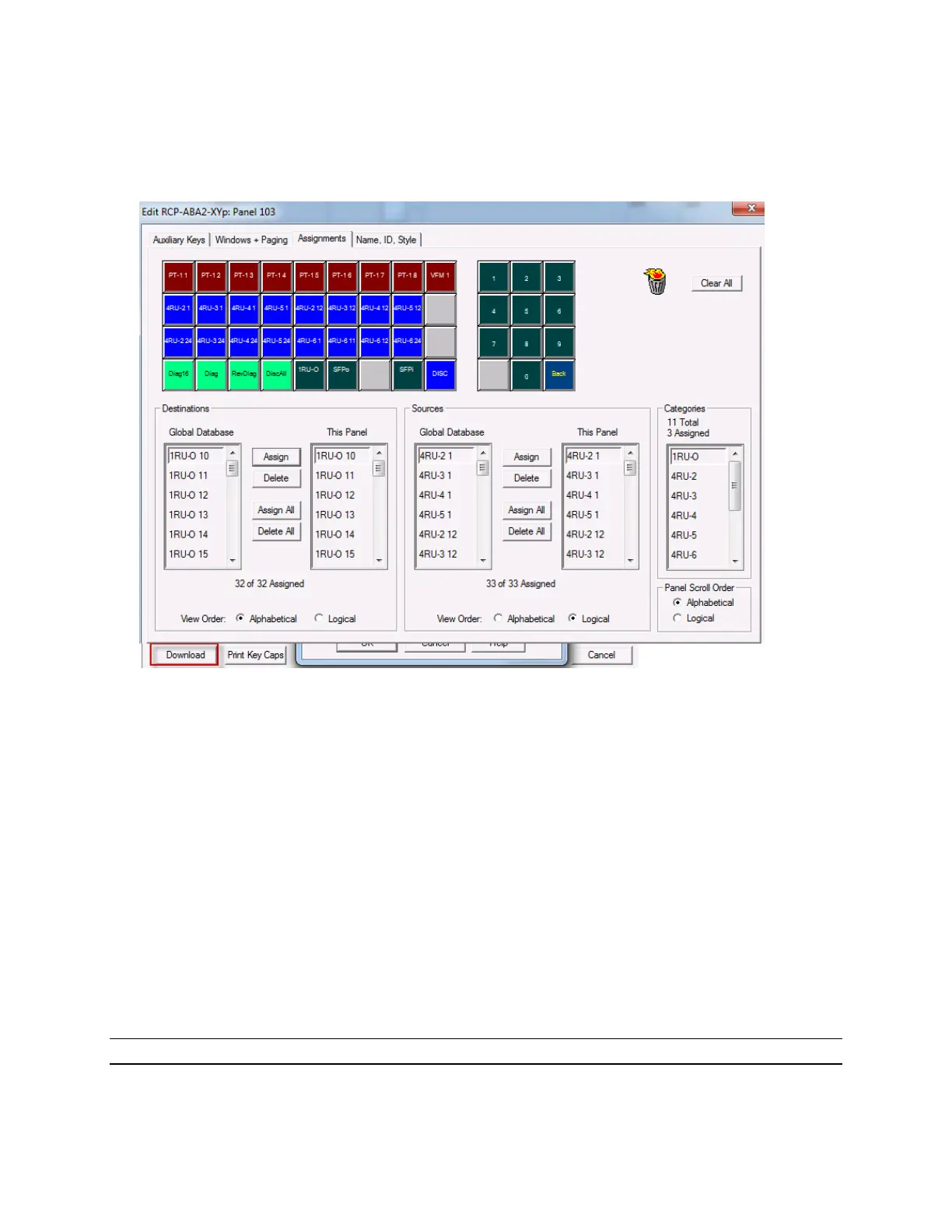
7. Publish. Or in case of legacy control panels, most of which do not support doing a Publish, open the
control panel configuration window, map the button assignments, and then download the
configuration to the panel.
Support for Salvos
A salvo is a predefined list of crosspoints, that when executed (take), will be switched in the specified
time frame. Salvos can be used to store commonly used complex router setups involving multiple
destinations for instant recall. Salvos are executed from a hardware control panel (or its web UI) and
defined using Magellan™ CCS Navigator.
When used with a Magellan™ Router Control Panel (RCP), the Platinum VX supports enhanced salvos.
When used with other legacy control panels, only basic/normal salvos are supported. Salvos have to be
downloaded to legacy panels.
Enhanced Salvos are salvos that can be executed even if Sources and Destinations are locked or
protected. Depending on the options selected, an enhanced salvo can:
Override protected sources and destinations only
Override sources and destinations locked by the same user that executes the salvo
Override sources and destinations locked by any user
Note: Enhanced salvos must be published to the applicable device before they can be executed.
Magellan CCS Navigator is needed to define salvos and to publish. If you publish directly from the
Platinum VX Database Editor and sync your control panel to the Platinum VX without publishing the



 To Next Page