44 Off-Hook Preference
To erase your na me:
1. Dial [690].
2. Press the SPEED button to complete the erasing process.
A confirmation tone sounds and your name is erased.
Off-Hook Preference
If your phone has been programmed for Off-Hook Preference,
you will access an outside line or a feature by going off-hook or
pressing the ON/OFF button.
To access an internal intercom dial tone, while Off-Hook
Preference is enabled:
1. Pres s y our pre-programmed ICM flexible button (LED
lights steady), or dial your own three-digit intercom
number. (Do not lift handset or press ON/OFF button
before dialing in tercom n umber).
2. Dial an internal station or feature access code.
Off-Hook Preference Programming
If your phone is programmed for Off-Hook Preference, and you
have the ability to enable or change the prime flexible button:
1. Dial [691].
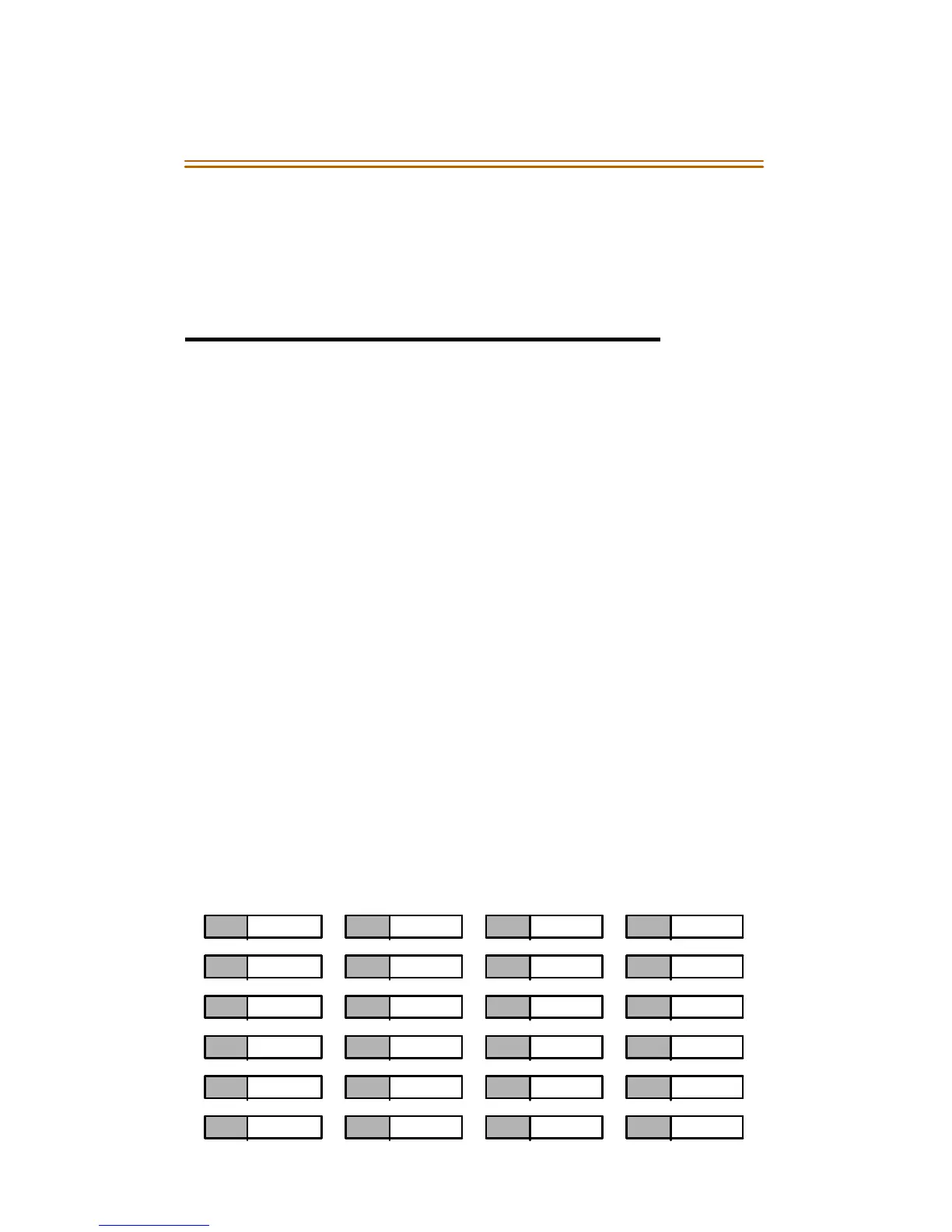
2. Dial the two-digit button number (refer to diagram).
1 2 3 4
5 6 7 8
9 10 11 12
13 14 15 16
17 18 19 20
21 22 23 24
❑
Flex
Btn



 To Next Page