Personalized Messages 49
3. Speak in a normal tone of voice to deliver m essage.
4. Stations receiving a page Announcement can press the
Volume Bar to change Paging Volume. The display shows:
5. Replace the handset to terminate the page
announcement.
Personalized Messages
Each station can select a pre-assigned message to be displayed
on the LCD of any Key Telephone calling that station.
To select one of the ten available messages:
1. Dial th e Message Access code [633] or press the MSG
ACCESS flexible button (if pre-programmed).
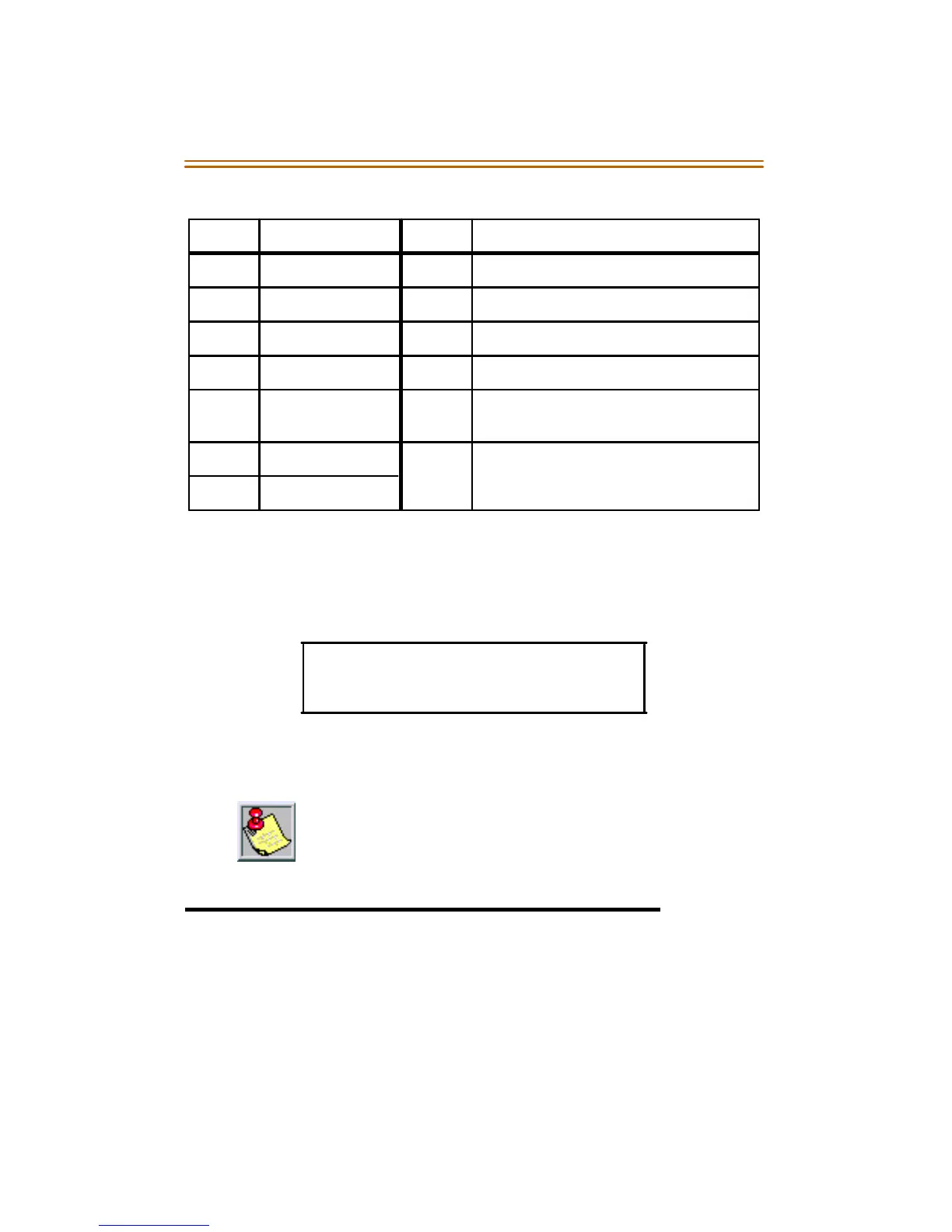
Code Zone Code Zone
700 Int/Ext All Call 707 Internal Zone 7
701 Internal Zone 1 708 Internal Zone 8
702 Internal Zone 2 709 Internal All Call
703 Internal Zone 3 76[O] External All Call (DVXPl us II/II I/IV)
704 Internal Zone 4 76[P] External Page Zones 1-2 (DVXPlus
II/III/IV )
705 Internal Zone 5 761 External Page (Mach I)
706 Internal Zone 6
SPEAKER PAGE [######### ]
MMM DD YY HH:MM am
Stations off-hook or in DND will not hear the page
announcement.



 To Next Page