This document contains proprietary and confidential information of Integra LifeSciences Corporation. Integra’s confidential information may not be used, disclosed or reproduced without the prior wrien consent of Integra LifeSciences Corporation.
CUSA® Clarity System Service and Maintenance Manual Page 53 of 117 0645403-2-EN
7.7 Visual Inspection
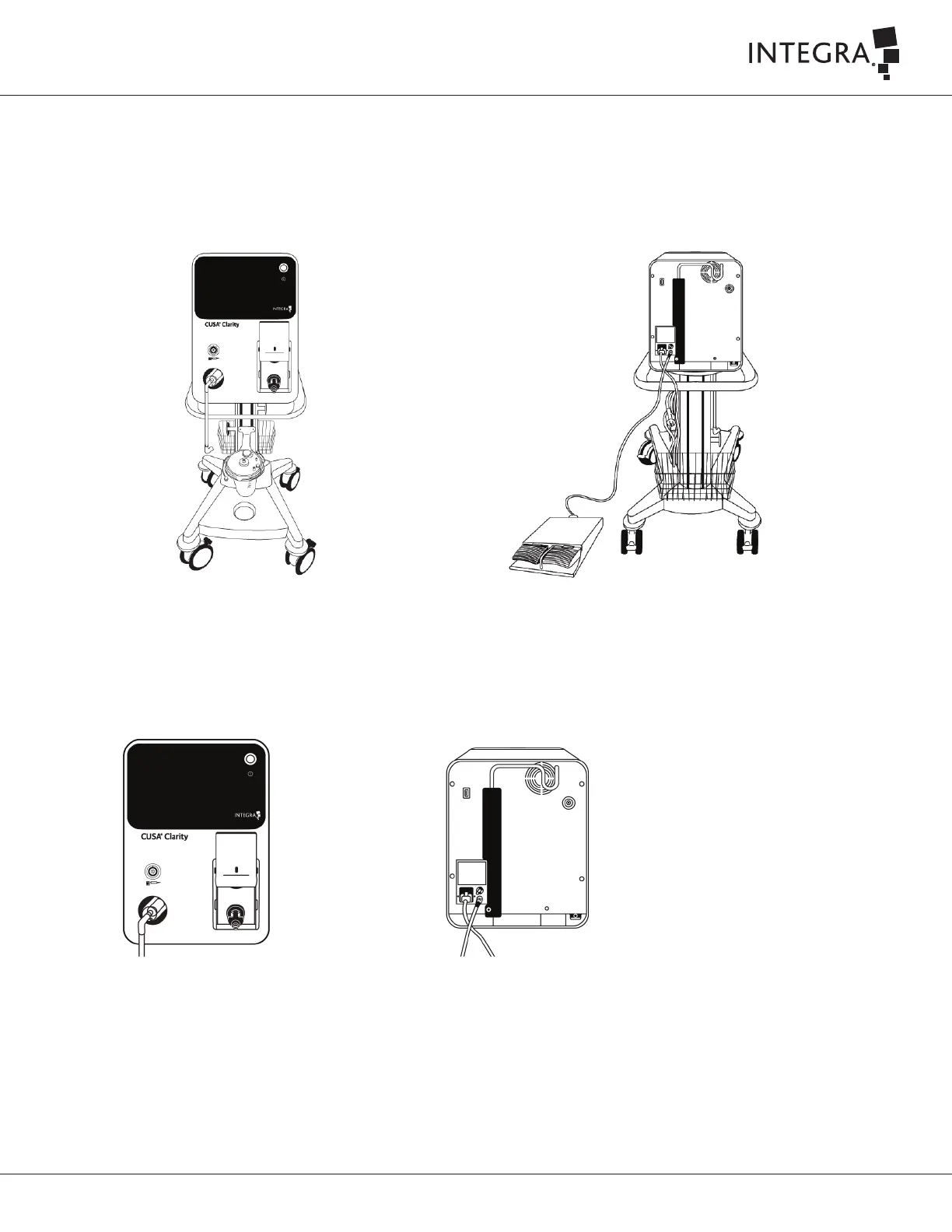
The CUSA Clarity console, handpiece, and all associated components and accessories should be visually inspected for various forms of disrepair prior
to disassembling, cleaning, sterilizing, or proceeding with preventive maintenance. Replace all damaged components and accessories.
When conducting a visual inspection, the technician shall:
• Confirm all labels are in good condition, legible, and firmly aached (no curled or loose edges).
• Inspect the console body for scratches on front and rear component as well as the metal cover.
• Check canister holder for damage and deformation.
• Inspect for scratches or damage to footswitch.
• Check condition of the AC power cord aached to the console.
• Inspect for cracks or damage to touch screen display.
• Check handpiece cable connector and contamination guard connector for cracks or damage.
• Check suction pinch valve for damage
• Check irrigation door for damage and check it is opening and closing smoothly.
• Check system fan vent is free from obstruction.
• Inspect the IV Pole at the rear side for damage and check its functionality.
• Check to ensure fuses are in-place.
• Check connectors for damage and correct orientation.



 To Next Page