This document contains proprietary and confidential information of Integra LifeSciences Corporation. Integra’s confidential information may not be used, disclosed or reproduced without the prior wrien consent of Integra LifeSciences Corporation.
CUSA® Clarity System Service and Maintenance Manual Page 66 of 117 0645403-2-EN
8.6 Amplitude Troubleshooting
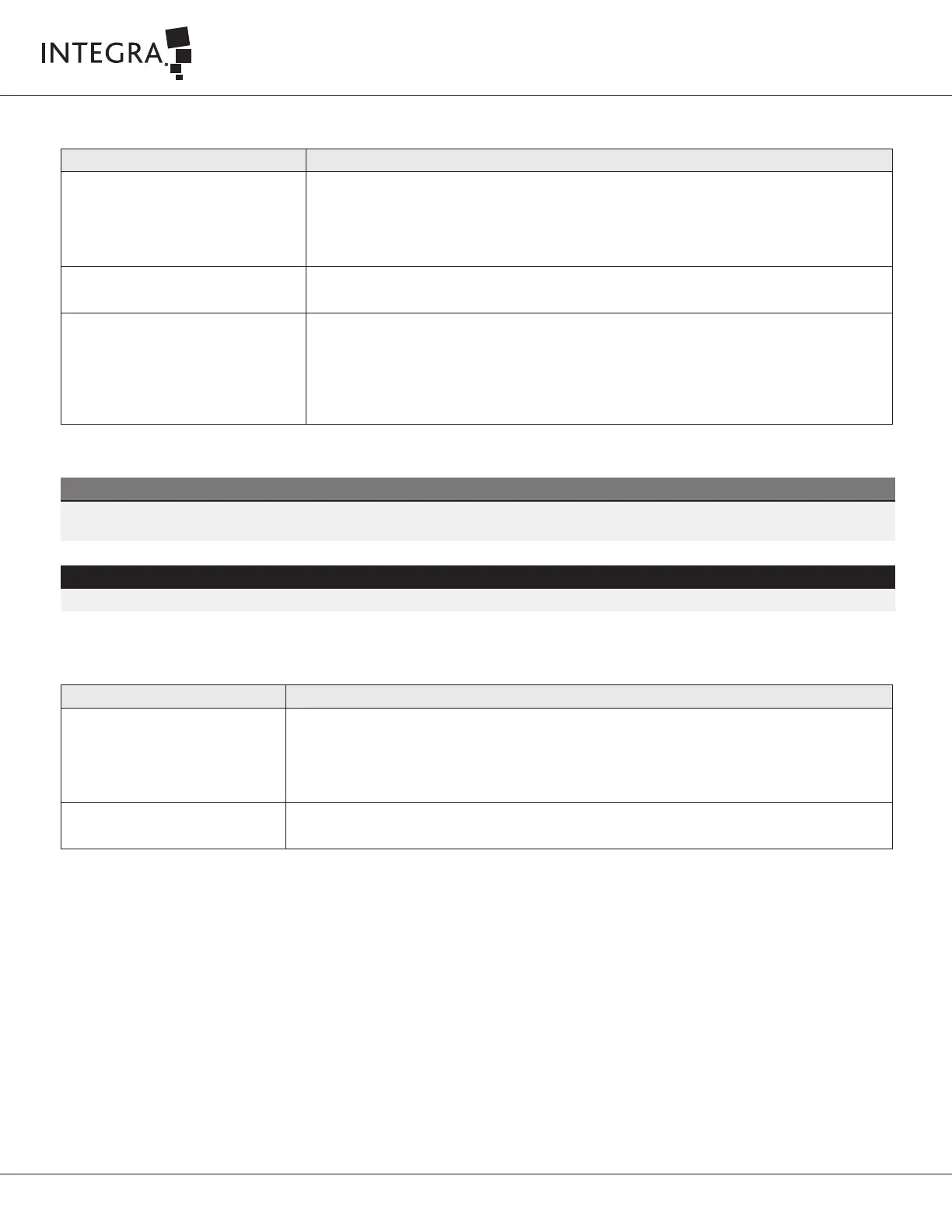
Condition Recommendation
Amplitude Indicator bar not equal to
selected amplitude, or pulsing erratically
• On Tissue Select 3-High, or 4-Maximum, Amplitude Indicator is always lower than selected amplitude
• During aggressive tissue fragmentation, small amplitude drops may briefly occur
• If Amplitude Indicator is persistently low or erratic, stop vibration – allow handpiece to cool
• Return to Setup Screen and repeat handpiece test
Ineffective fragmentation (due to
frequency dri – temperature dependence
1. Go into standby mode
2. Run handpiece test to update the frequency optimization
Low or no aspiration 1. Check aspiration at the end of the tip to make sure the aspiration is being delivered to the distal end
of the tip
2. Check tubing and connections for leaks
3. Verify connections to canister
4. Utilize the stylet to clear the clog
Table 8-3
WARNING
To avoid injury or damage to equipment, place system in standby mode prior to changing tip or clearing a clog.
NOTE
To avoid tip blockage during surgery, flush the saline solution in between uses. This removes debris before it can dry and block the tip while it is not in
use.
8.7 Aspiration Troubleshooting
Condition Recommendation
Excessive aspiration in On Demand
aspiration mode
• Remove and re-install the cartridge to make sure the tubing is in the pinch valve
• Press the pinch valve buon to open and close the valve 3 to 5 times to ensure the valve closes completely
• Replace cartridge set
• Contact Integra Service
Difficulty with removing cartridge • If the system is powered on, li the cartridge door and remove cartridge
• If the system is powered down, press the pinch valve to remove the cartridge
Table 8-4



 To Next Page