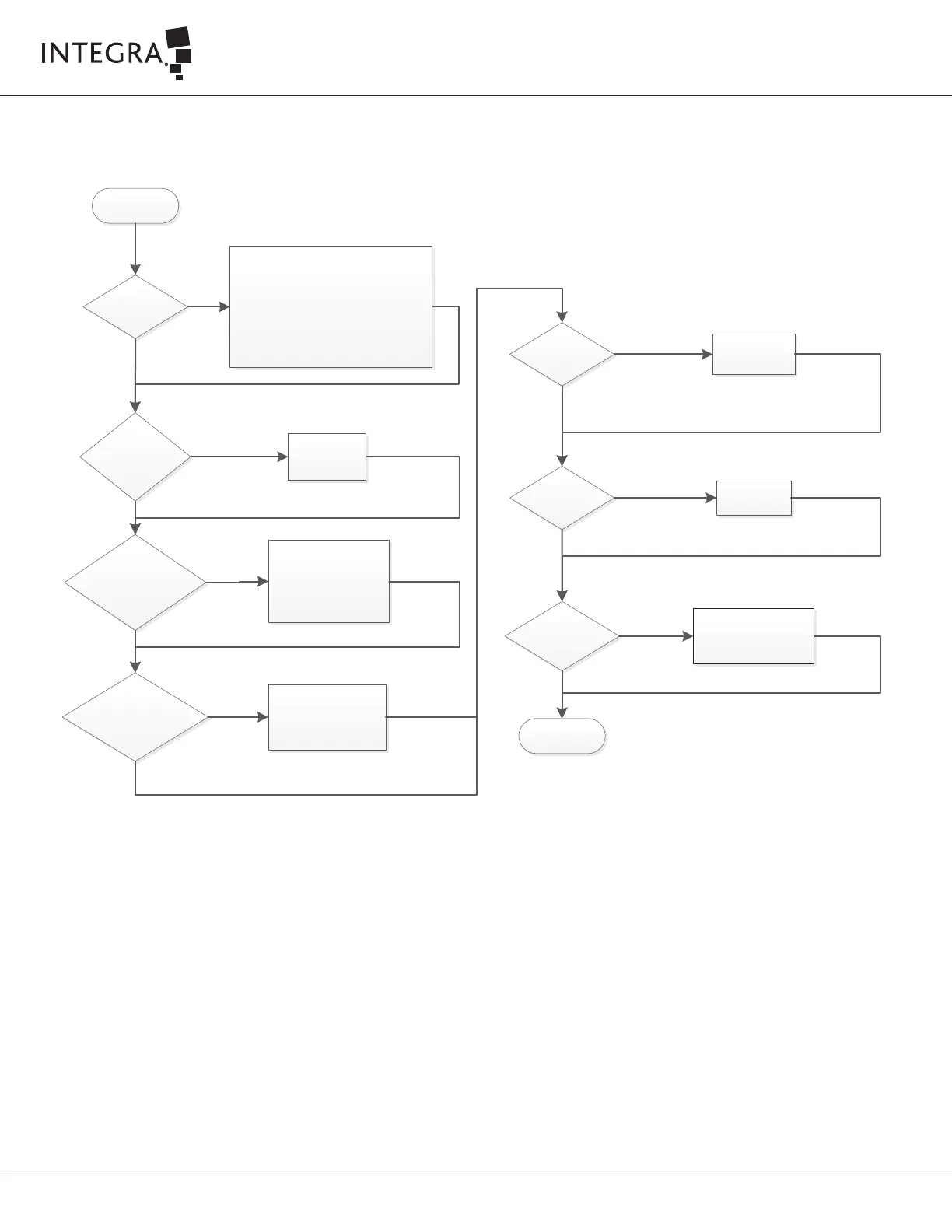
No irrigation flow
from the handpiece
No
Is the irrigation tube
connected to the handpiece
tip flue?
Connect irrigation tube to
handpiece tip flue
No
Was prime completed
fully so that fluid filled the
irrigation tubing?
- Return to Setup Task Menu
- Press the Start Prime
button, allowing time for
irrigation fluid to drip from
the tip.
Yes
Yes
Irrigation tubing
pinched or kinked?
Remove the pinch
or kink from the
tubing.
Yes
No
I.V. bag empty?
Replace the I.V.
bag.
Yes
No
No
IV clamp opened? Open the IV clamp
No
End
Irrigation pump
not turning?
Check on the screen the « On Demand / Constant »
indicator.
- If set to « Constant » the Irrigation pump should
be turning.
- If set to «On Demand » the Irrigation pump
should be turning only when you activate
Ultrasonics.
If these conditions do not exist, call Integra for
assistance.
No
Yes
Irrigation tubing
properly sited on
rollers pump
- Open irrigation pump door
- Place properly irrigation
tubing on the rollers
- Close irrigation pump door
No
Yes



 To Next Page