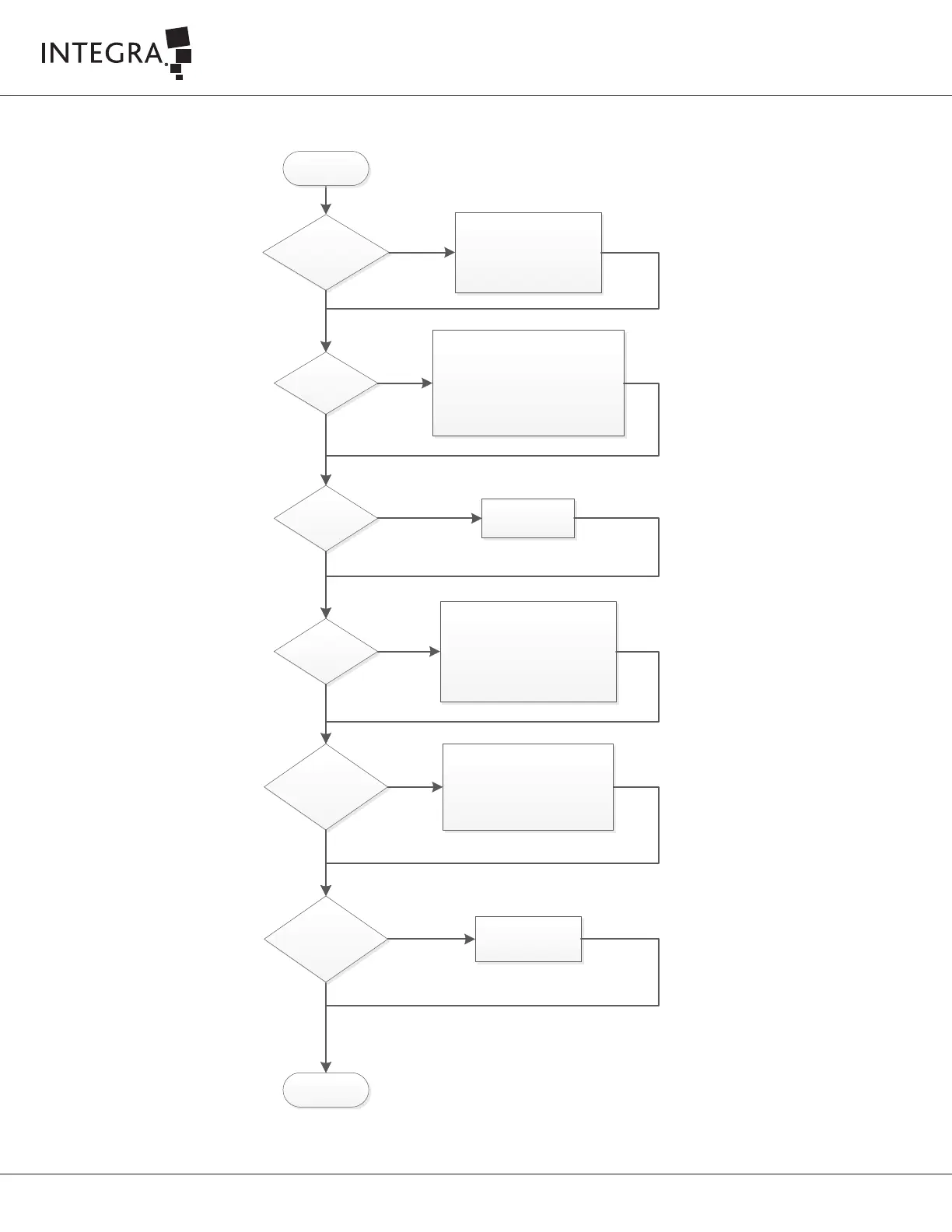
Excessive tip/tissue
pressure (stalling tip)?
- Verify that console settings are at
desired levels
- Remove the tip from contact with
tissue, then reactivate vibration.
Note: When first activating
vibration, make sure that there is no
tip/tissue pressure.
Yes
No
Blocked Tip?
- Immerse the handpiece tip in sterile
irrigation fluid briefly. This may clear
the blockage.
- Verify that the manifold suction tube connects
properly to the Handpiece.
- Use the tip cleaner to dislodge the blockage in
the tip. Continue to push the tip cleaner into the
tip until the cleaner becomes visible in the
tubing.
Yes
No
Incorrect flue
installed?
Install the correct flue.
Yes
Tip loose due to
improper assembly?
- Press the Setup / Standby button to place
the system in Standby mode.
- Remove the handpiece from the
sterile field.
- Use the sterile torque base and a
disposable sterile wrench to tighten the tip.
(Refer to Cusa Clarity IFU)
- Press Start Test button
Yes
No
Damaged handpiece?
- Press the Setup / Standby button to place
the system in Standby mode.
- Press Start Test button
If the test fail press Detail button and
follow instructions. (Refer to Cusa Clarity
Operator Manual)
- Replace handpiece if problem persists
Yes
No
No
End
Little or no vibration
or fragmentation
Amplitude level
fluctuating on the
screen?
Call Integra for assistance
No
Yes



 To Next Page