IPETRONIK PlugIn X V02.14.00
5.2 Using modules
5.2.1 PC network settings
IPETRONIK-X modules are supporting DHCP (Dynamic Host Configuration Protocol) and manage the IP
addresses of the clients connected to the local network. Check and verify the Properties of the LAN
connection from the system control of your PC:
Windows 7: Network and Services,
Windows XP: Settings > Network Connections)
Verify the setting Receive IP-Address automatically at the network settings Internet protocol properties.
For Windows 7 we recommend to switch the User Account Control (UAC) off resp. to set it to
the lowest level.
5.2.2 Connecting modules
Daisy-chain all required modules using the respective cables as shown in the diagram System overview .
Connect the data cable to the Ethernet interface of your DAQ PC.
Connect the PWR cable with an appropriate power supply (output voltage 9 V
DC
to 36 V
DC
),
Connect the sensors with the respective input cables to the measurement inputs.
Switch on the power supply.
5.2.3 Detecting modules
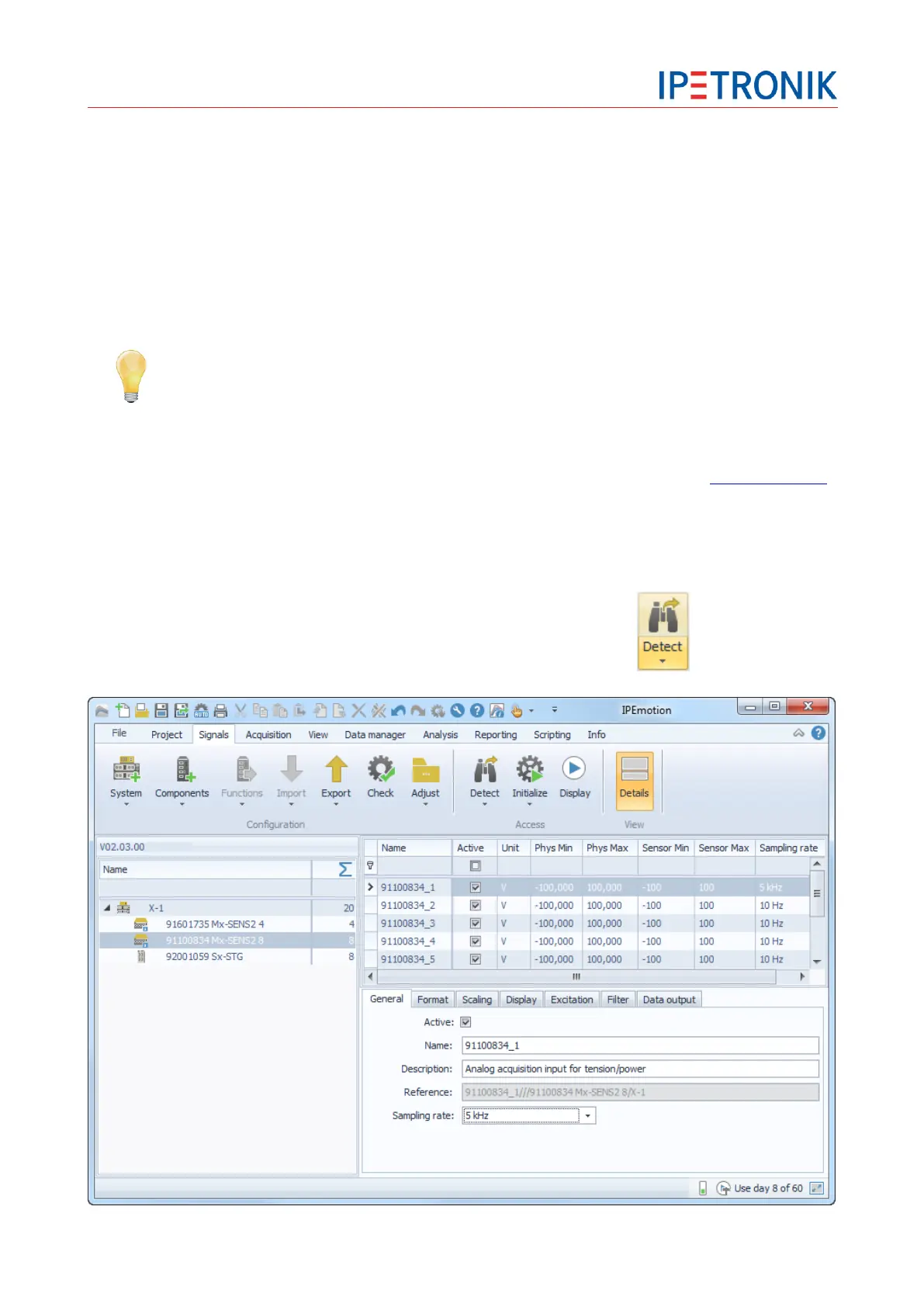
Move to the main tab Signals.
Click Detect from the signals icon bar to identify connected modules.


 To Next Page