EasyManua.ls Logo

ISHIDA Uni-3 - 4.6 DEPARTMENT NAME DATA; P07 DEPARTMENT; STORE; NAME EDIT

ISHIDA Uni-3
241 pages
Print Icon
To Next Page IconTo Next Page
To Previous Page IconTo Previous Page
Loading...
Chapter 6 SETUP MODE
6-6 UNI-3 Service Manual
B01-01-07 SATELLITE PORT NUMBER
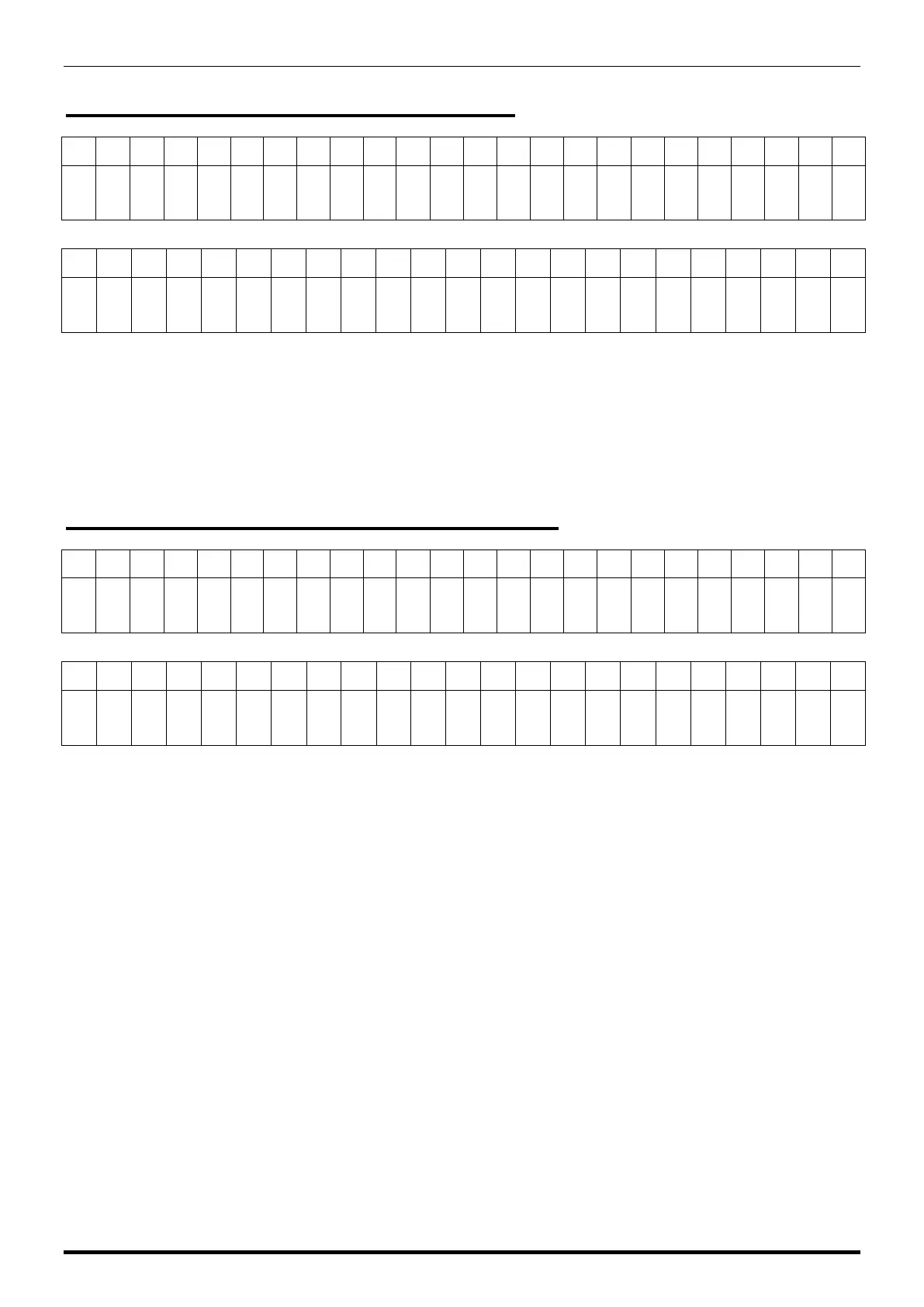
The dot display
1
2
3
4
5
6
7
8
9
10
11
12
13
14
15
16
17
18
19
20
21
22
23
24
*
S
A
T
E
L
L
I
T
E
P
O
R
T
N
U
M
B
E
R
The segment display
1
2
3
4
5
6
7
8
9
10
11
12
13
14
15
16
17
18
19
20
21
22
23
B
0
1
-
0
1
-
0
7
P
O
R
T
N
O
*
*
*
*
*
The port number of Satellite scale.
Satellite Scale Port No.
Specify the Port No. for socket transmission.
Default No. 55102
B01-01-08 MASTER SACALE IP ADDRESS
The dot display
1
2
3
4
5
6
7
8
9
10
11
12
13
14
15
16
17
18
19
20
21
22
23
24
*
M
A
S
T
E
R
I
P
A
D
D
R
E
S
S
The segment display
1
2
3
4
5
6
7
8
9
10
11
12
13
14
15
16
17
18
19
20
21
22
23
B
0
1
-
0
1
-
0
8
&
&
&
$
$
$
#
#
#
*
*
*
Enter IP address of Master Scale.
&&&.$$$.###.***
Specify Master Machine when connecting to CSIS Satellite.
The IP address you specify here is recognized as the Master Machine and transmits as the Master Machine
when connecting to Satellite.

Table of Contents

Other manuals for ISHIDA Uni-3

Related product manuals