VT50 – Operation
5.3.8.2 Terminal information
To change to the terminal information proceed as follows:
1. Press on the "Terminal" button on the touchscreen or turn the scroll wheel
until the button is highlighted in white and then press on the scroll wheel.
Once the button is highlighted you can, alternatively, also press the "OK" (F6)
button.
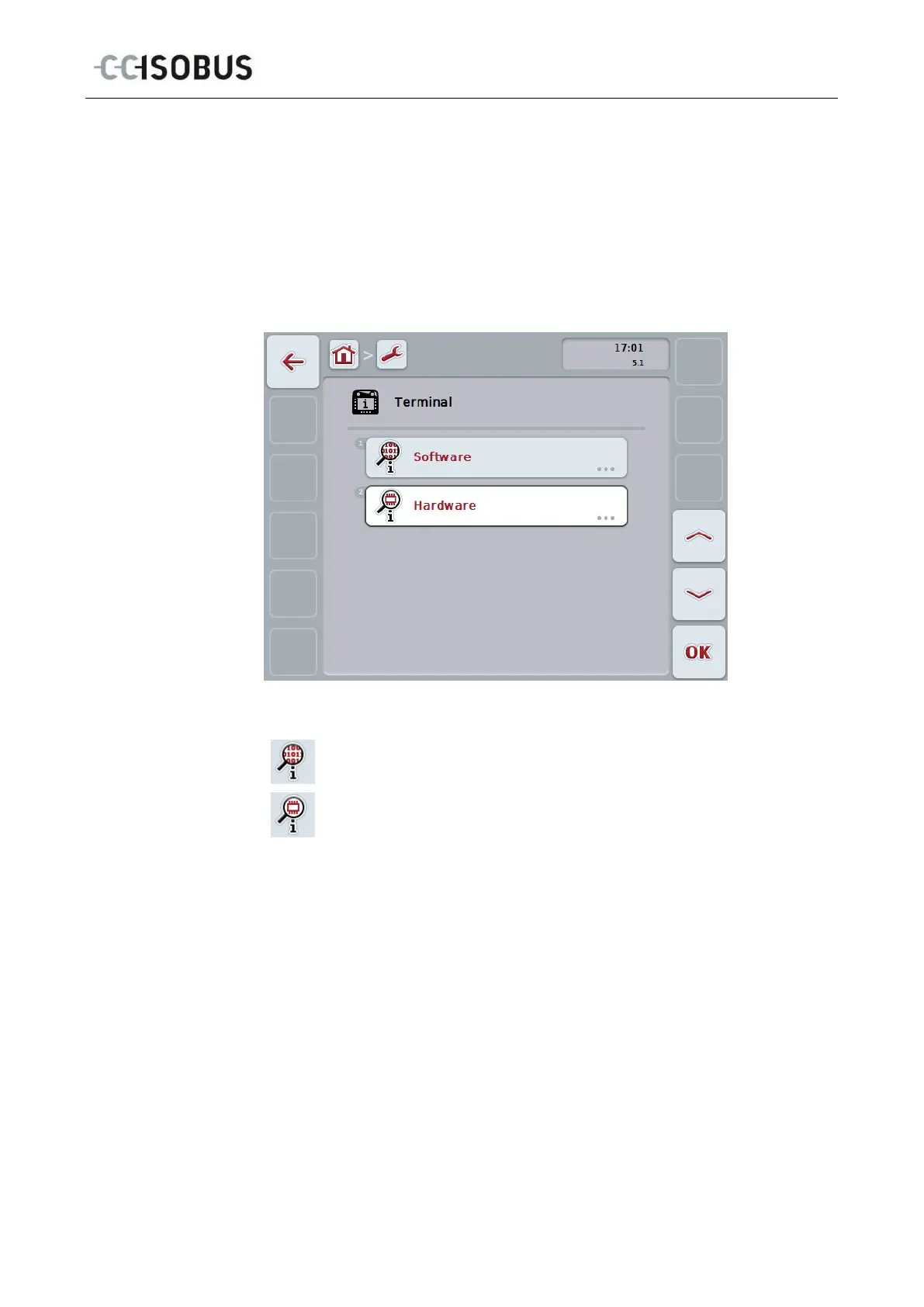
The following mask opens:
You have the following operating options:
Display software information
Display hardware information
47



 To Next Page