105
VM9424
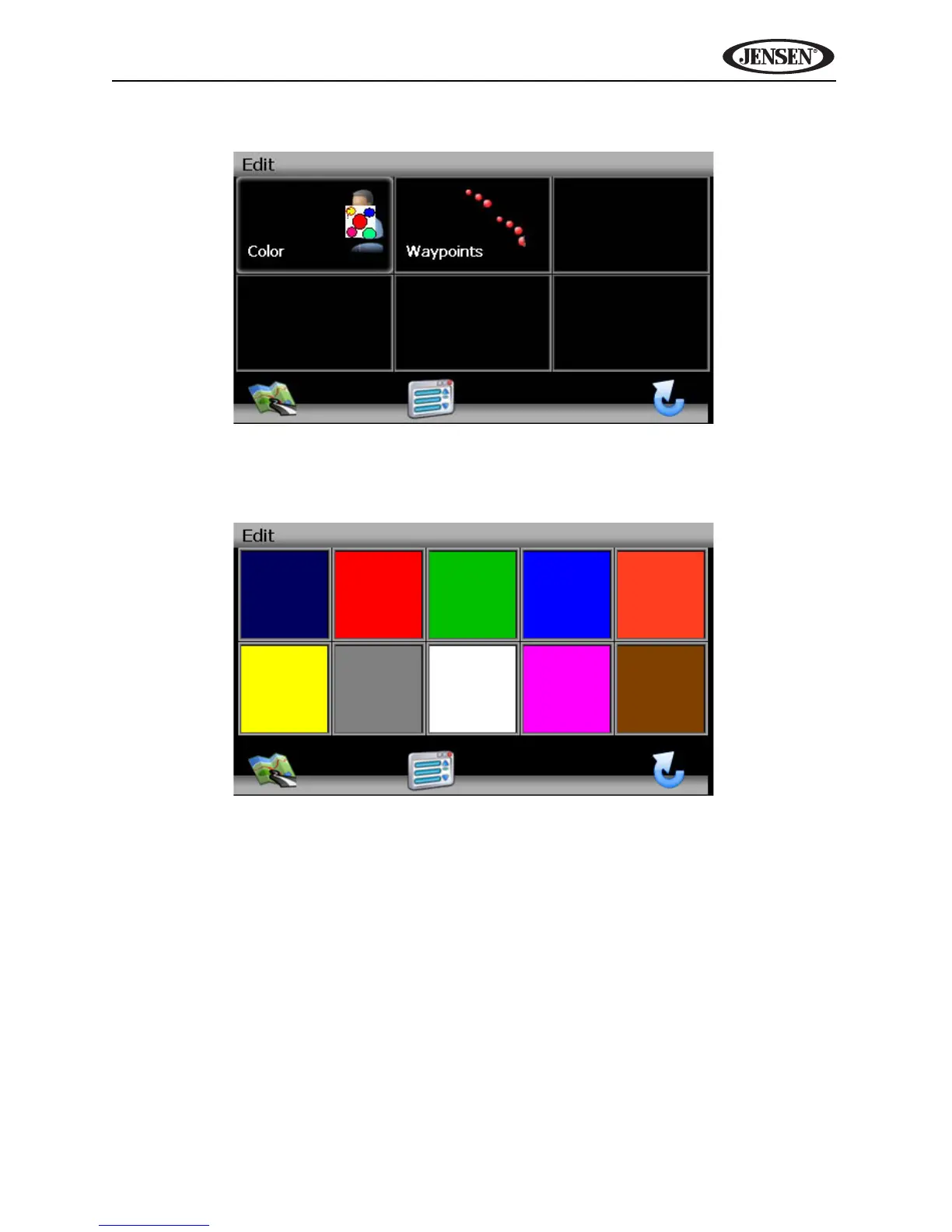
2. Press to highlight the Trail you want to modify. The “Edit” screen appears.
3. Press Color to choose from ten colors for your dotted line guidance. Press
the desired color to apply that color and return to the “Edit” menu.
4. Press Waypoints to edit waypoints on your trail.
• Press to highlight a waypoint.
• Press the pencil icon to edit the name of the waypoint.
• Press the trash can icon to delete the waypoint (you will be asked to
confirm deletion).
• Press the blue /\ / V arrow buttons or use the scroll bar on the right
side of the screen to navigate the list.



 To Next Page