106
VM9424
Delete Trail
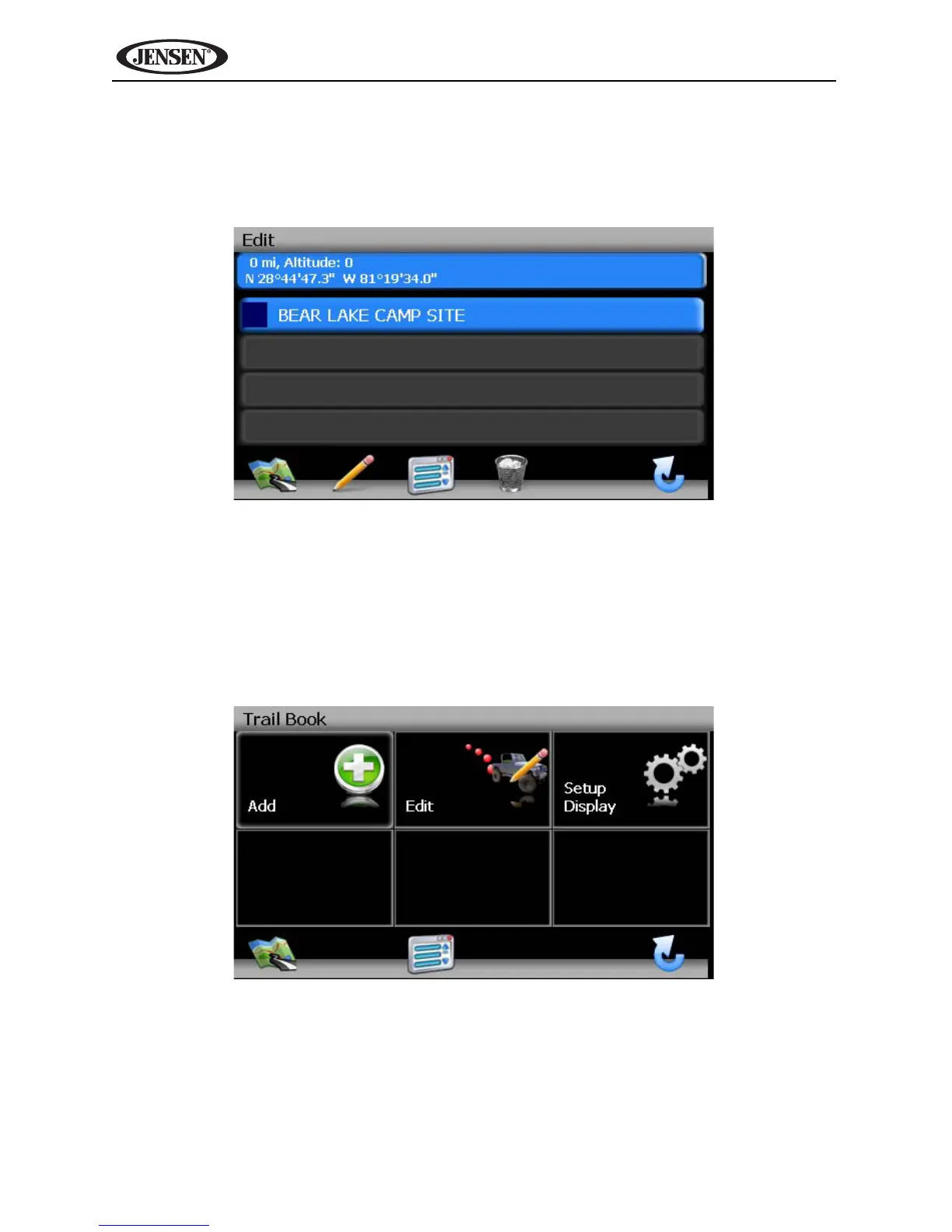
1. To edit an existing trail press the following sequences of menu buttons: Go
To... > Favorites > Edit Favorites > Trail Book > Edit from the “Main
Menu”.
2. Press to highlight the trail you want to delete.
3. Press the garbage can icon to delete the highlighted trail.
4. Press the green check mark to confirm deletion.
Set Up Trail Display
1. To set a map scale display preference for trails, press the Setup Display
option on the “Trail Book” screen.



 To Next Page