17
VM9424
Navigation Sub-menu Features
Misc Sub-menu Features
The DVD system has a built-in parental lock feature to prevent unauthorized
persons from viewing restricted disc content. By default, the rating system is
unlocked. Once setup, the parental lock is released only by entering the
correct password. Once the password is entered, parental control rating is
available for setup.
iPod Gain -7 to 7 Increase or reduce the relative volume (Gain).
Auxin
Gain
-7 to 7 Increase or reduce the relative volume (Gain).
SAT Gain -7 to 7 Increase or reduce the relative volume (Gain).
DISC/
USB/SD
Gain
-7 to 7 Increase or reduce the relative volume (Gain).
Tuner
Gain
-7 to 7 Increase or reduce the relative volume (Gain).
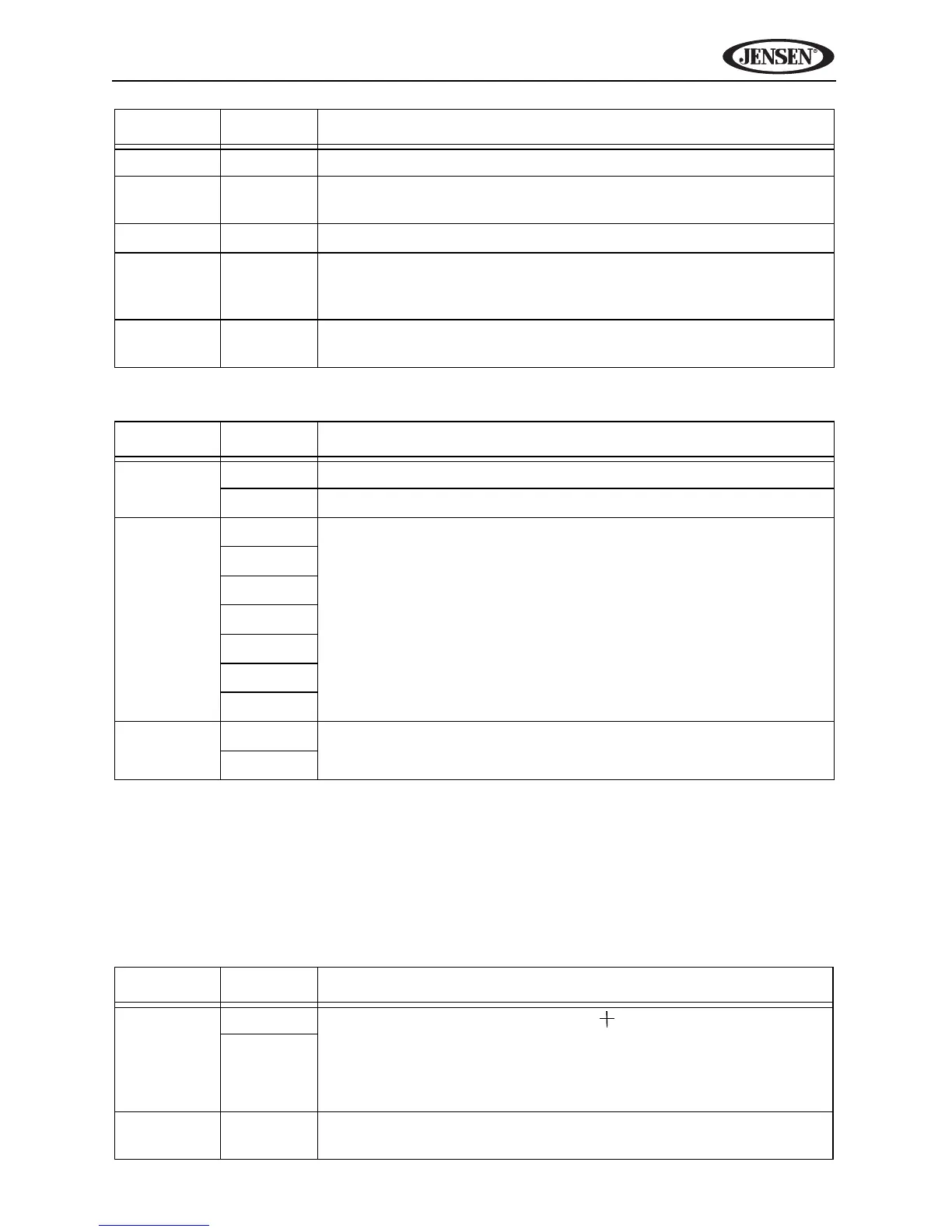
Setting Options Function
GPS Time Ignore Use GPS satellite time.
Sync Use the radio set time.
Time Zone NFT Select navigation time zone.
Atlantic
Eastern
Central
Mountain
Pacific
Alaska
DST Off Turn daylight savings mode on/off.
On
Setting Options Function
TS Cali-
brate
No
After selecting “Yes,” a crosshair appears in a corner
quadrant of the screen. To begin calibration, press and hold
the crosshair for one second until it moves to the next quad-
rant. Continue for each quadrant until the calibration is com-
pleted.
Yes
Set
Password
_ _ _ _ Enter a 4-digit password to activate the “Parental Control”
feature.
Setting Options Function



 To Next Page