90
VM9424
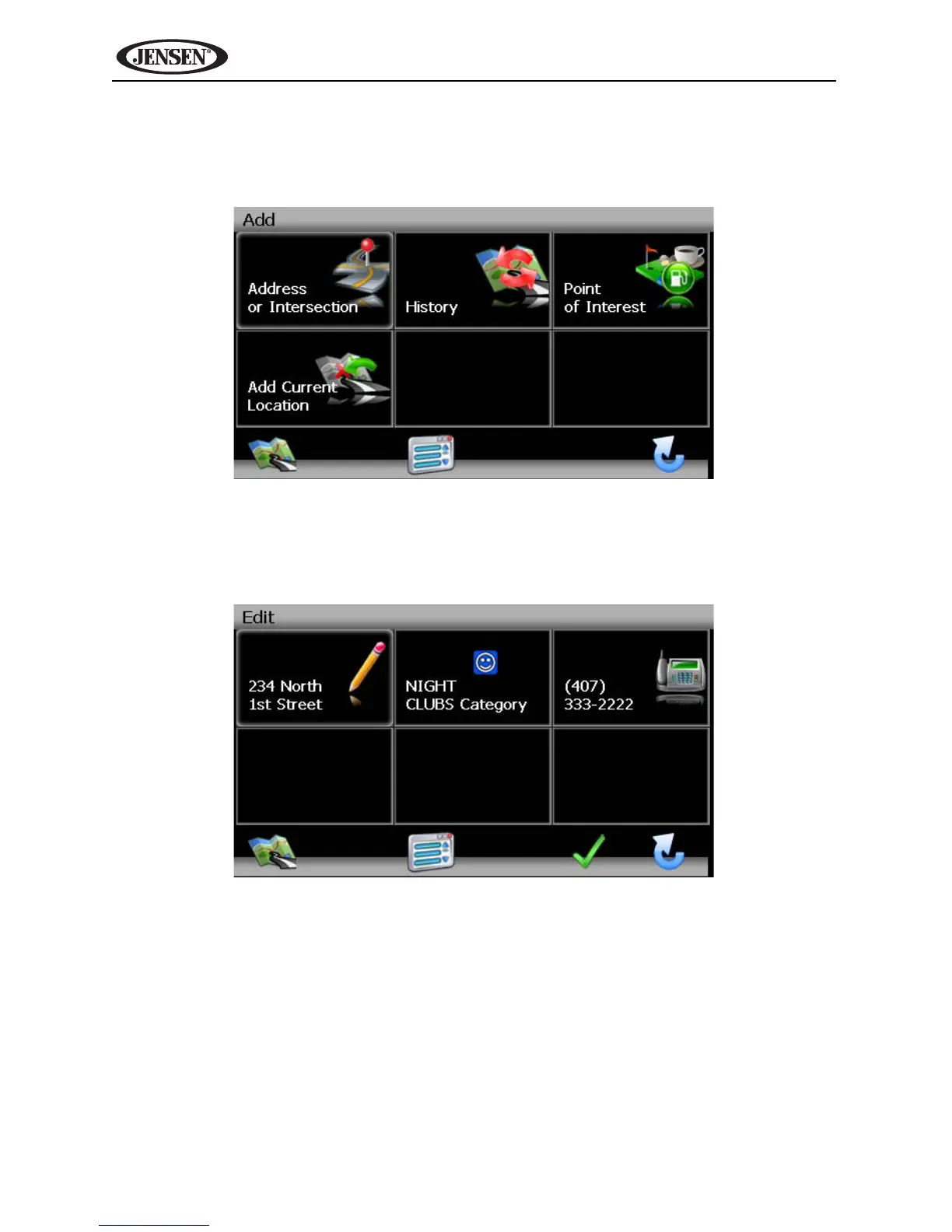
1. To add a destination to a My POI Category, press he following sequences
of menu buttons: Go To... > Favorites > Edit Favorites > My POI > Add
from the “Main Menu”.
2. Refer to information in the section titled “Selecting a Destination” on
page 73 to locate a destination. After entering a destination address, the
“Edit” screen appears.
3. Add additional information about your POI:
• Press the address box to edit name of your POI.
• Press the Category box to select a category for your new POI.
• Press the phone box, to use the on-screen keypad to enter the phone
number for the new POI.



 To Next Page