91
VM9424
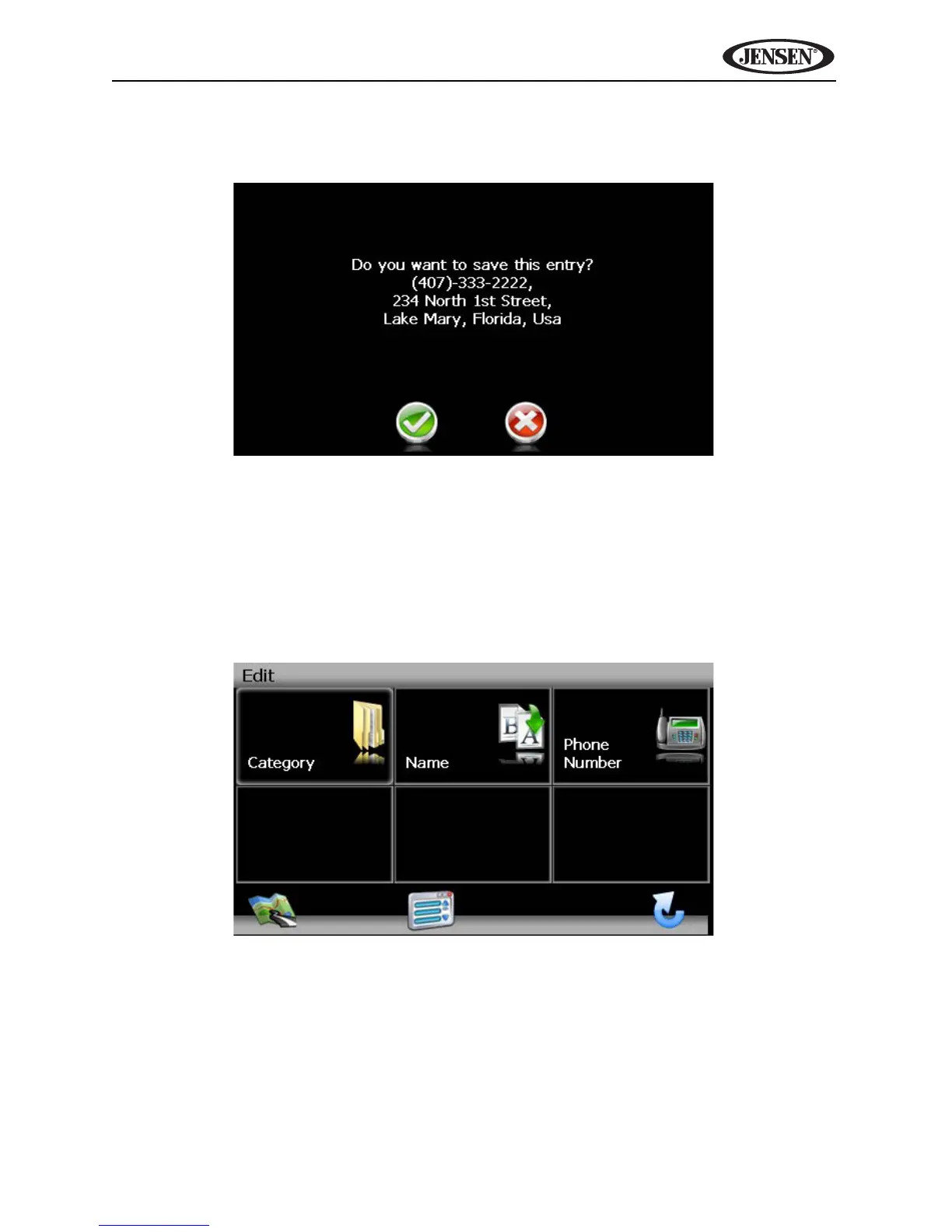
4. Press the green check mark to save your POI entry. A confirmation screen
appears.
5. Press the green check mark to confirm and save the current entry under
the selected Category in your My POI list.
Edit My POI List
To edit items on your My POI list, press the following sequences of menu
buttons: Go To... > Favorites > Edit Favorites > My POI > Edit from the
“Main Menu”.
• Category: Press to browse and select a POI to edit by Category.
• Name: Press to search for a POI by name, using the on-screen
keyboard.
• Phone Number: Press to locate a POI by phone number, using the
on-screen keypad.



 To Next Page