JetMove D203-JC24X 12.6 Ethernet Interface
Jetter AG 105
12.6 Ethernet Interface
12.6.1 Connecting to the RJ45 jack
The integrated controller -JC24X is connected to the Ethernet through its RJ45 jack.
There are two types of interconnecting cables used for 10/100 MBit/s twisted pair
Ethernet.
• Straight-through twisted pair cables
• Crossover cables (transmitting and receiving lines are crossed)
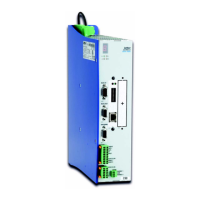
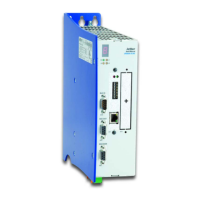
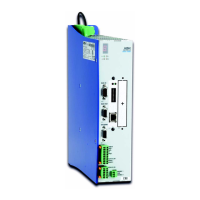
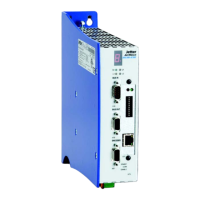
Fig. 27: Ethernet connection
The LEDs of the RJ45 Ethernet Jack
Designation Description
LNK Linkage: The integrated controller
integrated controller-JC24X is linked
with an Ethernet
ACT Activity: The integrated controller
-JC24X transmits, respectively
receives, data via Ethernet
INFO
LED "LNK" is lit green:
The correct cable has been used between the Ethernet network and the -JC24X.
LED "ACT" is lit yellow:
The integrated controller -JC24X carries out data exchange via Ethernet.


 To Next Page