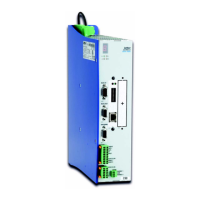
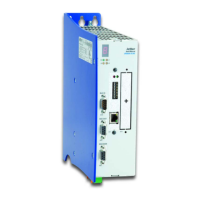
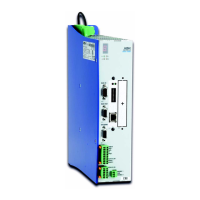
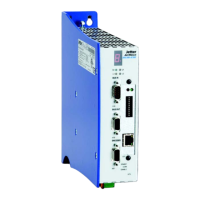
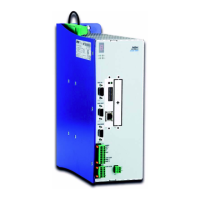
JetMove D203-JC24X 12.11 Anybus-CC
Jetter AG 127
12.11.3 Inserting the Anybus-CC module
Slide the fixing bolts into the Anybus-CC module before inserting it into the JM-D203
-JC24X. In order to correctly insert the module, it has to be pushed into the adapter
(1-2, 8) in an obtuse angle (which is limited by the opening in the enclosure). If the
module is positioned in the guideway of the adapter, pull it toward the board (3, 9).
At the very end, press the module onto the board (5-6, 10-11) and push it into the
adapter.
Fix the two torx screws (T8) of the module with a tightening torque of 0.25 Nm max.


 To Next Page