4-3-3. How to set the counter
①
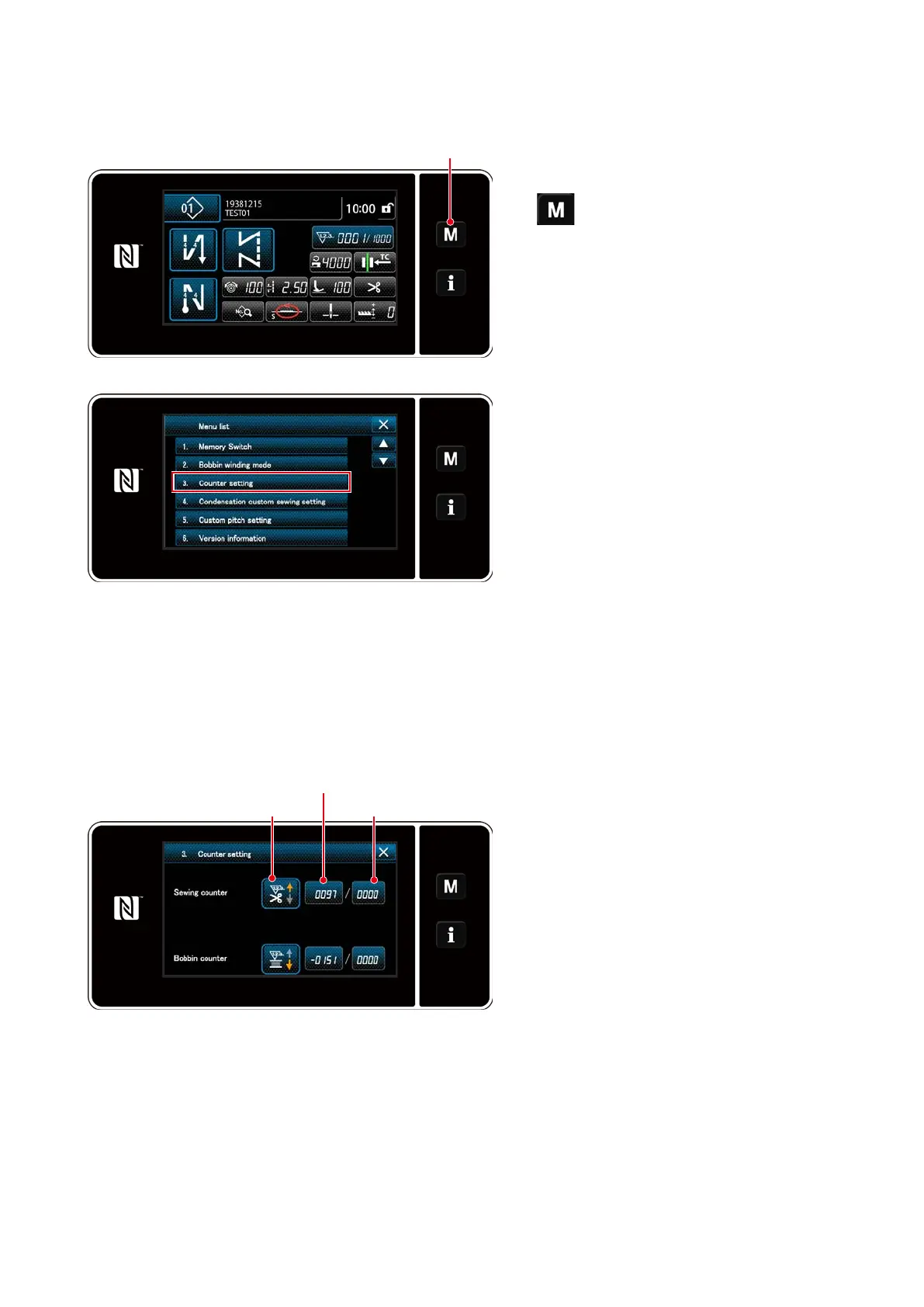
Selecting the counter setting
1. Display the mode screen by pressing
❶
.
<Mode screen>
<Counter setting screen>
2. Select the "Counter setting".
②
Setting the type of counter, current value of counter and preset value for counter
1. The counter setting screen is displayed
to enable setting.
2. Press the button of the desired item.
Then, the change screen corresponding
to that item is displayed.
❶
The sewing counter and the bobbin counter should be set following the same procedure.
Preset value for counterType of counter
Current value of counter
– 57 –



 To Next Page
 Loading...






