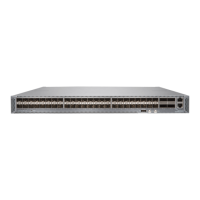
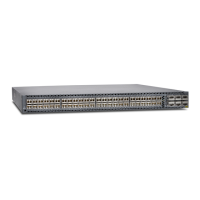
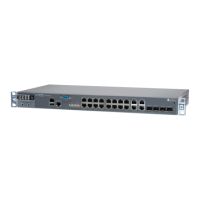
Maintaining ACX5448, ACX5448-D, and ACX5448-M
Components
IN THIS SECTION
Replace an ACX5400 Fan Module | 115
Replace an ACX5400 AC Power Supply Module | 118
Replace an ACX5400 DC Power Supply Module | 122
Replace an SFP+ Transceiver | 127
Replace a QSFP28 Transceiver | 129
Replacing a CFP2 Transceiver | 132
Maintaining Fiber-Optic Cables | 136
Replace an ACX5400 Fan Module
IN THIS SECTION
Remove a Fan Module from an ACX5400 Router | 115
Install a Fan Module in an ACX5400 Router | 117
Remove a Fan Module from an ACX5400 Router
The fan modules in ACX5400 routers are hot-removable and hot-insertable field replaceable units (FRUs):
you can remove and replace them without powering off the router or disrupting routing functions.
CAUTION: Replace a failed fan module with a new fan module within 1 minute of
removal to prevent chassis overheating. Before removing the fan module, ensure that
you have a replacement fan module at hand.
115


 To Next Page