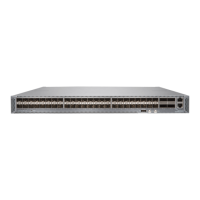
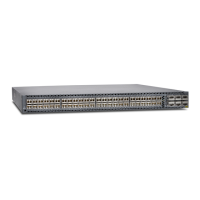
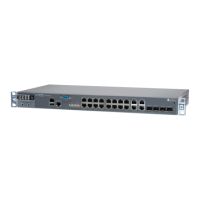
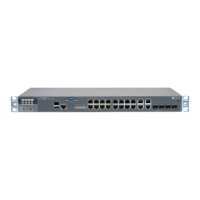
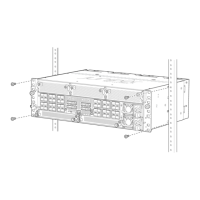
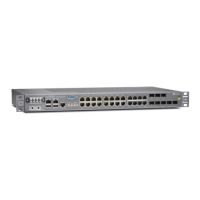
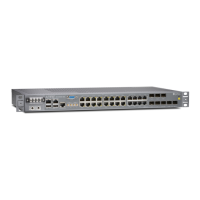
ACX5448, ACX5448-D, and ACX5448-M Management
and Console Port Specifications and Pinouts
IN THIS SECTION
Management Cable Specifications for ACX5400 Routers | 80
Management Port Connector Pinout Information for ACX Series Routers | 80
Console or Auxiliary Port Connector Pinout on ACX Series Routers | 81
USB Port Specifications for an ACX Series Router | 82
Management Cable Specifications for ACX5400 Routers
Table 36 on page 80 lists the specifications for the cables that connect the console and management ports
to management devices.
Table 36: Specifications of Cables to Connect to Management Devices
Additional InformationReceptacleCable SpecificationsPorts
Connecting a Device to a
Management Console Using
an RJ-45 Connector
RJ-45CAT5e UTP (unshielded
twisted pair) cable
RJ-45 Console port
Connecting a Device to a
Network for Out-of-Band
Management
RJ-45Ethernet cable with an
RJ-45 connector
Management Ethernet port
Management Port Connector Pinout Information for ACX Series Routers
The management port— labeled MGMT— on an ACX Series router uses an RJ-45 connector to connect
to a management device for out-of-band management.
The port uses an autosensing RJ-45 connector to support a 10/100BASE-T connection. Two LEDs indicate
link activity on the port and the administrative status of the port.
80


 To Next Page