4 Imaging programs
4.13 MAR, Metal Artifact Reduction
MAR, Metal Artifact Reduction software can be used to reduce the effect of metals and
other dense radiopaque objects on the 3D image. These create artifacts that are seen
typically as stripes and shadows from the above-mentioned objects.
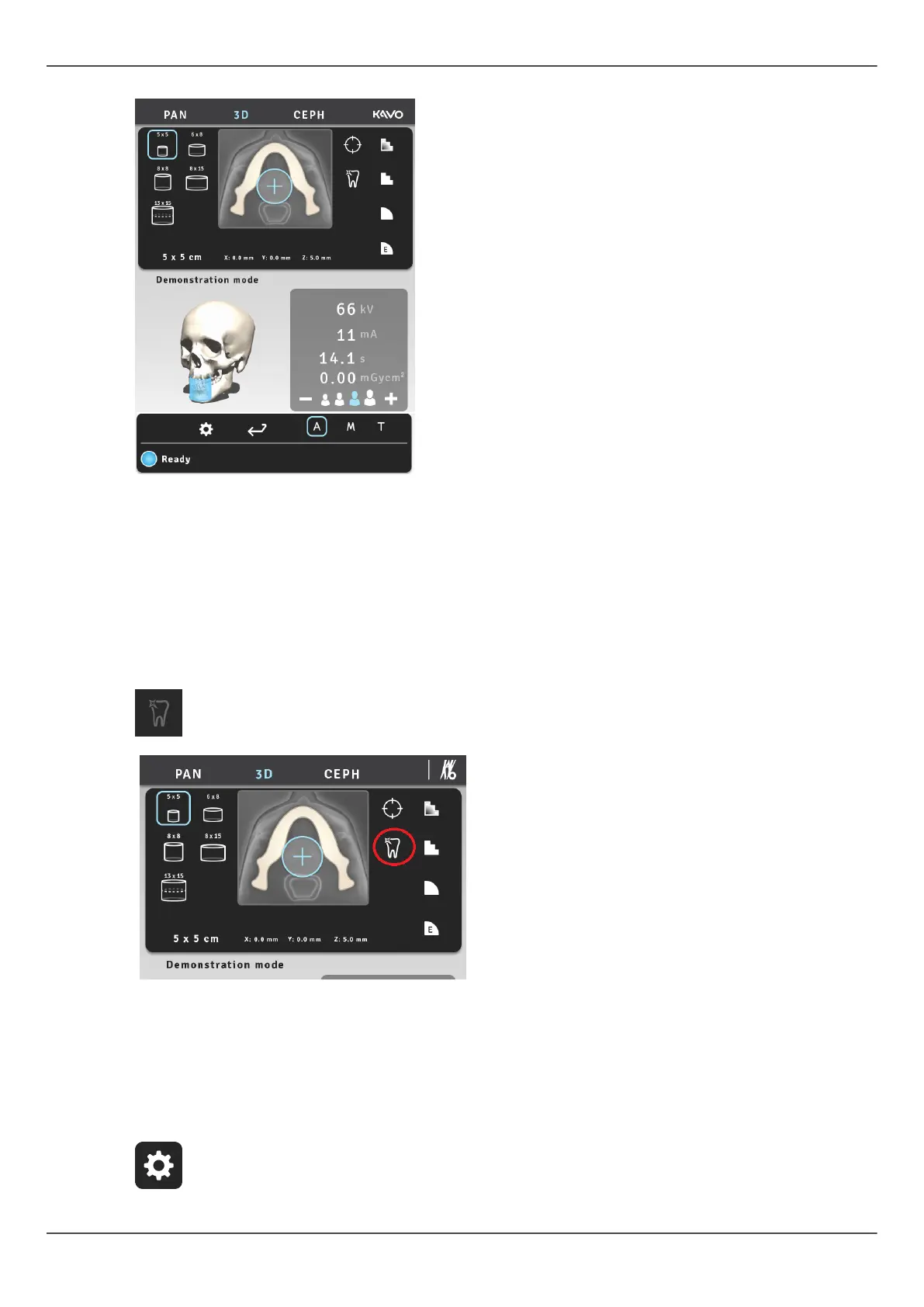
MAR button becomes visible on the 3D modality. By pressing the button you can
toggle MAR either on or off. When selected, MAR may have an effect on the image
reconstruction time.
OP 3D Pro touch screen: MAR-button is
ON. MAR-button becomes visible on the
3D modality.
After taking a 3D image with MAR either on or off, image can be re-reconstructed with
different settings, by selecting either “Retrieve last image” or “Retrieve With MAR” from
the user options menu on the GUI.
ORTHOPANTOMOGRAPH
™
OP 3D Pro 39















 To Next Page