6 Using the unit
2. Press and hold down the exposure button. During the exposure you hear an audible
signal and the exposure warning symbol on the touch screen display appears.
3. Release the ear rods and guide the patient out. Remove disposable covers and
disinfect the unit.
4. PC: The image can be examined using the CLINIVIEW software. See CLINIVIEW user
manual for more information.
NOTICE! In all examinations the user of the x-ray equipment should
wear protective clothing and ensure the fulfilment of the local regulations’
requirements. The operator does not need to be close to the patient during
normal use. The protection against stray radiation can be achieved by using
the hand switch not less than 2 m (6 ft) from the focal spot and the X-ray
beam. Operator should maintain visible contact with the patient and technique
factors. This allows immediate termination of radiation by the release of the
exposure button in the event of a malfunction or disturbance.
6.5 3D exposures
6.5.1 General instructions
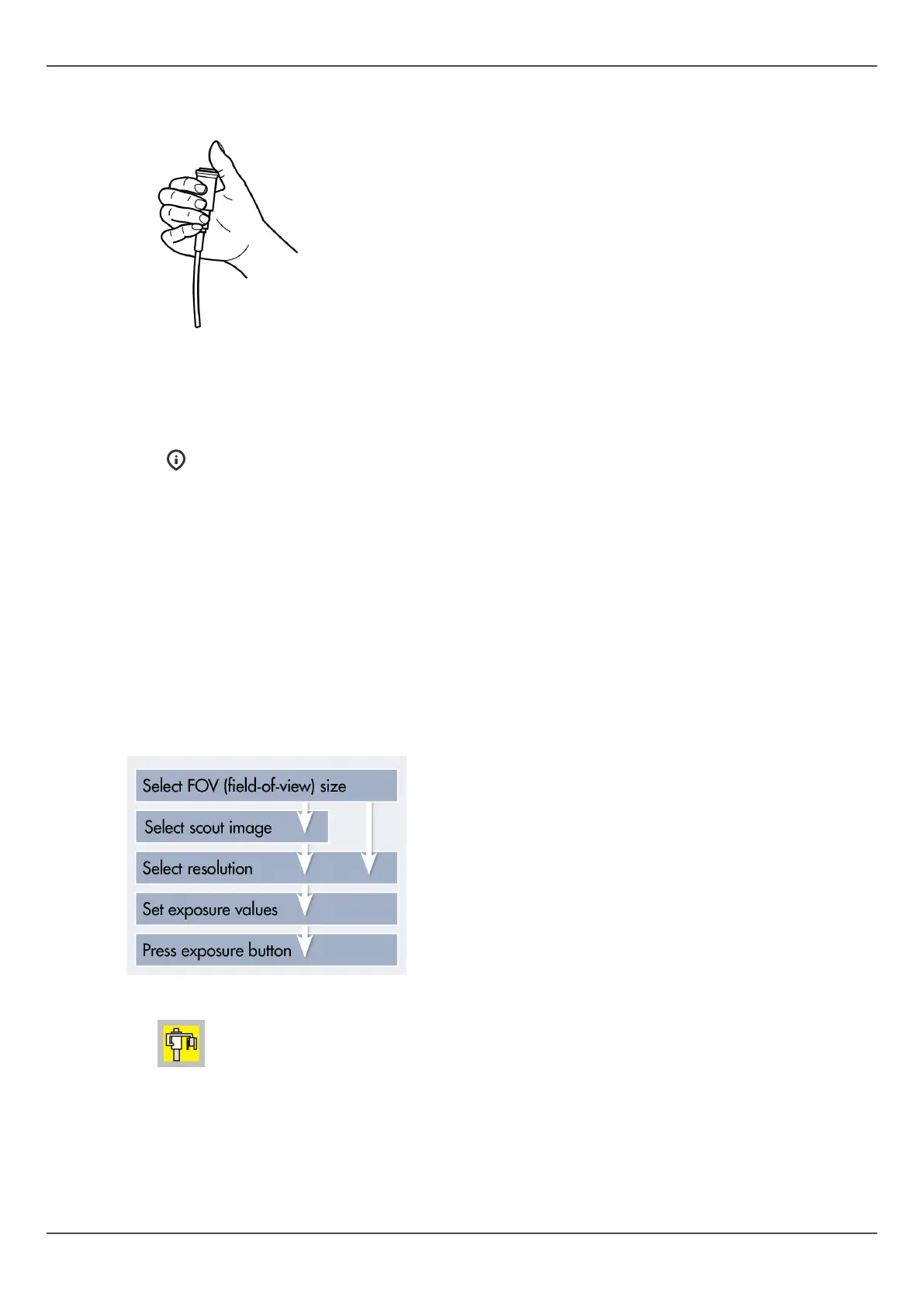
Workflow
1. PC: Click Image Capture.
2. Select the 3D modality tab.
3. Select the Field Of View (FOV).
64 ORTHOPANTOMOGRAPH
™
OP 3D Pro















 To Next Page