7 Troubleshooting
7.1 Patient positioning
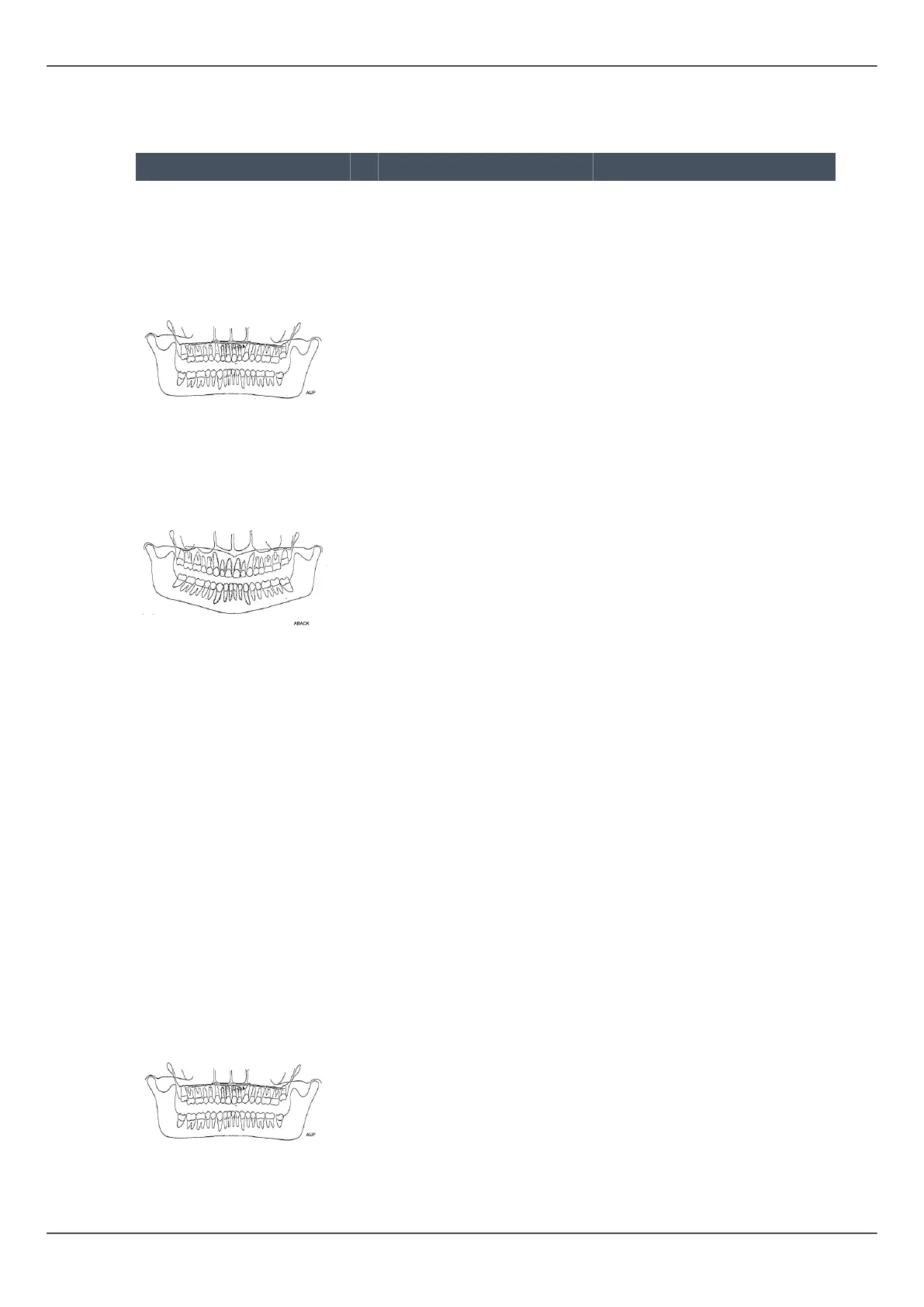
Problem Possible cause Solution
Incisors and canines
narrow and unsharp.
Overshadow in molar and
premolar areas. Rows of
teeth are compressed.
1. Occlusal correction of
focal trough set too
far posterior
2. Image layer light not
obeyed
3. Bite block was not
used
1. Check patient
positioning with
laser light lines and
occlusion correction
buttons
2. Check patient
positioning with
laser light lines and
occlusion correction
buttons
3. Insert bite block
Incisors and canines wide
and unsharp. Rows of
teeth widened.
1. Occlusal correction of
focal trough set too
far anterior
2. Image layer light not
obeyed
3. Bite block was not
used
1. Check patient
positioning with
laser light lines and
occlusion correction
buttons
2. Check patient
positioning with
laser light lines and
occlusion correction
buttons
3. Insert bite block
Teeth appear wider on
one side and narrower
on the opposite. Ramus
widths are different on
opposite sides.
1. Midsagittal line not
obeyed
2. Patient's head not in
center position
1. Check patient's mid
sagittal plane with
laser light line
2. Check that patient's
head is centered, and
that the head support
side clamps where
closed to keep the
head straight.
The shadow of hard
palate is exposed over
maxillary molars. Row
of teeth has a wavy
appearance. TM joints are
exposed outward. Image
is not "smiling". Mandible
is imaged sharper than
maxilla.
Patient head tilted back Check FH plane
ORTHOPANTOMOGRAPH
™
OP 3D Pro 75















 To Next Page