6 Using the unit
6.5.4 3D image
NOTICE! Select the FOV size and take a scout image before performing these
steps.
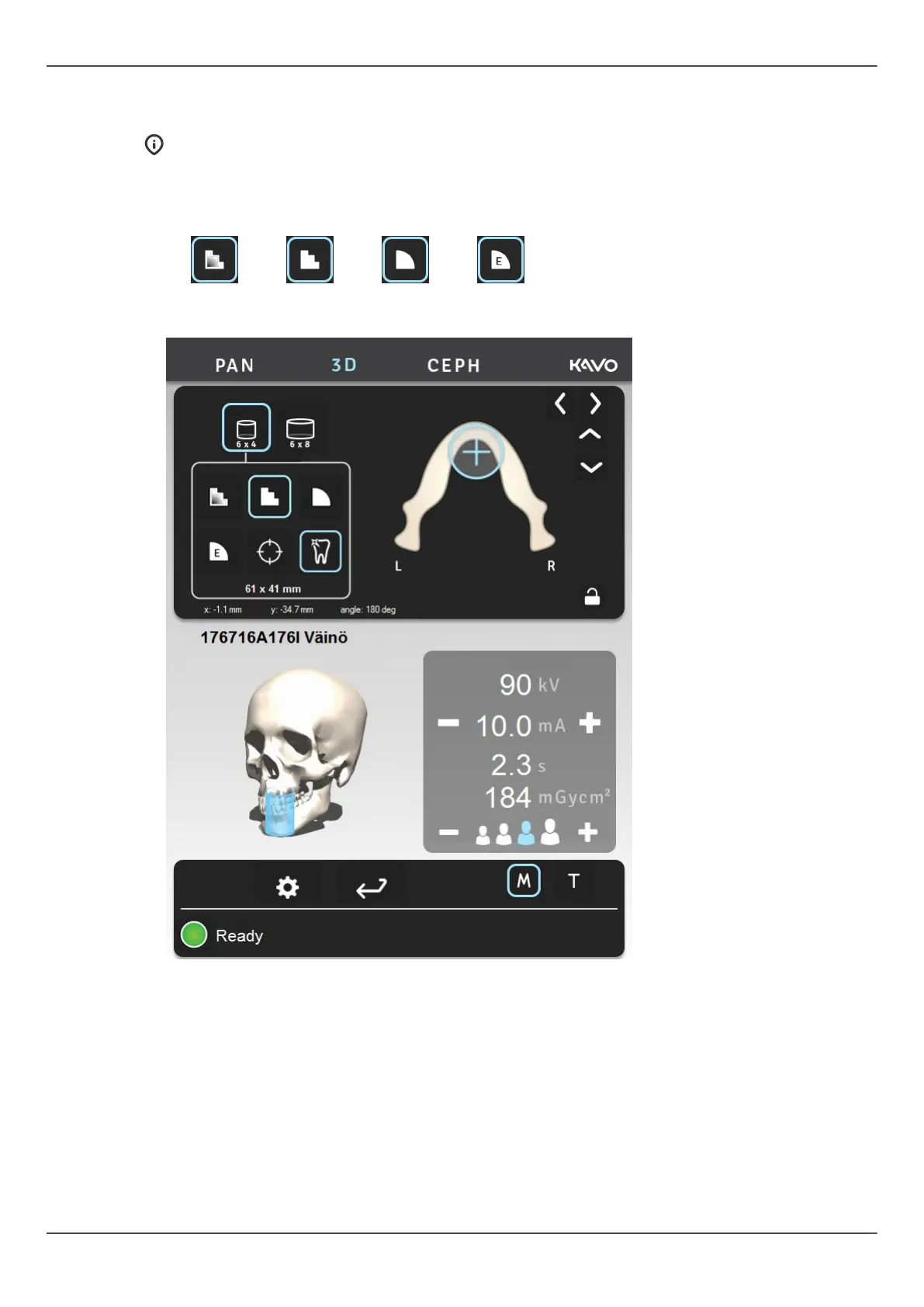
1. Select the LDT (A), standard (B), high resolution (C) or endo program (D). Endo
program is available only for 50 x 50 mm FOV .
A B C D
2. Select MAR ON or OFF based on your estimation of the need. See chapter MAR, Metal
Artifact Reduction on page 39.
3. Select mA. With OP 3D Pro medium panel, ADC can be utilized for automatic, patient
specific, exposure value setting.
ORTHOPANTOMOGRAPH
™
OP 3D Pro 71















 To Next Page