6 Using the unit
4. Press and hold down the exposure button. During the exposure you hear an audible
signal and the exposure warning symbol on the touch screen display appears.
NOTICE! When taking FOV 130x150 mm (optional) image, the unit will
take two sub-scans with automatic upward movement relative to the
patient. Upward movement is made in between the two sub-scans. One
single exposure button press is needed to obtain FOV 130 x 150 image. It is
recommended to inform patient about the movement prior to examination
to prevent patient motion. If needed the exposure button can be released to
stop the movement. If the exposure button is released between the sub-scans
the sequence can be resumed manually by pressing the carriage up button on
control panel.
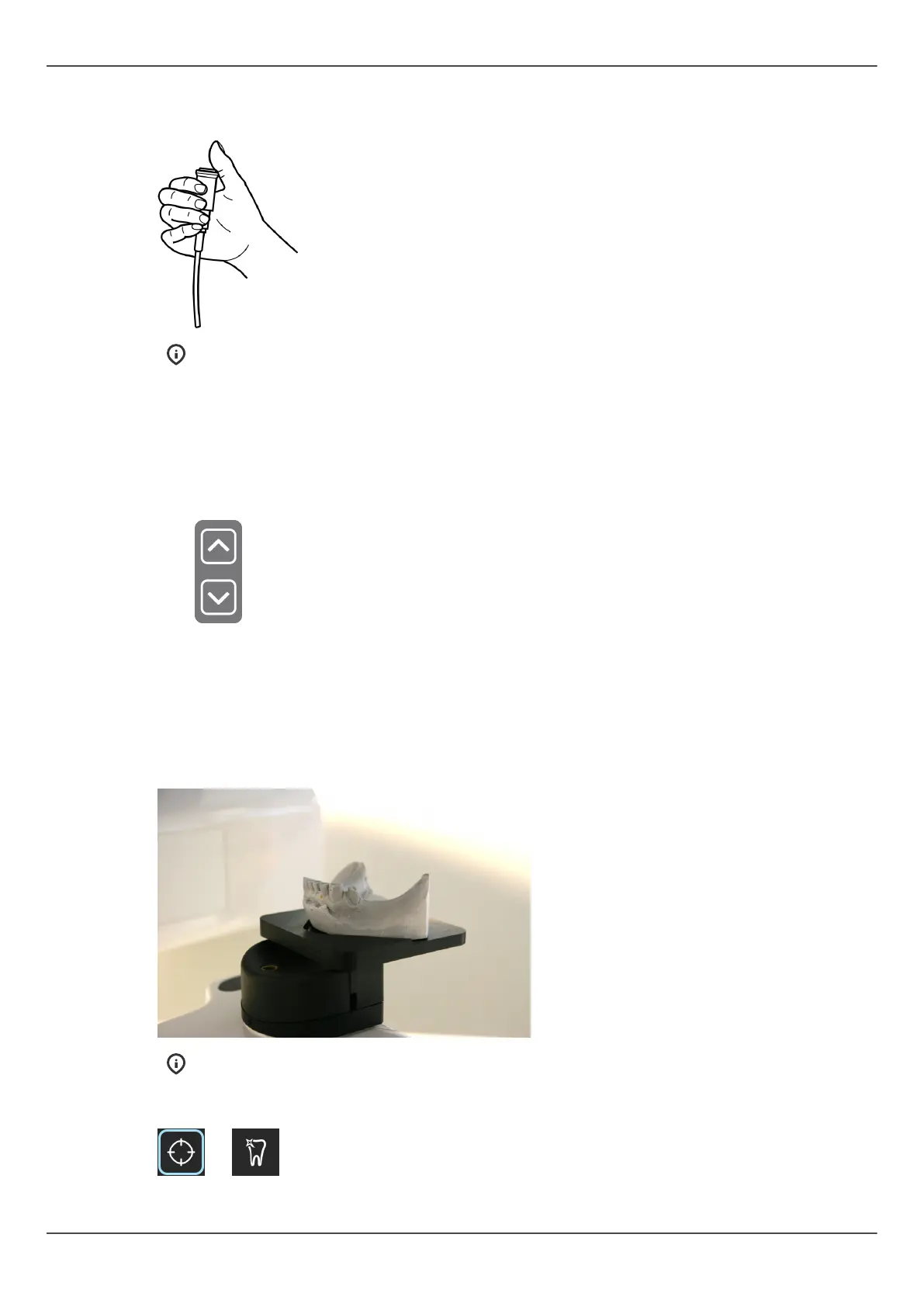
6.5.4.1 Stone model and radiographic guide scan
For scanning of stone models and radiographic guides, a positioning plate is available for
the system.
1. Scan the patient with an open bite by securing the bite with cotton pads.
2. Install positioning plate. Position stone model.
NOTICE! It is recommended to use a sponge or a foam under radiographic
guide during the scan.
3. Take scout image with default values. Correct position if needed.
72 ORTHOPANTOMOGRAPH
™
OP 3D Pro















 To Next Page