5 Touch screen display
5.3 Exposure indicators and settings
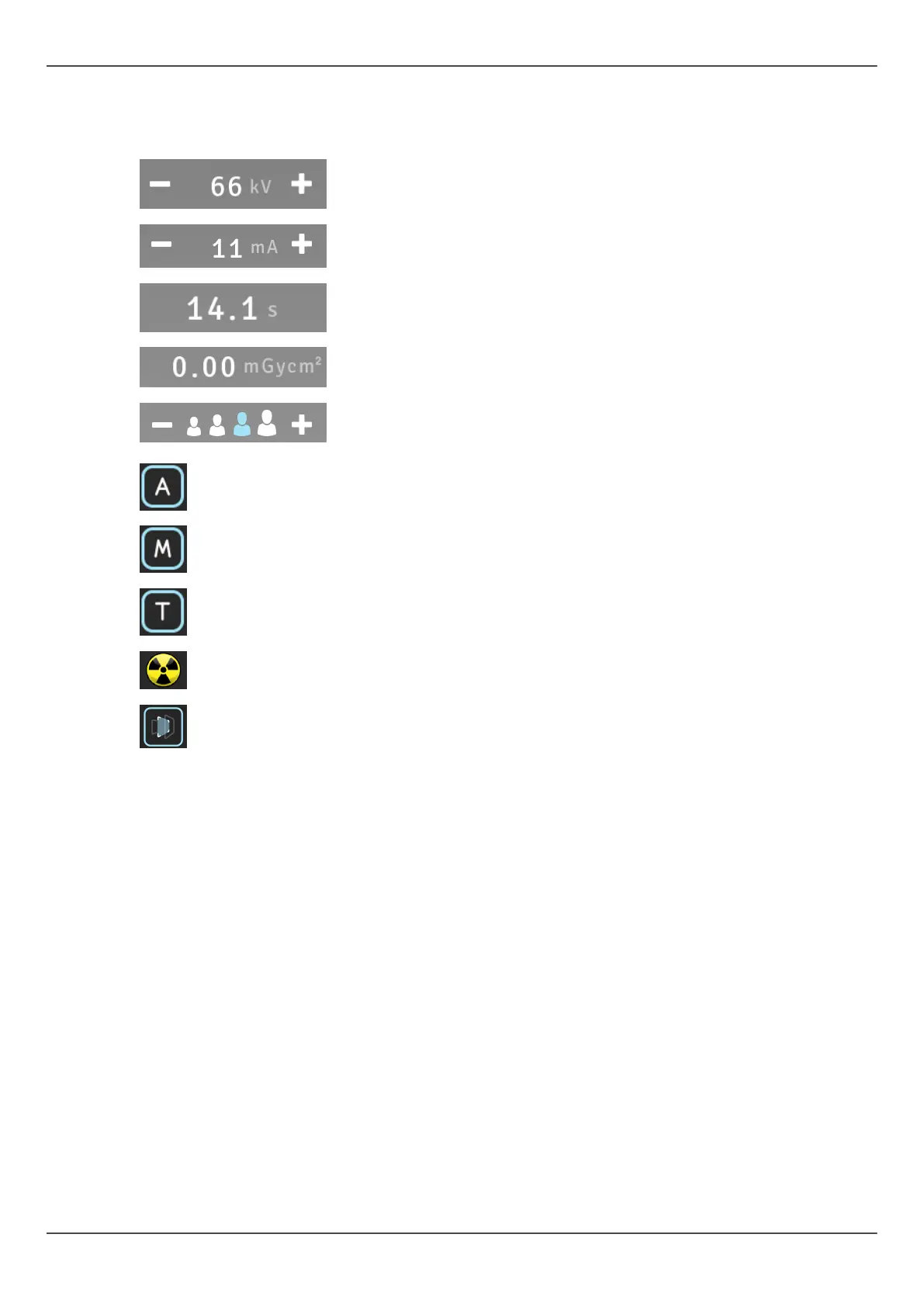
kV value
mA value
Exposure time
Dose value
Patient size settings (Child, juvenile, adult, large
adult)
ADC (Automatic Dose rate Control)
Manual dose rate control
Test mode
Exposure Indicator
ORTHOfocus
™
5.4 Status section
Status field shows when the unit is ready for capturing or when any trouble occurs.
Green, yellow and blue color indicate the status in question.
ORTHOPANTOMOGRAPH
™
OP 3D Pro 43















 To Next Page