9 Calibration and adjustment
2. Select the Pan Pix program.
3. Press Patient Positioning.
4. Take an exposure.
9.3.3 Panoramic Quality Check (optional)
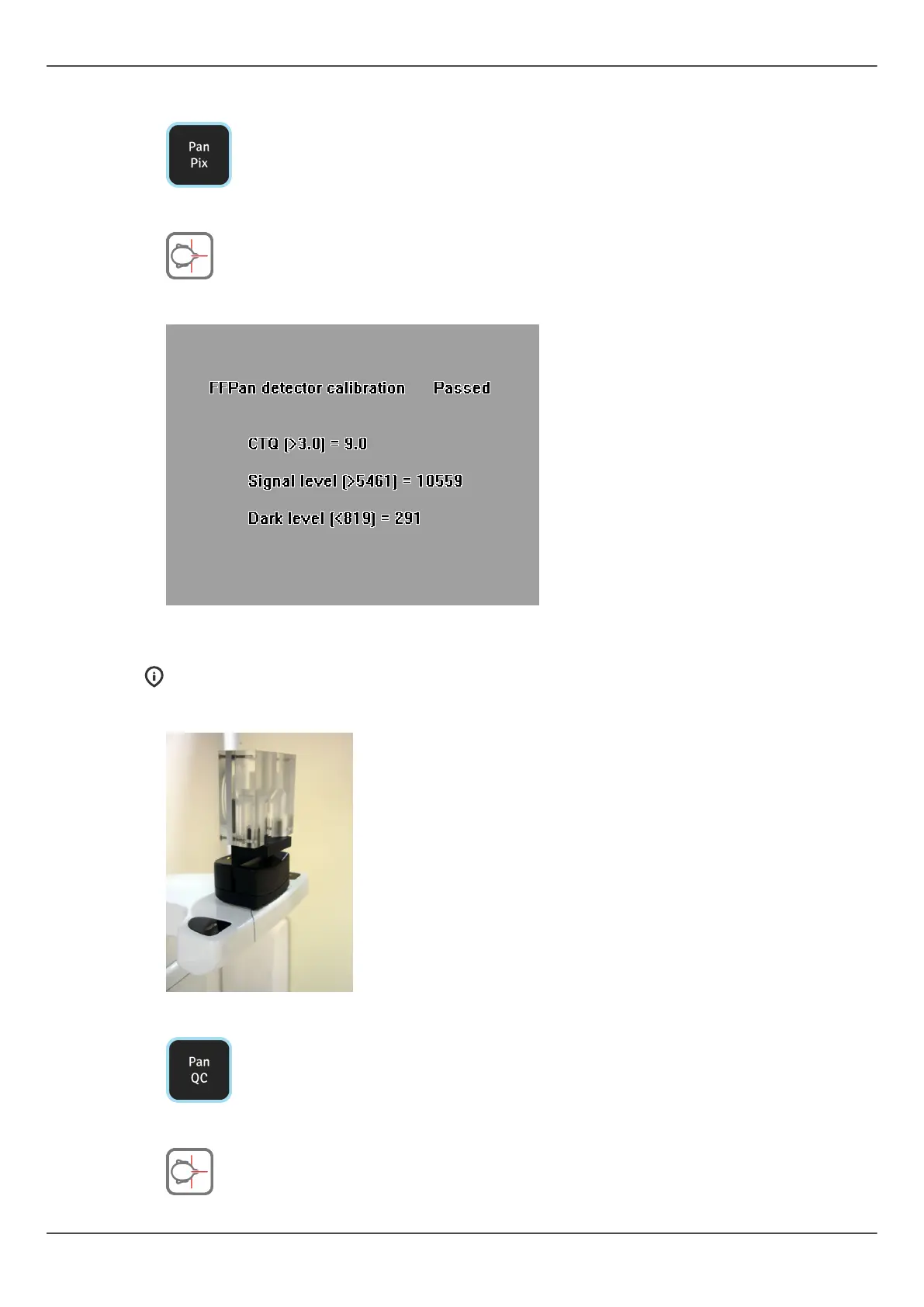
NOTICE! Use the same tool for cephalostat Quality Check.
1. Attach a panoramic Quality Check Tool (optional) to the chin support.
2. Select the Pan QC program.
3. Press Patient Positioning.
ORTHOPANTOMOGRAPH
™
OP 3D Pro 85















 To Next Page