6 Using the unit
6.4.1 General instructions
1. Move the ceph sensor to the ceph sensor holder.
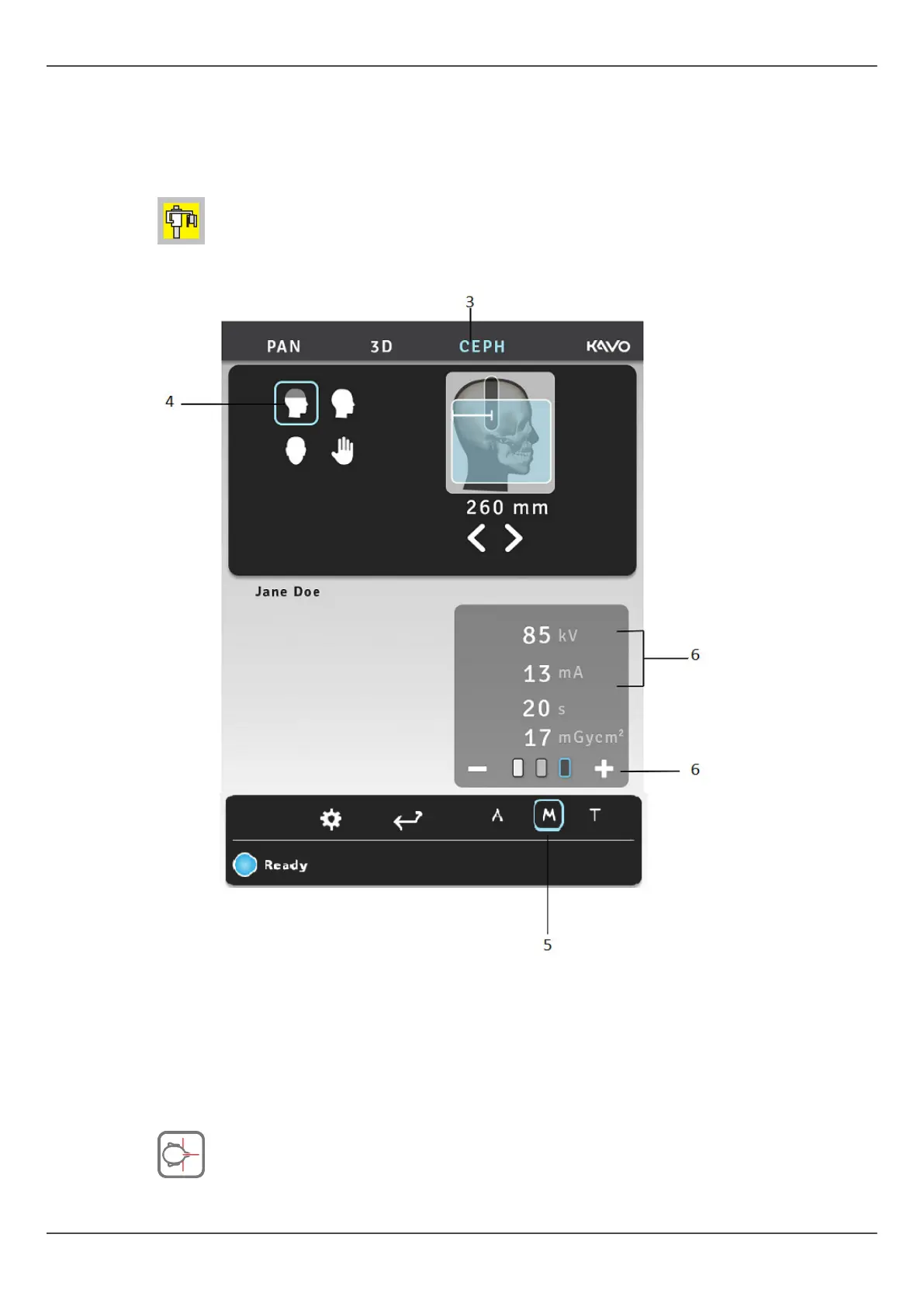
2. PC: Click Image Capture
3. Select the CEPH tab.
4. Select the imaging program.
5. Select the Manual mode (Default).
6. Set the kV and mA or select the patient size (child, juvenile, adult, large adult).
7. Press the patient positioning button to drive the unit to ‘patient in’ position. The unit
is ready for patient positioning when the "ready" signal is green on the touch panel.
58 ORTHOPANTOMOGRAPH
™
OP 3D Pro















 To Next Page